The AI Class-Calendar Pinterest Desk for Cooking Schools
A practical AI-assisted Pinterest routine for cooking class studios that need seasonal Pins to fill real seats without publishing stale dates, menus, or availability.
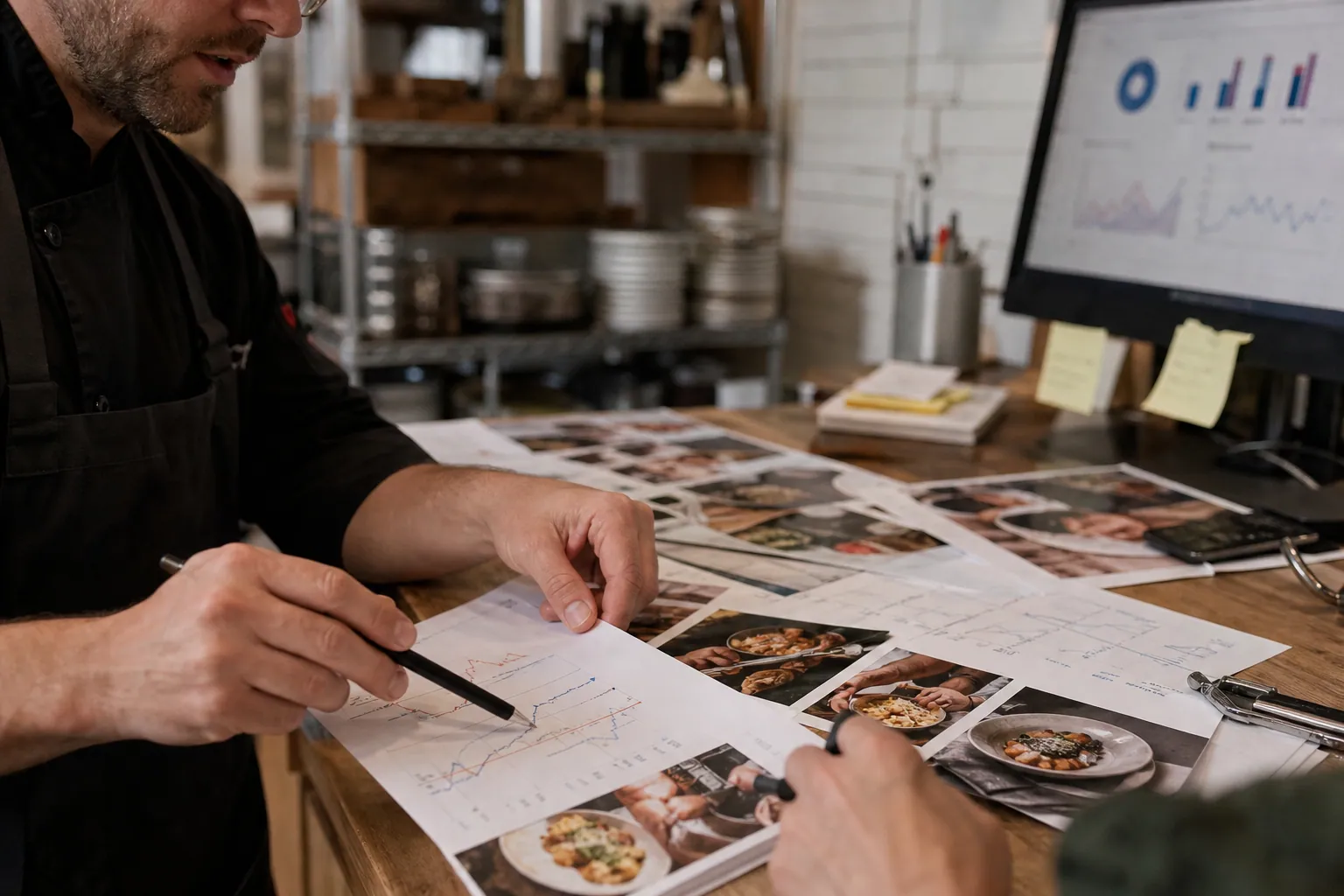
It is Monday, November 3. Your cooking school has six December pasta classes, two corporate team-building openings, gift certificates, and a half-finished folder of chef photos.
The immediate temptation is to ask AI for 30 holiday Pins and schedule them all.
That is how a studio ends up promoting a sold-out class, implying an unconfirmed gluten-free option, or sending a person searching for a date-night cooking class to a generic homepage.
A better use of AI is narrower: use it to turn a verified class calendar and real booking questions into draft-ready Pinterest assets. The operator still controls what is true, what is bookable, and where each Pin lands.
This playbook is for owner-operated cooking class studios that sell public classes, gift certificates, and occasional private events—and need Pinterest to create local discovery without becoming another daily posting job.
Diagnose the actual constraint: freshness, not ideas
Most cooking studios do not lack content. They lack a clean way to distinguish durable planning content from time-sensitive inventory.
Before making a new Pin, put every potential topic into one of these three lanes:
| Lane | Typical content | Best destination | Review rule |
|---|---|---|---|
| Evergreen discovery | Knife skills for beginners, what to expect at a cooking class, date-night activity ideas | Guide, class-category page, or current calendar | Review quarterly |
| Seasonal booking | Holiday baking workshops, December pasta nights, New Year’s cooking classes | Filtered class calendar or specific event page | Review weekly |
| Higher-value inquiry | Corporate cooking events, client appreciation classes, private birthday classes | Inquiry page with capacity, city, and lead-time details | Review monthly |
This simple sorting prevents a common problem: using one beautiful ravioli photo to promote every business goal at once.
A person searching for a cooking class gift certificate has a different next question than someone comparing date-night cooking classes. A workplace coordinator searching for a team activity needs proof about group size, timing, and inquiry process—not a recipe photograph.
Check your current account for four warning signs
- Pins get saves but few calendar visits. The imagery may be useful inspiration, but the Pin title and destination do not help someone choose a class.
- Calendar clicks do not become bookings. The Pin may be promising a specific outcome while the destination forces visitors to hunt for the relevant date, city, or format.
- Staff keep finding expired content. The production process has no expiration field or owner.
- Corporate inquiries are vague and low-fit. Your Pins likely attract general food-interest traffic rather than people planning an event.
Pinterest saves still matter as a signal of future interest, but a class studio should judge success by calendar visits, gift certificate purchases, qualified private-event inquiries, and paid seats. This is local lead generation with a booking window, not a magazine account.
Build a 110-minute weekly publishing desk
The goal is not daily creation. It is a small weekly appointment that converts operational information into accurate content while the information is still useful.
First, create a source sheet AI is allowed to use
Give the person preparing content one shared sheet or database view. Every row should represent a class, gift offer, guide, or inquiry page.
Use these fields:
- Offer name and format
- City or service area
- Date range and booking cutoff, if applicable
- Confirmed price, duration, and capacity range
- Dietary or accessibility details that are explicitly approved for publication
- Destination URL
- One approved image or video clip
- Pin angle: date night, beginner skill, gift, team event, or seasonal activity
- Status: active, low inventory, sold out, expired
- Required review date
The key rule: if a field is blank, AI cannot fill it with a reasonable-sounding guess.
That protects against costly copy errors. “Pasta-making class” is safe only if it is true. “Includes wine,” “perfect for beginners,” “gluten-free options available,” and “limited seats” each need a confirmed source.
The Monday-to-Friday rhythm
| Time | Task | Output |
|---|---|---|
| Monday, 15 minutes | Export the next six weeks of eligible offers and mark closed or low-inventory events | Current source sheet |
| Tuesday, 35 minutes | Use AI to draft titles, descriptions, overlays, and image selections from approved rows | 8–12 draft Pin briefs |
| Tuesday, 25 minutes | Human review for dates, destinations, city, food claims, and visual accuracy | Approved publishing queue |
| Wednesday, 20 minutes | Design, add destination-specific UTMs, and schedule Pins | Live Pins and a refresh list |
| Friday, 15 minutes | Check outbound clicks, calendar visits, purchases, and inquiry quality | One keep/change/stop decision |
If your studio does not have enough inventory for 8–12 new Pins, publish fewer. A Pin that sends someone to a real, relevant class is more valuable than five generic food images.
Use AI as a constrained draft assistant
Paste only verified fields into your prompt. Ask for a structured output, not a free-form brainstorm.
Here is a useful prompt pattern:
Using only the facts below, draft three Pinterest Pin titles, two descriptions, two short text-overlay options, and one recommended destination. Do not add a date, price, dietary claim, availability claim, class size, instructor credential, or location detail unless it appears in the source facts. Write for a person deciding whether this cooking class fits their plan. Include the city only when provided.
Then paste the source record beneath it.
This is also where an organized publishing workspace helps. A tool such as PinPinMe can be useful when you need the approved source, destination, copy drafts, and publishing status visible in one place rather than scattered across a calendar, design folder, and spreadsheet.
Turn one class listing into decision-led Pins
AI becomes genuinely useful when it creates several accurate entry points from one approved offer. The variations should reflect different decisions—not cosmetic rewrites of the same caption.
Example 1: A December pasta class for couples
Verified source facts
- Hands-on fresh pasta class
- December 12 and 19
- Downtown studio location
- Two-hour format
- Registration page lists current availability
- Approved photos show couples rolling dough and plated pasta
Useful Pin family
| Searcher’s decision | Pin title direction | Destination |
|---|---|---|
| Choosing a date-night plan | “A Hands-On Pasta Date Night in [City]” | Filtered December class page |
| Looking for an experience gift | “Give a Pasta-Making Class Instead of Another Gift” | Gift certificate page |
| Wants a seasonal outing | “December Date-Night Cooking Classes in [City]” | December calendar |
| Needs reassurance about the format | “What Happens in a Hands-On Pasta Class?” | Evergreen class-expectations guide |
Notice that the gift Pin does not link to a single December event. The date-night Pin does not promise seats are available. The format-explainer can keep working after December ends.
Example 2: A corporate cooking event
A corporate event page often performs better with practical planning language than with “fun team building” alone.
Use AI to draft content from approved details such as group-size range, event format, neighborhood, booking lead time, and inquiry process.
Possible Pin angles:
- “Corporate Cooking Classes for Teams of 12–20 in [City]”
- “A Client Appreciation Event That Gives Guests Something To Do”
- “What To Ask Before Booking a Private Cooking Class for Work”
- “Private Cooking Event Planning: Timing, Group Size, and Menu Questions”
The final Pin description should answer one credible question and direct visitors to the private-events page. Do not use a public-class calendar as a substitute landing page for a corporate buyer.
Example 3: The evergreen beginner knife-skills topic
This is the content that keeps discovery working when holiday classes sell out.
A chef can record a 20-second clip demonstrating claw grip and safe slicing. AI can turn the approved lesson notes into several Pinterest pin titles:
- “Basic Knife Skills for New Home Cooks”
- “How To Hold a Chef’s Knife More Comfortably”
- “A Beginner Cooking Class Can Teach These Knife Skills”
Link these Pins to a useful guide that includes a clear next step to the current beginner-class calendar. That is a better match for Pinterest search intent than sending every learner to a ticket page.
Keep the automation honest with review gates
The danger is not AI writing a slightly bland description. The danger is a believable error becoming a scheduled promise.
Before a Pin is published, one person should check five items:
- Offer status: Is the class active, and is the booking page open?
- Destination match: Does the link answer the precise promise in the Pin?
- Time sensitivity: Does the Pin state dates, a season, or a cutoff that requires a future pause date?
- Claim accuracy: Are price, dietary, instructor, group-size, and location details verified?
- Image context: Does the photo actually represent the class format and food being promoted?
For current events, add a review by date in the publishing record. A December 12 event Pin should not remain in a queue until December 20 because the image was attractive.
Use a simple routing code
Give each Pin a clear campaign label in its URL parameters. For example:
utm_source=pinterest&utm_medium=organic&utm_campaign=holiday_2026&utm_content=pasta_date_night
You do not need an elaborate reporting setup. You do need to distinguish date-night class traffic from gift traffic and corporate inquiries. That makes Pinterest UTM tracking useful at the decision level.
In your weekly review, compare:
- Outbound clicks by Pin angle
- Calendar-page visits from Pinterest
- Gift certificate purchases
- Private-event form starts and qualified inquiries
- Booking conversion rate by destination
- Content that required a correction or early pause
This combination gives you Pinterest analytics for the part of the business that matters: booked revenue and qualified demand.
Mistakes that make AI content expensive instead of efficient
Letting AI interpret an incomplete calendar
If the calendar says “Holiday Cookies,” AI may assume beginners, a specific age range, or a take-home box. Supply the actual facts—or publish a broader Pin that does not make those claims.
Making a Pin for every event date
This creates clutter and maintenance debt. Use a calendar or category page for several sessions. Reserve event-specific Pins for high-demand dates, collaborations, or genuinely distinct formats.
Hiding location until the booking page
For a local cooking school, city context is qualification. Add the city to relevant Pinterest pin titles, overlays, or descriptions. Someone three states away may save the Pin, but they are unlikely to book a Thursday evening class.
Sending all holiday traffic to the same page
Gift buyers, couples, and team coordinators should not all land on a public class list. Match the route to the intent.
Treating design variations as a content strategy
Changing a background color is not the same as changing the buyer decision. Create meaningful variations: class format, gifting, scheduling, beginner confidence, or group planning.
Measuring the queue instead of the result
Ten scheduled Pins are not a win. A better weekly question is: Which approved topic sent a visitor to the right page and produced the next meaningful action?
The short operating checklist
Before ending the week, confirm:
- Next six weeks of classes, gift offers, and private-event capacity were checked.
- Every AI draft came from a verified source row.
- Each Pin has one audience decision and one matching destination.
- Time-sensitive Pins have a review or pause date.
- City, dates, pricing, dietary notes, and availability claims were manually checked.
- Pins use consistent UTM naming.
- The weekly review recorded clicks, bookings, gift purchases, and qualified event inquiries.
- One weak route was paused, corrected, or replaced—not merely redesigned.
For a cooking school, the durable advantage is not producing endless recipe imagery. It is staying helpful and accurate while making it easy for a local planner to find the right class, gift, or private event at the moment they are ready to choose.
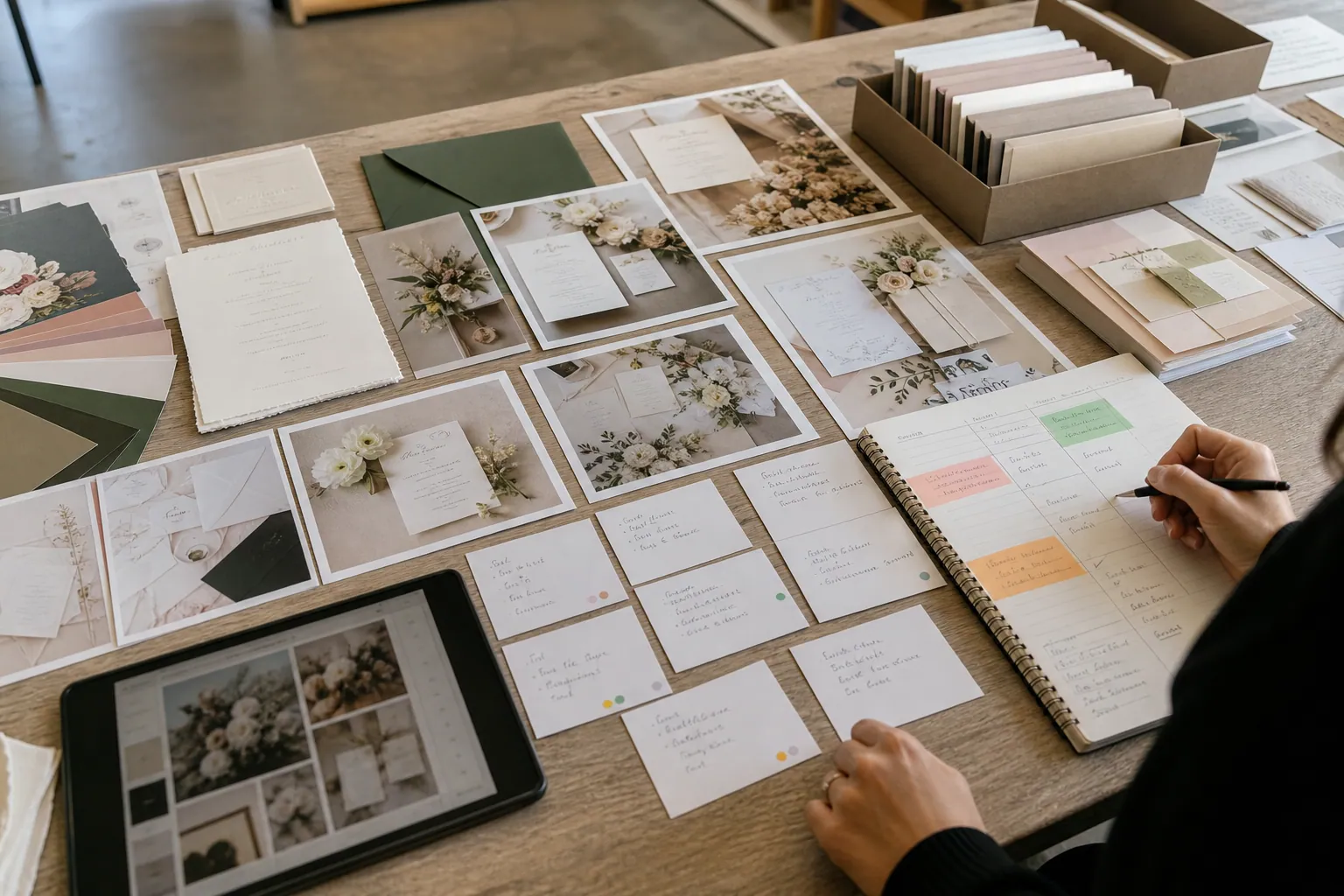
The AI Pinterest Desk for Wedding Invitation Studios
A practical weekly desk for invitation designers using AI to turn verified FAQs, portfolio assets, and print details into Pinterest Pins that earn better consult inquiries.

The AI Compliance-Question Pinterest Desk for Hood Cleaning Companies
Use AI to turn real restaurant-owner questions into accurate Pinterest Pins that earn service-area-qualified hood cleaning inquiries—without inventing code claims.
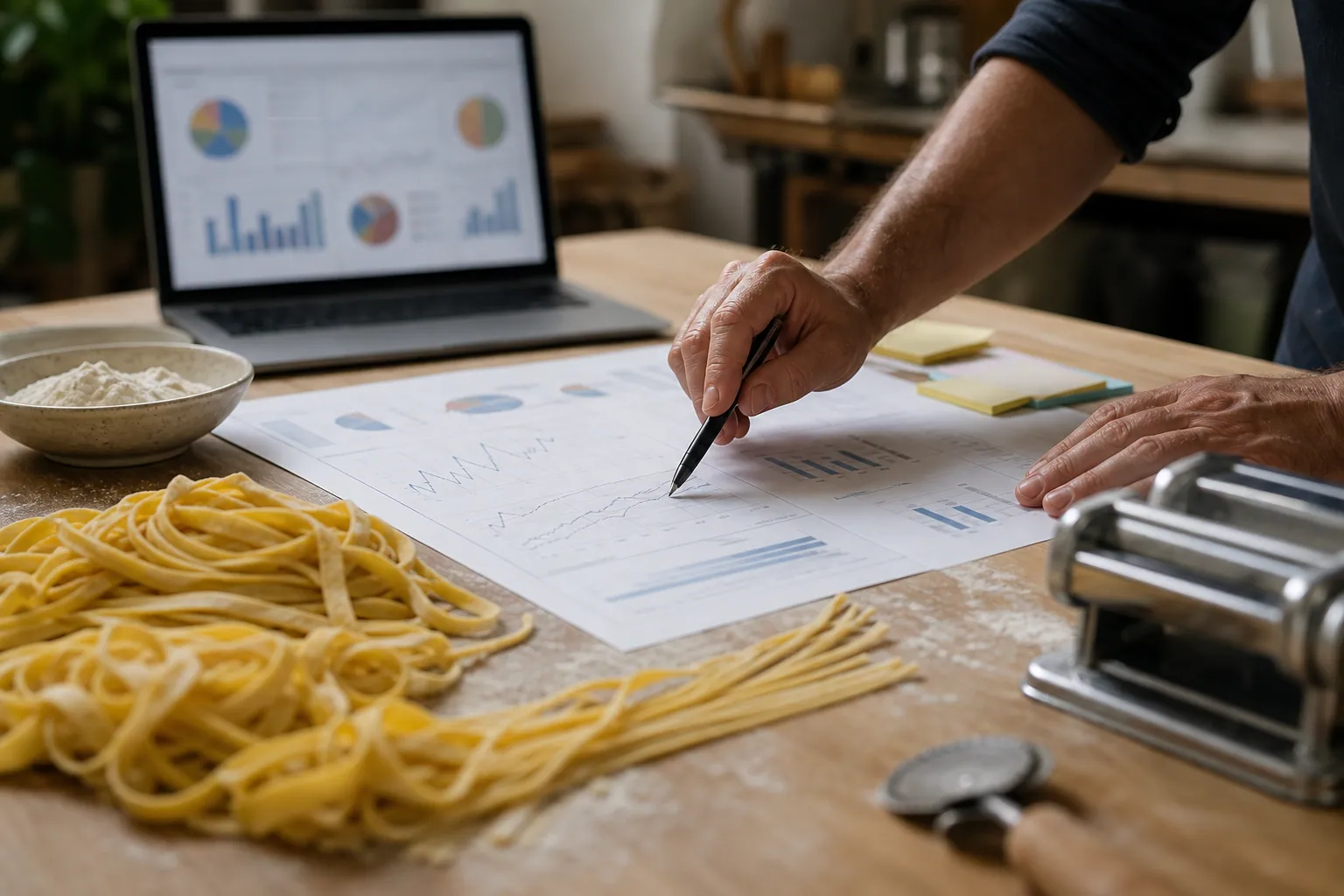
Case Study: How a Pasta Workshop Studio Turned Recipe Saves Into Holiday Group Bookings
A composite Pinterest teardown for pasta workshop studios that need recipe inspiration to become date-night seats, gift sales, and corporate holiday bookings.
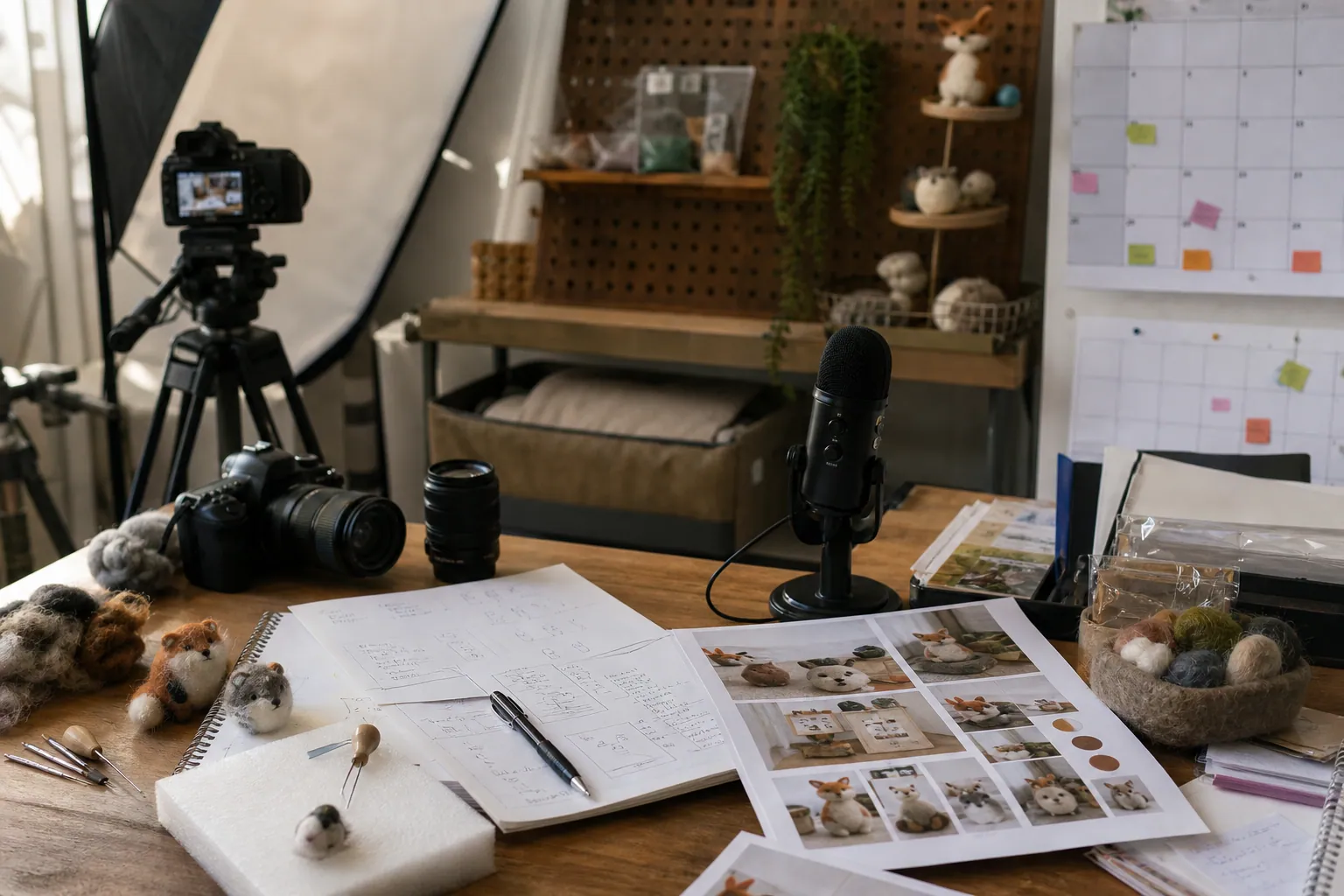
Case Study: How a Needle-Felting Kit Shop Used AI to Make Gift-Ready Pinterest Pins Without Inventing Product Claims
A composite teardown of a craft-kit retailer that used AI for faster Pinterest production while protecting product accuracy, inventory, and beginner-buyer trust.

Case Study: How a Permanent Jewelry Studio Found the Pinterest Pins That Booked Private Parties
A composite teardown of a permanent jewelry studio that separated pop-up traffic from party leads and used booking-quality data to choose which Pinterest Pins to scale.

The Holiday Pop-Up Pinterest Tool Stack for Permanent Jewelry Studios
A practical Pinterest tool audit for permanent jewelry studios that need holiday party and pop-up searches to become bookable, well-tracked events.