From Nursery Mood Boards to Rug Orders: A Pinterest Operator Playbook
A practical Pinterest routine for nursery rug shops that need room-planning saves to become qualified collection visits, confident carts, and fewer wrong-size orders.

A founder of a washable nursery rug shop opens Pinterest Analytics on a Monday morning and sees a familiar pattern: a styled sage-green nursery Pin has 1,800 saves, 42 outbound clicks, and no orders.
The Pin is not necessarily a failure. It may be reaching people who are collecting ideas before they know their room dimensions, budget, or whether a rug can fit under both a crib and glider. The problem is treating every nursery browser like a ready-to-buy shopper.
For a nursery rug shop, Pinterest works best when it helps a parent make one concrete room decision at a time: choose a size, solve a cleaning concern, coordinate a color palette, or find a giftable finishing touch. The goal is not to eliminate inspiration Pins. It is to give inspiration a useful next step.
This operator playbook is for small ecommerce teams selling nursery rugs, washable playroom rugs, or soft furnishing collections for first-time parents.
Diagnose why attractive Pins are not producing orders
Start with the last 30 to 60 days of activity. Export or record your top Pins by saves, outbound clicks, product-page visits, add-to-carts, and orders. You are looking for the gap between the promise in the Pin and the decision the destination page supports.
Separate nursery intent into three jobs
Most nursery-rug searches fall into one of these jobs:
- Plan the room: “nursery rug size,” “crib rug placement,” or “small nursery layout.”
- Reduce risk: “washable nursery rug,” “low pile rug for nursery,” or “rug under rocking chair.”
- Choose a look: “neutral nursery rug,” “vintage floral nursery,” or “green nursery ideas.”
A pretty room image mostly serves the third job. Sending that visitor directly to a broad all-rugs collection asks them to do too much work. Someone searching for rug placement needs a diagram and a short explanation before a product grid.
That gives you a simple rule:
Match the Pin’s promise to the next decision on the landing page, not merely to the closest product category.
Audit the four leaks
For each high-impression or high-save Pin, mark where it loses commercial value.
| Leak | What it looks like | Practical response |
|---|---|---|
| Vague promise | “Dream nursery ideas” earns saves but little clicking | Name the room constraint: size, layout, washability, or color |
| Wrong destination | A sizing Pin leads to the homepage | Build a nursery rug size guide with linked collections |
| No purchase bridge | A mood-board post has no featured products | Add a small “shop this room” module with in-stock rugs |
| Low-fit traffic | A Pin reaches DIY nursery decorators outside your price range | Add clear material, size, and product context before the click |
Do not judge a Pin solely by saves. Saves can signal future demand, but they can also signal a broad idea with no route to a cart. Compare saves with outbound clicks and product-page engagement before deciding that a visual theme deserves more production time.
Build boards around decisions, not aesthetic labels alone
A board called “Nursery Inspiration” is easy to create and difficult to operate. It mixes too many needs. A lean account can instead use five focused boards:
- Nursery Rug Size and Layout Ideas
- Washable Nursery and Playroom Rugs
- Neutral Nursery Rug Ideas
- Small Nursery Decorating Ideas
- Nursery Rug Collections
The first four boards earn discovery by answering planning questions. The final board supports product-led Pins and catalog traffic. This split keeps your Pinterest board strategy useful without creating dozens of thin boards.
Use board descriptions in plain language. For example: “Nursery rug size guides, crib-and-glider layouts, and washable rug ideas for small rooms.” That reinforces Pinterest search intent while telling a visitor what they will actually find.
A weekly rhythm that keeps product information accurate
A nursery product catalog changes: colors sell through, sizes return, and seasonal photography arrives. Your Pinterest activity needs a light check before each batch so an old room scene does not keep sending parents to unavailable rugs.
Here is a two-and-a-half-hour weekly routine for a founder or ecommerce coordinator.
Monday: collect three decisions worth publishing — 25 minutes
Pull inputs from places that already contain buyer language:
- Customer-service questions about sizes, machine washing, and room measurements
- Site search terms such as “5x7 nursery rug” or “cream washable rug”
- Reviews mentioning a glider, crib, pet, toddler, or small room
- Current inventory and any colors that need a traffic lift
- Seasonal pages, such as baby shower registry or nursery refresh collections
Choose three decisions, not three products. For example:
- Does a 5-by-7 rug work in a small nursery?
- How should a rug sit under a crib and glider?
- Which neutral rug works with warm wood furniture?
Tuesday: make six Pins in three paired angles — 75 minutes
Create two distinct Pins for each decision. One should teach or clarify; the other can feature the collection that solves it.
For the “5-by-7 rug” topic, the pair might be:
- Guide Pin: “Will a 5x7 Rug Fit in a Small Nursery? 3 Layouts to Compare”
- Collection Pin: “Shop 5x7 Washable Nursery Rugs for Compact Rooms”
Use actual room photography only where the pictured rug, size, and setup are identifiable. If the image is aspirational rather than a true layout example, label it as inspiration. Avoid claims about stain resistance, safety, materials, or care unless they are verified in your product documentation.
Wednesday: run a destination and inventory check — 20 minutes
Open every landing page on mobile. Confirm:
- The first screen answers the Pin’s question.
- Featured rugs are available in the shown size and color.
- The page explains dimensions, care instructions, and shipping timing clearly.
- The call to action fits the visitor’s stage: “See layout examples” is often better than “Buy now” on a planning guide.
- Your tracking link works.
Use consistent Pinterest UTM tracking. A useful convention is:
?utm_source=pinterest&utm_medium=organic&utm_campaign=nursery_rug_size&utm_content=5x7_layout_a
The campaign names should tell you which decision created the visit. “OctoberPinsFinal2” will not help when you review Pinterest ecommerce analytics later.
Thursday: publish with a small queue — 15 minutes
Publish or schedule the six Pins across the relevant boards. If several people contribute assets, keep the draft, destination URL, inventory status, and UTM in one shared queue. A lightweight publishing space such as PinPinMe can help a small team keep those details attached to the Pin rather than buried in a design folder.
Do not repost the same image, title, and destination repeatedly in a short window. Give each Pin a genuinely different visual treatment or decision angle.
Friday: read the right signals — 15 minutes
Review Pins published at least two weeks ago, plus older Pins that continue getting clicks. Record:
- Impressions and saves for discovery
- Outbound clicks for relevance
- Product-page view rate and add-to-cart rate for landing-page fit
- Orders, net revenue, and refunds for commercial quality
- Search terms and boards associated with the strongest outbound clicks
A size guide may generate fewer saves than a styled nursery image but produce more collection visits and add-to-carts. That is a reason to make more decision-led content, not to abandon visual storytelling.
Three Pin routes a nursery rug shop can use this month
The strongest accounts give each Pin one clear role. These examples show how to turn a single product category into practical routes.
1. The room-fit route
Pin title: “Nursery Rug Size Guide: What Fits Under a Crib and Glider?”
Destination: A visual guide with 4-by-6, 5-by-7, and 6-by-9 layout examples, followed by linked collections.
Best board: Nursery Rug Size and Layout Ideas.
Why it works: This catches parents before they choose a pattern. It also reduces wrong-size uncertainty, which can improve conversion quality and reduce avoidable returns.
2. The care-confidence route
Pin title: “How to Choose a Washable Nursery Rug for Everyday Messes”
Destination: A care guide that accurately describes your cleaning instructions, pile height, backing, and collection options.
Best board: Washable Nursery and Playroom Rugs.
Why it works: “Washable” can be an active buying filter. Make the page specific enough to answer real questions, then place Pinterest product pins and collection links below the guide.
3. The style-with-constraints route
Pin title: “Warm Neutral Nursery Rug Ideas for Oak Furniture and Cream Walls”
Destination: A curated warm-neutral collection with a short color-pairing note and in-room images.
Best board: Neutral Nursery Rug Ideas.
Why it works: It preserves the appeal of inspiration while narrowing the shopper’s next choice. It is much more useful than sending everyone to a generic “nursery decor” page.
Mistakes that make a nursery account harder to grow
Treating every styled room as a product ad
A styled room can introduce your brand, but it does not automatically explain rug size, texture, care, or availability. Pair it with Pins that answer those questions.
Creating a board for every colorway
Boards organized only by “pink,” “blue,” or “beige” multiply quickly and rarely give you a strong publishing focus. Use color boards only when your shoppers repeatedly use color as a high-intent search term and you can maintain the board with relevant content.
Sending planning traffic to a collection with no guidance
A collection page is good for a ready buyer. It is a weak first destination for someone asking how a rug should fit around furniture. Give planners a short guide, then make the collection the natural next click.
Using unverified parent-facing claims
Do not imply a rug is non-toxic, hypoallergenic, child-safe, slip-proof, or machine washable in all conditions unless your product evidence supports the exact claim. Clear specifications build more trust than broad reassurance.
Refreshing images but not the offer
A new Pin design cannot fix a sold-out best seller, an unclear size chart, slow mobile page, or a collection that hides the rug shown in the image. Check the commercial path before increasing content volume.
The operating checklist for next week
- Review 30 to 60 days of Pins for saves, outbound clicks, add-to-carts, orders, and refunds.
- Identify one room-planning question, one care question, and one style question.
- Check that each question has a matching Pinterest landing page.
- Keep five decision-led boards instead of expanding into thin aesthetic boards.
- Produce two distinct Pins per decision: one clarifying and one collection-led.
- Verify size, color, stock, care details, and destination URLs before publishing.
- Add readable UTMs that identify the decision and Pin angle.
- Review the prior cohort after two weeks and make the next batch from the Pins that earned qualified clicks.
The practical shift is small: stop asking Pinterest to sell a rug from a beautiful photo alone. Help a parent solve the sizing, care, or coordination decision first. The resulting traffic will usually be smaller than broad nursery inspiration traffic—and far more useful to the store.

The Consult-Ready Pinterest Operator Playbook for Custom Closet Studios
Turn closet, pantry, and mudroom planning searches into better in-home design consultations with intent-led boards, useful Pins, and a simple weekly routine.

The October Pinterest Booking Desk for Holiday Light Installers
A practical Pinterest content operation for holiday light installers who need October searches to become profitable, route-ready installation bookings.

Pinterest Positioning for Newborn Photographers: 4 Routes Compared
Compare four Pinterest positioning routes for newborn photographers, then choose boards, Pins, and landing pages that lead to calmer, better-fit local inquiries.

Holiday Table Pinterest Playbook for Table Linen Shops
A practical Pinterest routine for table linen shops that turns Thanksgiving, Friendsgiving, and holiday-hosting searches into collection visits and confident orders.

Pinterest SEO for Backyard Greenhouse Kit Shops
A practical weekly Pinterest SEO routine for greenhouse kit sellers turning foundation, placement, and size questions into qualified spring catalog traffic.
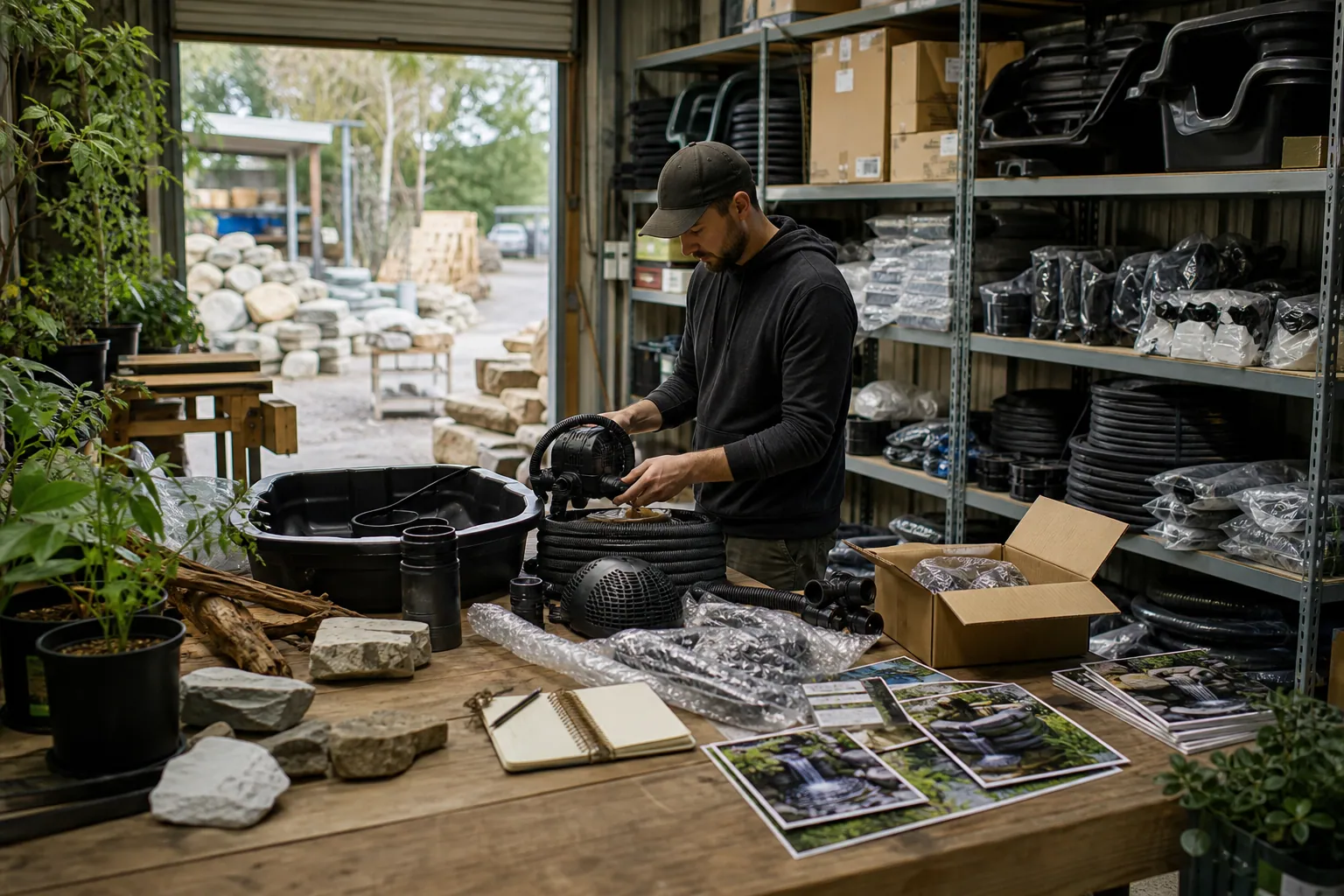
Case Study: How a Pond Kit Shop Turned Waterfall Saves Into Kit Orders
A composite Pinterest teardown of a backyard pond retailer that replaced pretty-waterfall traffic with sizing, planning, and kit-selection content that produced stronger carts.