Case Study: How a Pond Kit Shop Turned Waterfall Saves Into Kit Orders
A composite Pinterest teardown of a backyard pond retailer that replaced pretty-waterfall traffic with sizing, planning, and kit-selection content that produced stronger carts.
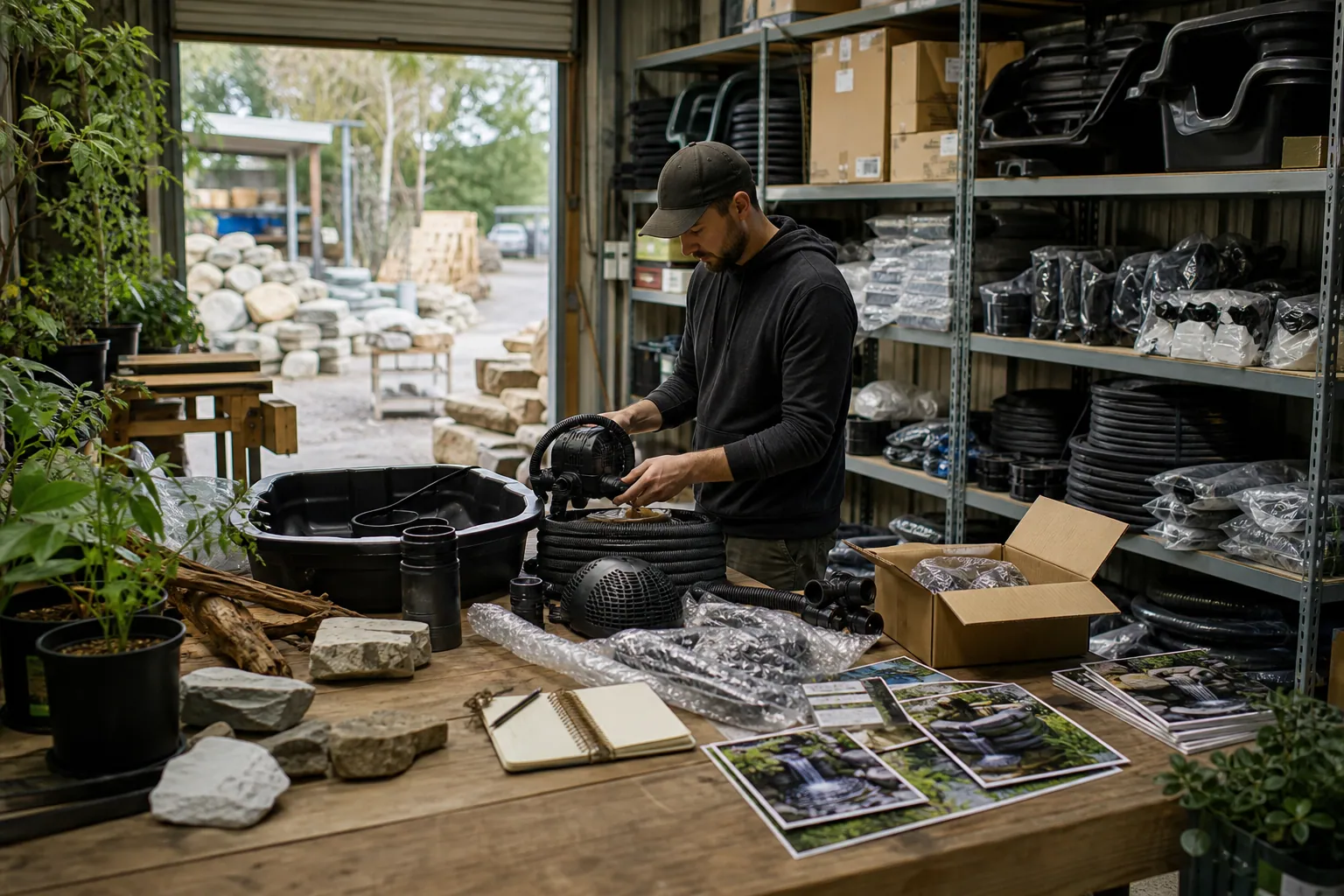
A backyard pond retailer came to Pinterest with the asset most stores assume they need: striking finished-project photography.
Rock waterfalls, koi ponds, planted edges, and glowing evening lights earned saves. But the account was not producing enough complete-kit orders to justify the time spent posting.
The problem was not a lack of interest. It was a gap between what a pinner could see and what they needed to decide.
This composite case study follows a small ecommerce shop selling pond liner, pumps, filters, waterfall hardware, and starter kits. The company is anonymized, and the figures below are rounded directional results rather than a promise of outcomes. Its rebuild is useful for any catalog where buyers need to calculate, compare, or plan before they can buy.
The baseline: beautiful Pins, vague store visits
The original account centered on boards such as “Backyard Waterfall Ideas,” “Koi Pond Inspiration,” and “Garden Pond Design.” Most Pins were vertical project photos with a small logo and a destination URL pointing to the full shop collection.
That approach created three predictable problems.
- The Pin attracted an inspiration browser, while the collection page asked them to become a technical buyer. A photo of a waterfall did not answer whether a customer needed a liner, a pump, a filter, or all three.
- The same generic collection received every kind of visitor. Someone planning a 6-by-8-foot pond saw the same page as someone replacing a pump for an existing 2,000-gallon pond.
- Support questions were doing the work content should have done. The team repeatedly answered “How much liner do I need?”, “Can this pump handle a waterfall?”, and “What should I close down before winter?” by email.
The team was measuring Pinterest saves and impressions, but neither metric revealed whether shoppers reached a suitable kit or had enough confidence to add it to cart.
What the first review showed
A simple review of Pinterest landing-page sessions showed an important pattern:
| Content type | What it earned | What happened after the click |
|---|---|---|
| Finished pond photography | High saves | Short collection-page visits |
| Individual pump product Pins | Some outbound clicks | Comparison-heavy browsing, few carts |
| “Small pond” images | Moderate saves and clicks | Better engagement, but no clear next step |
| Winter pond images | Low volume | Visitors read longer when the page included a checklist |
The team did not decide to stop publishing attractive finished ponds. Instead, it changed the job of those images. A finished pond became visual proof inside a planning asset, not the entire message.
The turning point: build content around the decision before the SKU
The retailer reviewed six weeks of site search, support tickets, product reviews, and Pinterest search suggestions. Four recurring planning moments appeared:
- choosing a pond footprint for a small backyard
- estimating pond liner dimensions
- sizing a pump for a pond and waterfall
- preparing an existing pond for cold weather
These became four destinations. Each destination had one clear purpose, a small number of relevant products, and a natural next action.
Route 1: Make liner sizing useful before asking for the sale
The most valuable new page was a plain-language liner sizing guide. It explained the usual starting calculation:
liner length = maximum pond length + twice the maximum depth + edge allowance
The same calculation applied to width. Rather than presenting it as an absolute answer, the page reminded shoppers to account for shelf contours, stream sections, coping method, and the manufacturer’s installation guidance.
A simple worksheet let the visitor note length, width, depth, and whether the project included a waterfall stream. From there, the page displayed a small set of likely liner sizes and linked to a relevant underlay-and-liner bundle.
This was a better Pinterest landing page than a generic category because it fulfilled the promise made on the Pin. It also filtered out people who did not yet have measurements, without treating them as failed traffic.
Route 2: Separate pond pumps from waterfall decisions
The prior product Pins used claims such as “powerful pond pump” without explaining fit. The revised content used a project-planning angle instead:
- “Pond Pump Size: 3 Measurements to Gather Before You Buy”
- “Planning a Small Waterfall? Start With Lift Height, Not Pump Price”
- “Pond Pump vs Waterfall Pump: Questions to Ask Before Choosing”
The supporting page did not promise a precise pump selection from one number. It asked visitors to collect total head height, desired flow, plumbing details, and pond use, then directed them to a short chooser and product family.
That distinction mattered. Pump sizing depends on more than pond volume, and content that oversimplifies technical fit creates returns, support load, and distrust.
Route 3: Treat small-space planning as a merchandised collection
The store had a useful small-pond kit, but it was buried among components. The new “small backyard pond” page showed three routes:
- Patio or container water garden for shoppers with no excavation plan.
- Small lined pond kit for a defined footprint and a shallow, contained build.
- Pond plus waterfall starter set for shoppers who had already measured space and wanted a moving-water feature.
Each route included a photo, a plain description of the project scope, what was included, what was not, and a checklist of dimensions to confirm.
This is basic Pinterest merchandising: do not ask a planner to interpret a 200-SKU catalog when they are still deciding what type of project they have.
Route 4: Use October content to earn spring consideration
Because this review happened in October, the retailer also created a winter pond shutdown checklist. It covered practical checks such as removing debris, evaluating equipment according to the product instructions, and planning cold-weather maintenance—not blanket advice that every pond should be handled the same way.
The checklist had two paths:
- existing pond owners could shop maintenance and protection products;
- future builders could save a “plan your spring pond” worksheet and join a low-frequency email list.
Winter content did not produce the most immediate revenue. It did, however, introduce the shop to people whose projects would begin months later. That is exactly where Pinterest search intent can outperform a strict last-click mindset.
What the new Pins looked like
The creative change was deliberately unglamorous: lead with the answer, then show the aspirational outcome.
A liner Pin used a diagram of a pond cross-section, a clear formula headline, and a small finished pond image in the lower third. A small-space Pin used a labeled overhead layout rather than another wide beauty shot. A pump Pin featured a “measure these first” checklist.
The team made two to three original creative treatments per destination, not dozens of nearly identical variations.
| Pin topic | First-frame promise | Destination | Primary business signal |
|---|---|---|---|
| Pond liner sizing | “How Much Pond Liner Do I Need?” | Sizing guide and bundle options | Bundle add-to-cart rate |
| Small backyard pond | “What Fits in a 6 x 8 Foot Pond Area?” | Small-pond project chooser | Kit page views |
| Waterfall pump planning | “Measure These 3 Things Before Choosing a Pump” | Pump planning page | Qualified product views |
| Winter pond checklist | “Backyard Pond Shutdown Checklist” | Maintenance checklist | Email signups and assisted orders |
Descriptions used specific language a shopper would use—such as “pond liner size guide,” “small backyard pond kit,” and “waterfall pump planning”—without turning every sentence into a list of keywords.
The measurement change that stopped the team from chasing saves
Every Pin received a UTM naming the project route and creative angle. For example:
utm_source=pinterest
utm_medium=organic
utm_campaign=pond_planning
utm_content=liner_formula_diagram
The weekly report then grouped results by destination, not merely by board or Pin. It included:
- Pinterest outbound clicks
- engaged sessions on the destination page
- product-view rate
- add-to-cart rate
- completed orders and average order value
- email signups from planning pages
- support tickets and return reasons related to product fit
The company also kept a 30- and 60-day view. A pinner may save a pond layout while the ground is frozen, return later with measurements, and buy only when the project starts. A same-day report cannot see that behavior.
The team used PinPinMe to keep each approved creative variation paired with its destination and UTM pattern, which made the weekly review less dependent on a spreadsheet scavenger hunt.
What changed after the rebuild
The comparison below covered an initial six-week baseline and a subsequent six-week period after the new destinations and Pins were live. Inventory was kept reasonably stable, and the team did not treat the comparison as proof that Pinterest alone caused every sale.
| Metric | Before the rebuild | After the rebuild | Why it mattered |
|---|---|---|---|
| Pinterest outbound clicks | 1,280 | 1,540 | More clicks, but not an inflated traffic-only win |
| Product views per Pinterest session | 1.3 | 2.1 | Visitors found a more relevant next step |
| Add-to-cart rate from Pinterest sessions | 2.4% | 5.0% | Better project-to-product matching |
| Complete-kit orders | 19 | 34 | Bundles replaced component-only browsing |
| Average order value | $356 | $442 | More buyers chose a coherent project set |
| Support tickets asking basic fit questions | Index 100 | Index 68 | Guides answered recurring pre-purchase questions |
The strongest Pins were not necessarily the most saved. The liner-sizing diagram and small-pond footprint layout had modest save volume compared with waterfall photography, yet they generated more kit-page visits and more add-to-carts.
That did not make saves unimportant. Saves identified early-stage project interest, especially for the winter checklist. But the retailer stopped calling a Pin a winner until it could see where the visitor went next.
Decisions the retailer intentionally did not make
The rebuild worked partly because the team avoided several tempting shortcuts.
It did not send every Pin to a quiz
A project selector is useful when the choice is genuinely complex. But a person searching for pond liner dimensions wants the dimensions first. Requiring an email address before providing the formula would have created friction at the wrong point.
It did not publish universal pump recommendations
Water, electricity, elevation, plumbing, and local conditions make product selection consequential. The team published education and collection paths, then invited shoppers with edge cases to contact support. It did not let content—or AI-generated copy—make unverified compatibility promises.
It did not keep sold-out kits live on Pinterest
When a bundle became unavailable, the destination either redirected to a suitable in-stock collection with a clear notice or the related Pins were paused. An old Pin can keep driving traffic long after a seasonal inventory mistake has been forgotten.
It did not confuse a board with a customer journey
Boards remained useful for organization and discovery, but the commercial unit of work became a route: one planning question, one helpful page, a small product set, and a measurable next action.
Transferable lessons for technical ecommerce catalogs
A pond kit is a specific product category, but the teardown applies to many businesses selling items that require fit, configuration, or planning.
- Mine support questions before brainstorming content. Repeated questions reveal the decisions that block a purchase.
- Match the Pin promise to the landing page’s first screen. A sizing Pin should open on the sizing help, not a generic shop page.
- Turn collections into choices. Name the buyer’s project type, show what is included, and clarify what they need to confirm.
- Use finished-project images as proof, not as the only message. A diagram, measurement list, or comparison can earn a more useful click.
- Track product fit after the purchase. Refunds, returns, and support issues can reveal a poor Pinterest-to-product match that revenue alone hides.
- Give long-horizon content time. Seasonal planning content may first produce saves, then later produce return visits and orders.
The practical takeaway is simple: Pinterest does not need to function as an endless inspiration gallery for a technical catalog. When each Pin helps a shopper make one real project decision, it can become a durable source of better-qualified traffic—and a quieter support inbox.

Case Study: How a Garage Floor Coating Contractor Turned Pinterest Saves Into Site Visits
A composite teardown of a garage floor coating company that traded broad inspiration Pins for planning content, local pages, and more estimate-ready Pinterest traffic.

Case Study: Which Pinterest Pins Sold Custom Address Stamps—Wedding, Moving, or Gift Guides?
A composite case study of a custom address-stamp shop comparing product Pins, wedding content, moving guides, and gift pages to find a profitable Pinterest mix.

Case Study Memo: How a Fence Contractor Turned Pinterest Saves Into Better Estimate Requests
A composite case study of a residential fence company that replaced generic backyard inspiration Pins with planning content designed to produce local, estimate-ready leads.

The AI Fit-Check Pinterest Desk for RV Solar Kit Shops
Turn real RV solar compatibility questions into accurate Pinterest content without letting AI invent wattage claims, promote unavailable kits, or bury buyers in jargon.

Case Study: A Cottage Food Course’s Pinterest Shift From Recipe Saves to Enrollments
A composite teardown of a cottage food educator who replaced recipe-heavy Pins with compliance, pricing, and preorder content that produced more course-ready leads.

Case Study: How a Merino Sock Shop Found Its Best Pinterest Pins by Tracking Net Revenue
A composite teardown of a merino sock shop that stopped treating saves as success and used UTMs, return reasons, and 21-day cohorts to identify Pinterest Pins that sold.