The AI Fit-Check Pinterest Desk for RV Solar Kit Shops
Turn real RV solar compatibility questions into accurate Pinterest content without letting AI invent wattage claims, promote unavailable kits, or bury buyers in jargon.

At 9:10 on a Monday, an RV solar kit shop has 23 new support conversations waiting in its inbox.
One shopper has a pop-up camper and wants to know whether a portable panel is enough for weekend trips. Another has a lithium battery bank but no idea whether their existing controller is compatible. A third asks the question that should never receive a casual answer: “Will this run my fridge?”
Meanwhile, the Pinterest account is publishing glossy van-life photos, broad “RV solar setup” Pins, and product cards that point at kits that were revised two months ago.
The opportunity is not to make more generic Pins with AI. It is to turn the questions your team already answers into accurate decision content—then use Pinterest to send planners to current collections, fit guides, and human-reviewed help.
This operator playbook is for an RV solar kit retailer with a small team, changing inventory, and little appetite for publishing technical misinformation.
Diagnose the content gap before automating anything
Most RV solar shops already have useful raw material. It is scattered across support tickets, installation notes, product specs, return reasons, and sales calls.
The gap usually appears in three places.
1. Product Pins ask buyers to solve the hard part themselves
A Pin for a 400W kit may be visually clean, but it does not answer the decision behind the search:
- Is 400W more than a weekend camper needs?
- What changes if the customer has a compressor refrigerator?
- Does roof shape affect the mounting route?
- Which battery chemistry does this kit support?
- What is included versus separately required?
A shopper who cannot establish basic fit is unlikely to click, or may click and leave. The better content asset is often a buyer-decision page, not another isolated SKU page.
2. AI is given vague prompts instead of verified source material
“Write 20 Pinterest descriptions for RV solar kits” is an efficient way to generate polished risk.
Without a source packet, an AI tool may imply that a kit is universal, invent runtime estimates, blur a portable panel and a roof-mounted system, or carry an old product specification into a new Pin. In this category, those are not harmless wording errors.
AI should organize approved information and create first drafts. It should not decide electrical compatibility, installation requirements, safety guidance, or inventory status.
3. The shop measures activity but not fit
Saves can be useful for long-term discovery, especially for people planning a build months out. But a saved “DIY camper solar” image does not tell you whether the visitor owns an RV, has purchase intent, or is a hobbyist researching a future project.
Start with a short scorecard:
| Signal | What it reveals | What to do with it |
|---|---|---|
| Outbound clicks by Pin topic | Which questions create action | Make more variants of high-click decision topics |
| Collection-page views | Whether shoppers want a route into the catalog | Improve filters, fit guidance, and calls to action |
| Guide-to-product clicks | Whether educational pages introduce relevant kits | Add clearer next-step modules |
| Add-to-cart rate by UTM | Which Pin families bring buyers, not browsers | Scale winning intent, not just reach |
| Support contacts after purchase | Where content may have set the wrong expectation | Correct or retire the responsible Pins |
| Refund and return notes | Whether compatibility messaging is doing its job | Feed recurring confusion into the review queue |
Use Pinterest UTM tracking at the Pin-family level. A useful naming convention might separate portable-weekend, roof-kit-sizing, battery-compatibility, and winter-boondocking rather than dumping every visit into one generic Pinterest bucket.
Build a weekly desk around approved facts, not prompts
This routine takes roughly two to three hours once the inputs are organized. It works because the human team supplies boundaries first and lets AI handle sorting, drafting, and production repetition second.
Monday: collect a small, verified question set
Pull 10 to 15 customer questions from the previous week. Include questions from:
- pre-purchase chat transcripts
- support inbox tags
- product reviews
- sales-call notes
- installation partner feedback
- return or cancellation reasons
Then remove identifying details and place each question in a simple table.
| Customer wording | Intent | Approved source | Content destination | Risk level |
|---|---|---|---|---|
| “Do I need roof solar for two-night trips?” | System selection | Portable vs. roof-mounted guide | Portable solar collection | Medium |
| “Can I use this with lithium?” | Compatibility | Controller compatibility matrix | Battery compatibility page | High |
| “How many panels fit on a Class B?” | Planning | Vehicle-specific measurement guide | Roof layout guide | High |
| “What do I need besides the kit?” | Purchase readiness | Included-components checklist | Complete kit collection | Medium |
Do not make the AI tool hunt for answers across old product pages. Give it only the current approved material: spec sheets, compatibility matrices, published guides, current component lists, and inventory-approved collection URLs.
Tuesday: ask AI to classify, not to advise
Use AI to cluster questions into decision themes. A good prompt asks for structure and labels, not electrical conclusions.
For example:
Using only the approved source notes below, group these customer questions into Pinterest search themes. For each theme, identify the shopper decision, the safest approved destination, facts that must not be generalized, and any question that requires human technical review. Do not add wattage, runtime, compatibility, or installation claims not stated in the sources.
The useful output is a queue like this:
- Portable solar for short trips
- Roof-mounted solar planning for vans and Class B RVs
- Battery chemistry and controller compatibility
- What is included in a complete solar kit
- Cold-weather and low-sun planning questions
This becomes your editorial queue. It is more durable than a queue organized around product names alone because buyers search for decisions, not your internal SKU labels.
Wednesday: turn one decision page into a Pin family
Choose one theme and create three to five Pins that all lead to the same accurate destination. Each Pin should have a distinct job.
For a guide about portable RV solar, the family might be:
| Pin angle | On-image promise | Destination |
|---|---|---|
| Decision | Portable RV solar: when it makes sense | Portable solar buyer guide |
| Constraint | No roof drilling? Start with these solar questions | Portable solar buyer guide |
| Checklist | 5 items to check before buying a portable panel | Portable solar buyer guide |
| Comparison | Portable panel vs. roof-mounted RV solar | Comparison guide |
| Product route | Shop portable solar kits by trip style | Current collection page |
Use AI to draft initial titles, descriptions, image-overlay options, and asset briefs. Require it to cite which approved source supports each factual statement. If it cannot cite a source, treat the wording as unapproved.
A design brief can be simple:
Create five short overlay options for a vertical Pinterest graphic about portable RV solar for weekend camping. Use no performance promises, no universal-fit language, and no numerical claims. Focus on the buyer decision: portability, setup time, roof-drilling avoidance, and trip style.
Thursday: run a technical and commercial review gate
The reviewer should be someone who can catch product and fit problems—not simply someone who can proofread.
Review every Pin against these questions:
- Is the destination page live, current, and mobile-friendly?
- Does the Pin distinguish a guide from a product offer?
- Are all compatibility claims supported by the approved source?
- Did AI turn a conditional statement into a guarantee?
- Does the visual show an accessory or configuration that is not included?
- Is the recommended kit in stock, or does the destination offer a useful substitute or waitlist?
- Is the call to action suitable for the reader’s stage of research?
Flagging content as “high risk” is productive. A Pin about battery chemistry, roof penetration, wiring, or appliance runtime deserves more scrutiny than a Pin about choosing a travel-friendly panel bag.
Friday: publish, tag, and record the learning
Publish only approved Pins, using a UTM tied to the decision theme and creative angle. Keep a one-line record in your content tracker:
- Pin URL
- theme
- destination
- source materials reviewed
- inventory check date
- UTM
- reviewer
- refresh date
If you are publishing several reviewed variants each week, a scheduling tool such as PinPinMe can keep the approved queue moving without making publishing the bottleneck. The point is not unattended posting; it is making sure the right, reviewed content gets published consistently.
Three content examples worth building this month
These examples are deliberately built around uncertainty buyers feel before ordering.
Example 1: “What comes with an RV solar kit?”
This topic catches shoppers who are close to buying but nervous about missing a critical component.
Pin title: What Comes With an RV Solar Kit? A Before-You-Buy Checklist
Destination: A current, model-specific included-components page with clear sections for included, optional, and separately required items.
AI’s job: Convert approved kit contents into a checklist layout, draft title variants, and identify language that may confuse first-time buyers.
Human’s job: Confirm every inclusion, every exception, the product revision date, and the collection links.
This is often more commercially useful than a “best RV solar kits” Pin because it helps a buyer reduce purchase anxiety without asking the brand to make sweeping superiority claims.
Example 2: “Portable solar vs. roof-mounted solar for weekend camping”
This is a comparison topic, so resist declaring a universal winner. Frame it around tradeoffs.
Pin title: Portable vs. Roof-Mounted RV Solar for Weekend Trips
Destination: A comparison guide that explains use cases, storage requirements, setup effort, security considerations, and the need to evaluate a specific system.
AI’s job: Build a first-draft comparison table from approved notes and create visual concepts for each route.
Human’s job: Check that every tradeoff remains conditional and that no setup is presented as compatible with every RV.
The resulting content may also serve people searching for camper solar setup ideas, but its real value is qualifying shoppers before they reach the product collection.
Example 3: “RV solar planning before winter travel”
October is a useful moment to publish content for shoppers considering lower daylight, changing travel routes, and overnight power needs. Avoid using seasonal fear as a shortcut to sell larger kits.
Pin title: RV Solar Planning Questions to Ask Before Winter Travel
Destination: A planning guide that covers daylight variation, trip length, battery condition, safe system evaluation, and links to suitable collections where appropriate.
AI’s job: Sort support questions into a practical planning sequence and draft several non-alarmist Pin angles.
Human’s job: Ensure the guide does not give individualized power-sizing advice without sufficient inputs.
Mistakes that make AI-assisted RV solar content unreliable
Letting a chatbot calculate a customer’s setup in public content
Power needs depend on equipment, usage habits, battery condition, sun exposure, charging route, installation quality, and other factors. A generalized Pin is not the place to present a calculated answer as certain.
Use content to explain inputs and direct people to your approved sizing process or qualified support channel.
Recycling the same vague “off-grid freedom” language
Aspirational RV imagery may earn impressions, but it rarely helps someone compare a portable kit, understand included components, or choose a compatible controller.
Keep some inspiration content if it serves your brand. Do not let it consume the publishing calendar that should serve buyer decisions.
Automating inventory checks away
A Pin that lands on a discontinued kit damages trust. For fast-changing catalogs, point educational Pins toward durable collections, fit guides, or comparison pages rather than individual SKUs whenever possible.
Add an inventory owner and refresh date to every product-led Pin family.
Turning source material into claims it never made
Watch for words such as “works with,” “powers,” “fits,” “all,” “any,” “easy,” and “complete.” They can turn technically conditional information into an unconditional promise.
A good reviewer often removes only a few words—but those words are where the risk lives.
Treating Pinterest reporting as a command to produce more
If a topic gets saves but little qualified traffic, diagnose the mismatch before increasing output. The issue may be broad Pinterest search intent, an unclear Pin promise, a weak destination, or a guide that answers curiosity without offering a useful next step.
Use Pinterest reporting alongside store behavior, support themes, and post-purchase feedback.
A short operating checklist
Before the next weekly batch, confirm:
- Support, sales, and return notes produced 10 or more real buyer questions.
- Every factual claim has an approved source and current date.
- AI was asked to classify and draft, not to make technical decisions.
- Each Pin family leads to a live guide, collection, or current product route.
- A knowledgeable reviewer checked compatibility, inclusions, visuals, and inventory.
- UTMs distinguish the topic and creative angle.
- The team will review outbound clicks, guide-to-product movement, carts, and support fallout—not just Pinterest saves.
- High-performing Pins have a scheduled inventory and accuracy review.
The durable advantage is not publishing hundreds of AI-written Pins. It is building a small, reliable loop: customer question, verified answer, useful page, reviewed Pin, measured outcome. For technical ecommerce, that restraint is what makes automation valuable.

The AI Gift-Intent Pinterest Desk for Merino Sock Shops
A practical weekly routine for merino sock retailers using AI to turn verified product facts, gifting questions, and stock signals into accurate Pinterest traffic.

Strategy Memo: AI Pinterest for Custom Photo Calendar Shops Before Q4
Use AI to turn verified calendar specs, photo-upload questions, and gifting decisions into Pinterest traffic that starts—and completes—custom calendar orders.

The AI Consultation-Note Pinterest Desk for Landscape Lighting Designers
Turn site-walk notes, before-and-after photos, and homeowner questions into accurate Pinterest content—without letting AI invent project claims or local pricing.
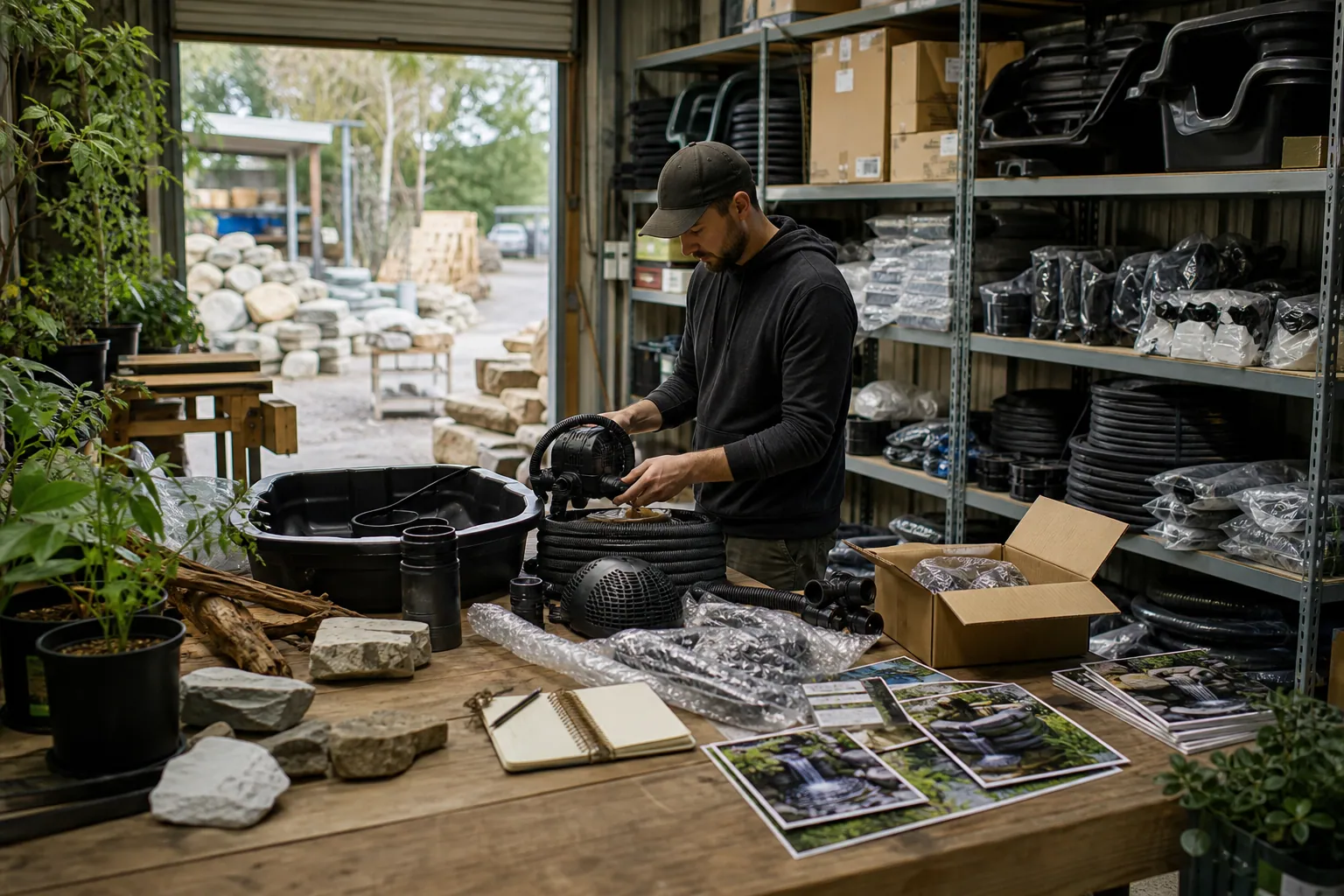
Case Study: How a Pond Kit Shop Turned Waterfall Saves Into Kit Orders
A composite Pinterest teardown of a backyard pond retailer that replaced pretty-waterfall traffic with sizing, planning, and kit-selection content that produced stronger carts.

The Host-Ready Pinterest Desk for Cocktail Glassware Shops
A Q4-ready Pinterest content operation for cocktail glassware shops that turns product specs, host questions, and gift bundles into accurate catalog traffic.

Strategy Memo: Pinterest for Rain Boot Shops Before Wet-Weather Season
Use fit confidence, weather-specific collections, and practical outfit content to turn Pinterest fall planning into rain boot orders with fewer avoidable returns.