The AI Consultation-Note Pinterest Desk for Landscape Lighting Designers
Turn site-walk notes, before-and-after photos, and homeowner questions into accurate Pinterest content—without letting AI invent project claims or local pricing.

A landscape lighting designer finishes a Thursday evening site visit with three useful assets: a photo of an unlit front path, a marked-up sketch showing fixture zones, and a homeowner question—“Will this make the house look too bright from the street?”
Most studios file those materials away until the project is installed. Then, months later, they post a beautiful nighttime reveal with a vague caption. It may get saves, but it does little for homeowners trying to decide whether path lights, tree uplighting, or downlighting belong in their own project.
An AI-assisted Pinterest desk changes that. It turns real consultation notes into small, searchable content units while keeping the designer—not the model—in charge of lighting recommendations, safety, costs, and project facts.
Start with the diagnosis: where are good Pin ideas getting stuck?
For a small landscape lighting studio, Pinterest content usually breaks down in one of four places.
The portfolio is visually strong but decision-poor
A finished exterior photo can demonstrate atmosphere. It rarely answers the questions that prompt a homeowner to seek a consultation:
- How many areas of the yard should be lit?
- Are path lights enough for a dark side yard?
- What creates soft curb appeal rather than airport-runway brightness?
- Can existing landscaping be protected during installation?
- What should be decided before hardscape or planting begins?
The fix is not to stop sharing finished work. It is to surround portfolio content with planning content.
Consultation notes live in too many places
Field notes may be in a phone, proposals, email threads, design sketches, or a project manager’s memory. Those are exactly the inputs that reveal repeated homeowner language.
AI is useful here because it can sort and summarize messy source material. It is not useful as an authority on electrical code, fixture performance, project pricing, or local conditions.
The team makes Pins from scratch
Starting with a blank Canva file each week forces people to choose a topic, write copy, find photos, build a design, check the destination, and publish—all at once. That is why posting stops during install season.
Instead, make each completed consultation produce a short “Pin ticket.” The ticket becomes the handoff between the designer, assistant, and whoever creates assets.
Pins lead to a generic gallery page
A homeowner searching “front walkway lighting ideas” needs more than a gallery. Send them to a page that explains the decision, shows an appropriate project example, and offers the next step: a design consultation, service-area check, or project planning call.
This is especially important for local Pinterest marketing. A beautiful image can earn an out-of-area click; a useful destination qualifies it.
The weekly desk: a two-hour rhythm built around real consultations
Run this once a week, ideally before new installs absorb the calendar. The goal is not daily posting. It is to publish a small set of accurate Pins tied to genuine homeowner decisions.
Monday: collect three source moments (20 minutes)
Choose three moments from the previous week. Good candidates include:
- A question asked on more than one consultation.
- A design tradeoff, such as uplighting mature trees versus adding path lighting.
- A planning constraint, such as preserving irrigation lines or coordinating with a new patio.
For each, add only verified material to the ticket:
- homeowner question, written in their words
- project type and broad location if relevant
- photos approved for marketing
- facts the designer has confirmed
- page URL or the page that needs to be created
- exclusions, such as “do not mention cost” or “project is not yet installed”
Remove addresses, client names, gate codes, and any private property details before sharing notes with an AI tool.
Tuesday: use AI for first drafts, not final claims (25 minutes)
Paste the verified facts and ask AI for options, not answers. A useful prompt looks like this:
Using only the facts below, draft six Pinterest Pin concepts for homeowners planning front-yard landscape lighting. For each, provide a search-led title under 100 characters, on-image headline under eight words, a two-sentence description, and the most appropriate destination page. Do not invent prices, fixture specifications, energy savings, safety claims, or local regulations. Flag any fact that is missing.
Ask it to group ideas by intent:
- Planning: what to decide before installing lighting
- Problem: dark walkway, uninviting entry, unusable patio
- Comparison: path lights vs. downlights, subtle vs. high-contrast lighting
- Proof: annotated project photo showing zones and purpose
AI can also turn a long consultation note into a clear content brief. It should never turn an unverified assumption into a published promise.
Wednesday: make one topic into a small Pin family (35 minutes)
Choose one source moment and build three Pins that point to the same appropriate page. Use different visual and editorial angles rather than duplicating the same image with new words.
For example, a page about front-walk lighting could produce:
| Pin angle | On-image message | Best destination |
|---|---|---|
| Planning | Plan your front walk lighting before winter | Front-walk lighting guide |
| Problem | Why a front path still feels dark after sunset | Walkway lighting consultation page |
| Proof | Three lighting zones that soften this entry | Annotated project case page |
Use the project photo only if it supports the promise. An annotated daytime plan may be stronger than a dramatic finished shot when the topic is placement.
Keep a simple visual rule: use actual project photography, actual plan excerpts, or clearly labeled concept diagrams. Do not use AI-generated house exteriors as evidence of your studio’s work.
Thursday: review, tag, and schedule (25 minutes)
A designer or qualified project lead should check every Pin for four items:
- Does the visual show what the headline promises?
- Does the description avoid unverified claims about cost, brightness, safety, or energy use?
- Is the destination page live, mobile-friendly, and relevant?
- Does the Pin use a consistent Pinterest UTM tracking format?
A practical UTM pattern might be:
?utm_source=pinterest&utm_medium=organic&utm_campaign=front_walk_lighting&utm_content=path_darkness_photo
If your team needs a single queue for briefs, approvals, URLs, and scheduled posts, a tool such as PinPinMe can keep those publishing details from getting lost between field visits and install days.
Friday: read one decision signal (15 minutes)
Do not judge a local service Pin by saves alone. Review the prior four to eight weeks and ask:
- Which topic earned outbound clicks from people in or near the service area?
- Which landing page produced consultation-form starts?
- Which Pins resulted in inquiries mentioning a specific problem, such as glare, dark steps, or patio use?
- Did a Pin attract projects within the studio’s minimum scope?
Record one next action: make another Pin family, improve the destination page, add a service-area qualifier, or retire an irrelevant topic.
What this looks like in practice
Here are three consultation-note examples that can become useful Pinterest content without turning the account into an endless project gallery.
Example 1: “We want guests to see the steps, not the fixtures.”
Verified source: A homeowner renovating an older brick entry wants safer evening arrival and a restrained look.
Content options:
- “Front step lighting ideas that don’t overpower a brick entry”
- “Where to place outdoor lighting for a safer front approach”
- “Path lights, step lights, or downlights? Start with the arrival route”
Destination: A guide explaining how entry lighting zones work, with a local consultation call to action.
AI’s role: Produce title variants and extract the decision sequence from the designer’s notes.
Human role: Confirm that any discussion of visibility or safety is accurate and not a guarantee.
Example 2: “The patio is beautiful, but no one uses it after 8 p.m.”
Verified source: A completed backyard includes a dining area, retaining wall, and mature planting beds.
Content options:
- “How to make a patio usable after dark without flooding the yard with light”
- “Three backyard lighting zones for dining, steps, and garden edges”
- “Outdoor dining lighting: begin with tasks, not fixtures”
Destination: A backyard lighting planning page, not a generic gallery.
AI’s role: Create a comparison table draft between task, accent, and circulation lighting for the designer to edit.
Human role: Select project images and remove details that could expose a client’s property layout.
Example 3: “Can lighting be planned before the new landscaping goes in?”
Verified source: A landscape architect and homeowner are deciding sequencing for a spring project.
Content options:
- “When to plan landscape lighting during a yard renovation”
- “A landscape lighting checklist before planting begins”
- “Coordinate irrigation, planting, and lighting before the final walkthrough”
Destination: A project-readiness checklist page that explains when the studio should join the project.
This topic may generate fewer saves than a glowing patio photo. It can produce better inquiries because it reaches people early enough to involve a lighting designer.
Mistakes that make AI-assisted Pins less trustworthy
Publishing AI-generated project imagery as if it were a real install
Concept imagery can be useful when labeled as a concept. It should not be presented as your work, a finished client project, or evidence of a lighting result.
Letting AI write pricing or performance claims
“Typical installation cost,” “reduces energy bills,” and “improves security” are risky shortcuts when they are not specific, current, or supportable. Use ranges and claims only when the studio has approved them for the exact market and page.
Reusing one nighttime photo for five unrelated search terms
A dramatic front elevation does not answer “how to light a side yard,” “patio dining lighting,” and “driveway lighting ideas.” Match the visual evidence to the intent.
Forgetting that installations and service areas change
A Pin can continue circulating after a service boundary shifts, a product line changes, or a guide becomes outdated. Add a quarterly review date to every evergreen destination page.
Automating publishing before building a review gate
Scheduling tools save time only after the brief, asset, URL, and approval are correct. Automating a bad destination simply distributes the problem faster.
A short operating checklist
Before the weekly batch goes live, confirm:
- Three topics came from real consultation questions or verified project decisions.
- AI received only approved, non-private source material.
- Every Pin has one clear homeowner problem or planning moment.
- The designer reviewed all technical, pricing, safety, and project claims.
- Each Pin leads to a matching Pinterest landing page, not a generic portfolio.
- UTMs identify the topic and creative angle.
- Project imagery is real, approved, and accurately labeled.
- One older Pin family was reviewed for qualified clicks and inquiry quality.
The advantage is not that AI makes more Pins. It is that each site walk, design question, and completed install can become a small library of accurate content that helps the next right homeowner plan with confidence.
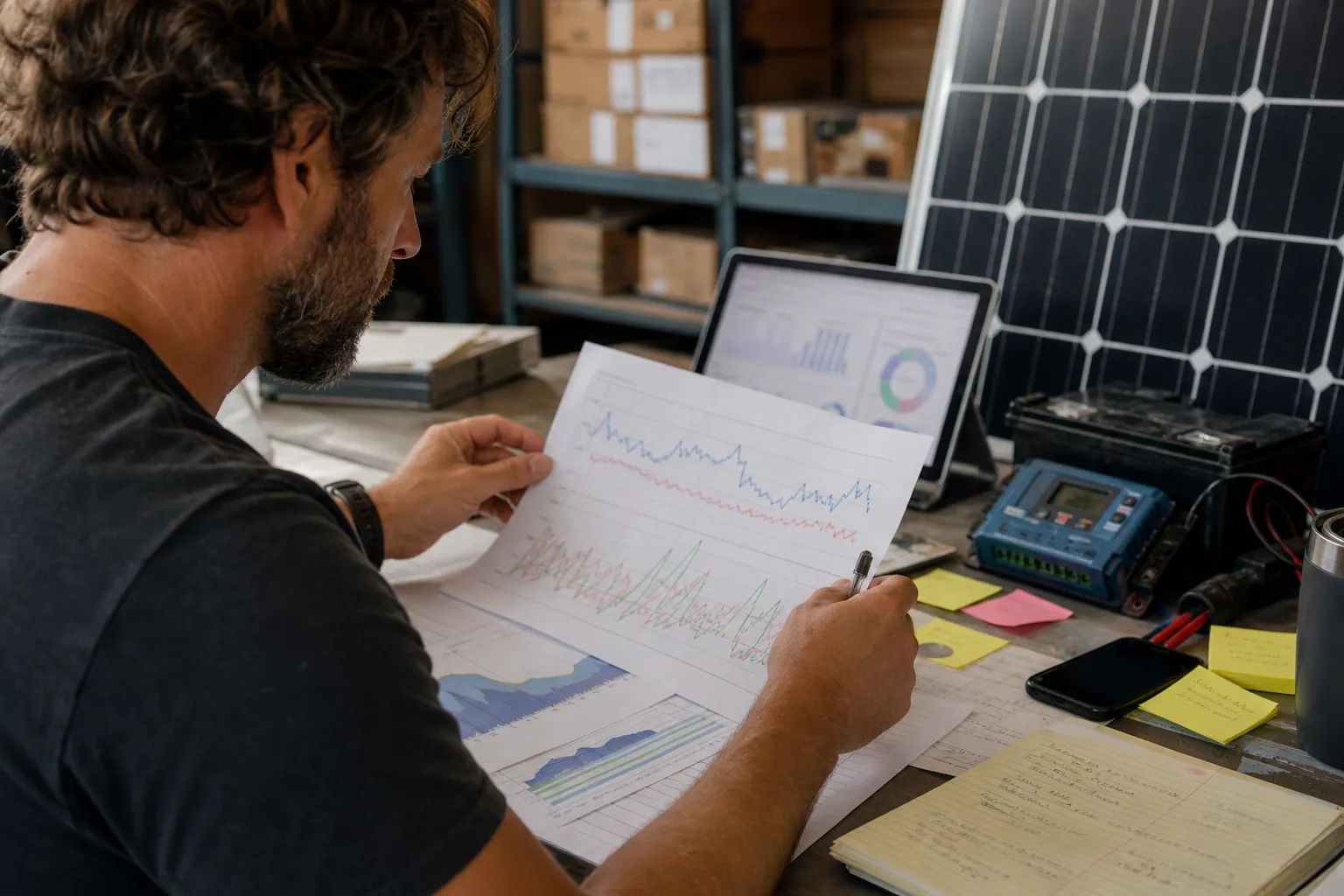
The AI Fit-Check Pinterest Desk for RV Solar Kit Shops
Turn real RV solar compatibility questions into accurate Pinterest content without letting AI invent wattage claims, promote unavailable kits, or bury buyers in jargon.
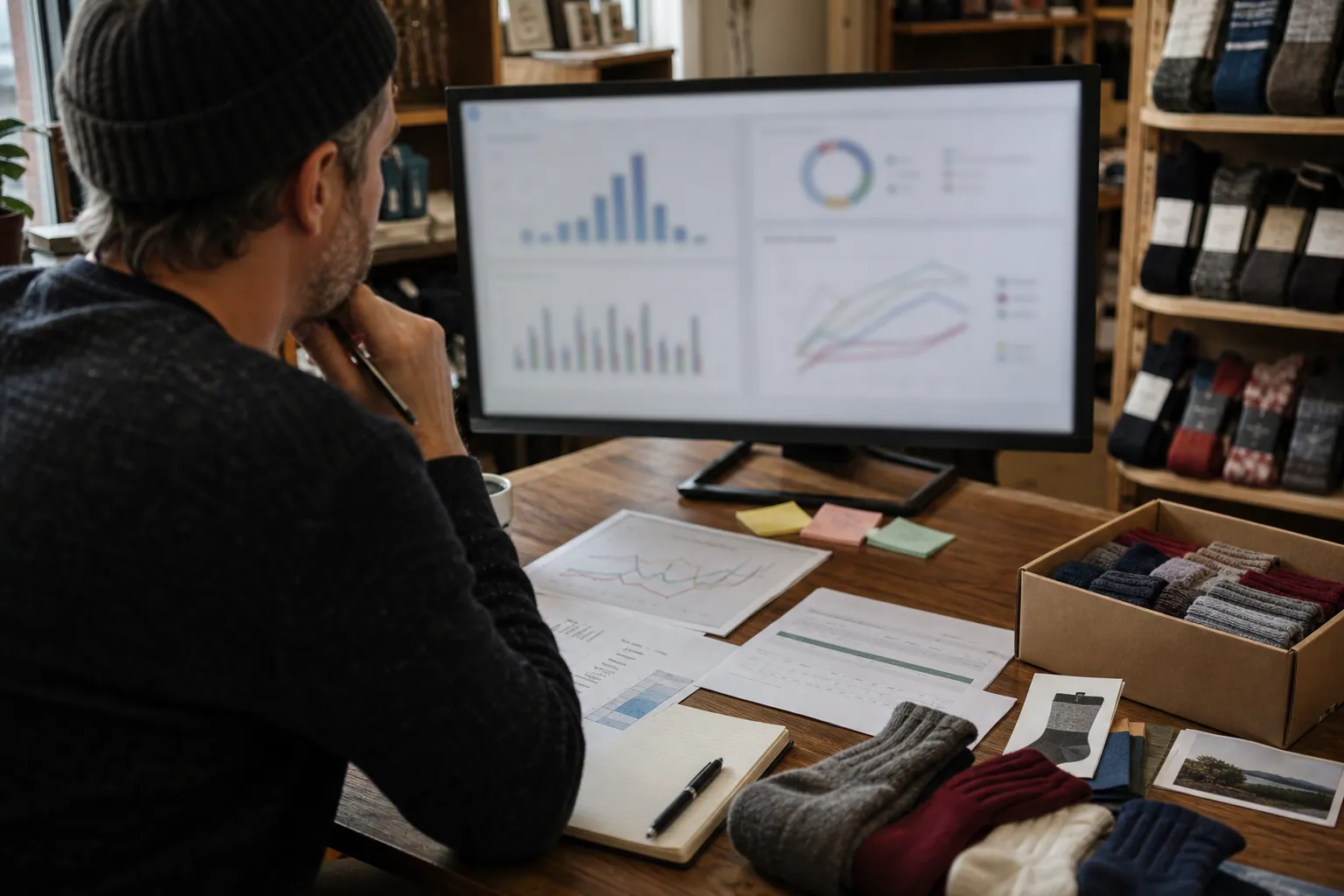
The AI Gift-Intent Pinterest Desk for Merino Sock Shops
A practical weekly routine for merino sock retailers using AI to turn verified product facts, gifting questions, and stock signals into accurate Pinterest traffic.

Strategy Memo: AI Pinterest for Custom Photo Calendar Shops Before Q4
Use AI to turn verified calendar specs, photo-upload questions, and gifting decisions into Pinterest traffic that starts—and completes—custom calendar orders.
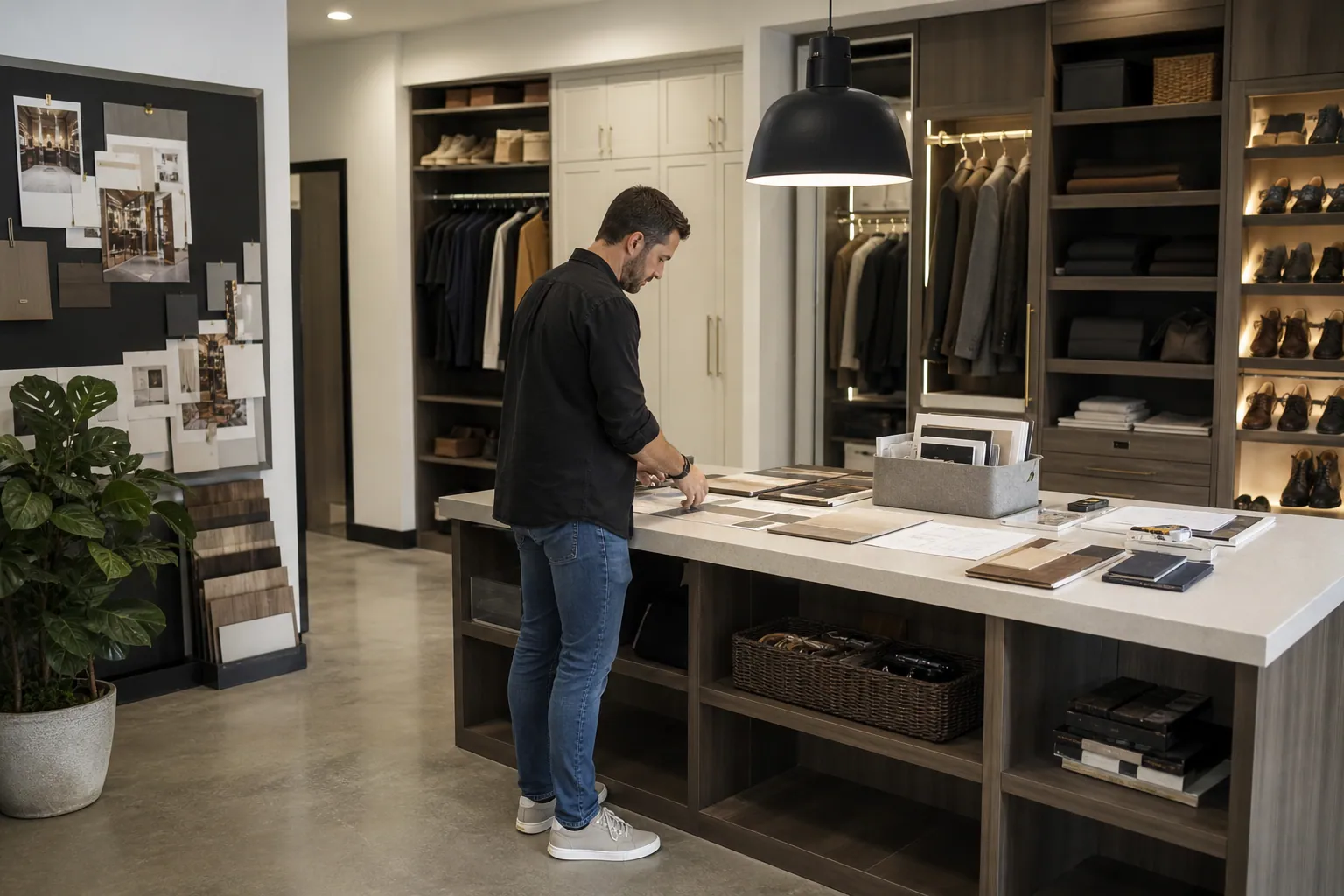
The Consult-Ready Pinterest Operator Playbook for Custom Closet Studios
Turn closet, pantry, and mudroom planning searches into better in-home design consultations with intent-led boards, useful Pins, and a simple weekly routine.
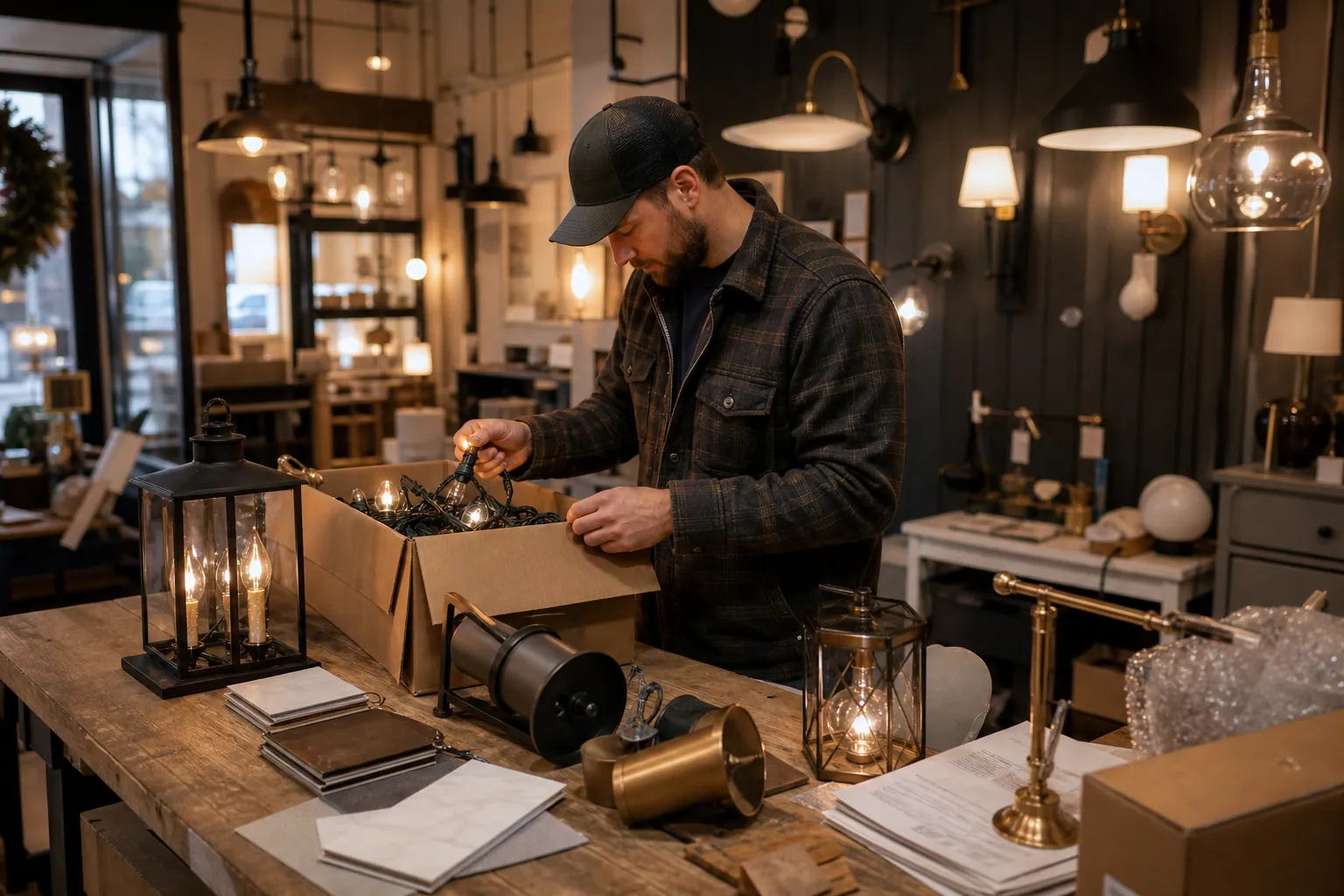
The October Pinterest Booking Desk for Holiday Light Installers
A practical Pinterest content operation for holiday light installers who need October searches to become profitable, route-ready installation bookings.

The Grant-Calendar Pinterest Content Desk for Self-Paced Courses
Turn real grant-writing questions into accurate Pinterest resources, email signups, and course discovery with a weekly publishing desk built to stay current.