The Consult-Ready Pinterest Operator Playbook for Custom Closet Studios
Turn closet, pantry, and mudroom planning searches into better in-home design consultations with intent-led boards, useful Pins, and a simple weekly routine.
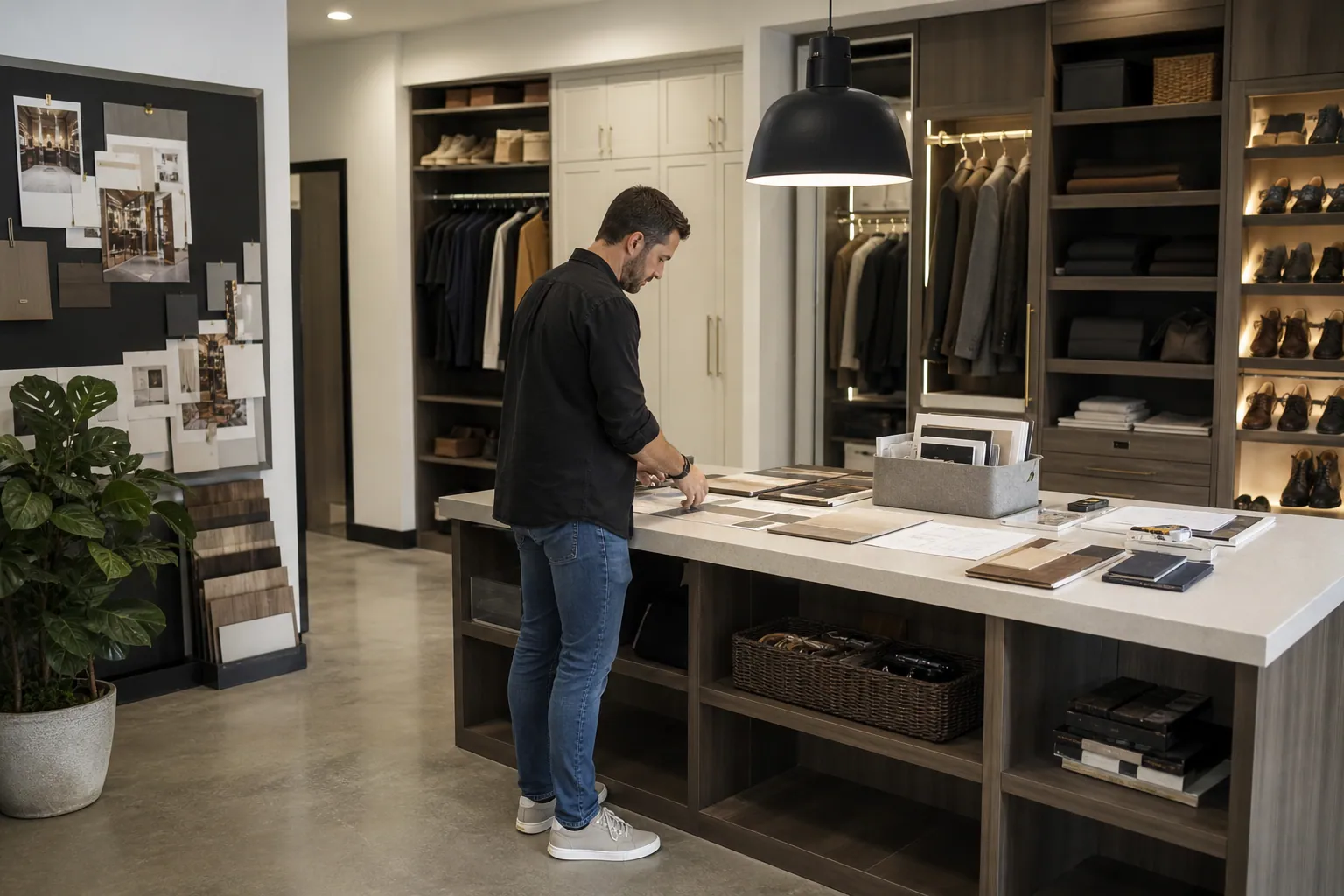
A custom closet studio finishes a beautiful walnut-and-cream pantry. The owner posts a polished reveal to Pinterest, gets 180 saves, and hears nothing for three weeks.
That is not necessarily a Pinterest failure. It is usually an intent mismatch.
The person saving a beautiful pantry may be collecting ideas for a future home, while the person who needs help with an awkward reach-in closet is actively trying to make a decision. A closet studio needs both audiences, but it should build its account around the second one: homeowners who are measuring, comparing, budgeting, or preparing to book a consultation.
Here is how I would run Pinterest for a local custom closet studio entering its fall and winter planning season.
Diagnose the gap between saves and consultations
Start with the last 60 to 90 days of Pins. Put each Pin into one of three intent groups.
| Intent group | What the person is trying to do | Useful Pin topics | Best destination |
|---|---|---|---|
| Visual discovery | Collect a look or room idea | Warm white pantry, modern mudroom, dark closet cabinetry | Project gallery or relevant collection |
| Planning | Solve a layout, storage, or process question | Reach-in closet layout, pantry zones, mudroom dimensions | Guide, planning page, or consultation explainer |
| Hiring | Find a provider and decide whether to inquire | Custom closet process, service area, project minimum, installation timeline | Local consultation page |
Most studios overproduce visual discovery Pins because finished rooms are easy to photograph. Yet planning content is what gives a prospective client a reason to leave Pinterest, understand the service, and take the next step.
Review four signals before making more content
Use Pinterest Analytics, site analytics, and your inquiry form to answer these questions:
- Which Pins earn outbound clicks, not just saves? A Pin about pantry shelf spacing may attract fewer saves than a dramatic reveal, but its clicks can be more valuable.
- Where do clicked visitors land? A generic portfolio page makes people hunt. A page about small reach-in closet design should show relevant layouts, explain the process, and offer the appropriate consultation.
- Which inquiries fit your minimum project size and service area? Add fields for ZIP or city, room type, timeline, and approximate project scope. This protects the calendar from low-fit leads.
- Which topics lead to a second meaningful action? Look for guide downloads, consultation-page views, form starts, and booked calls. Use Pinterest UTM tracking so these actions are attributable to a Pin theme.
A useful diagnosis might sound like this: “Our mudroom images get attention, but our best consultation-rate visits come from Pins about family entryway storage and the custom design process.” That is a decision. It tells you what to make next.
Give boards a job
Boards are navigation and context, not a warehouse for every image you have ever published. A lean closet-studio account can often begin with six focused boards:
- Reach-In Closet Planning
- Walk-In Closet Layout Ideas
- Pantry Storage and Butler’s Pantry Design
- Mudroom and Entryway Drop Zones
- Custom Closet Design Process
- Custom Closets in [Your Service Area]
Keep the board names close to phrases homeowners actually use. “Elevated Organization” may fit a brand mood, but it does not clarify whether the board helps someone plan a pantry, a nursery closet, or a whole-home project.
For each broad inspiration Pin you publish, try to publish two Pins that reduce a real decision: measurements, drawer choices, hanging zones, material comparisons, timelines, or consultation preparation.
A weekly Pinterest routine for a small design team
This should not require a full-time social media hire. The raw material already exists in site visits, design proposals, installation photos, and client questions.
Monday: collect one project’s useful facts (20 minutes)
Ask the designer or installer for a short project note before the details blur together:
- Room type and original constraint
- Approximate room dimensions, if permission allows
- What changed: more hanging space, better shoe storage, accessible drawers, hidden appliance storage
- Features that mattered: pull-outs, hampers, adjustable shelves, lighting, charging drawer
- Materials and finishes actually installed
- Permission status for photos and location references
- Whether the project represents a typical budget or an unusual one
Do not let a marketing assistant infer details from photos. A full-height cabinet may look like a pantry, but it could be a utility closet; a beautiful render may differ from the installed design.
Tuesday: choose one planning question and one proof point (30 minutes)
From that project note, produce two content angles:
- Planning question: “How should a narrow reach-in closet be divided for two people?”
- Proof point: “This 1960s hallway closet became a coat, cleaning, and sports-gear station.”
The first earns problem-aware search traffic. The second reassures a homeowner that the studio understands real constraints.
Write Pinterest pin titles in plain language. Strong titles describe the room, constraint, and outcome rather than only the aesthetic.
| Weak title | More useful title |
|---|---|
| Dream Closet Reveal | Small Reach-In Closet Layout With Double Hanging and Drawers |
| Pantry Goals | Pantry Storage Zones for Coffee, Snacks, and Small Appliances |
| Entryway Inspiration | Mudroom Drop Zone Ideas for Backpacks, Shoes, and Dog Walks |
Descriptions can add service-area context, a specific feature, and a reason to visit the page. They should not be a string of repeated keywords.
Wednesday: make four genuinely distinct Pins (45 minutes)
Create four vertical assets around the same underlying project or guide:
- A labeled project image showing the relevant zones.
- A simple before-and-after layout comparison.
- A decision graphic, such as “drawers vs. pull-outs for a pantry.”
- A process image explaining what happens during a design consultation.
Distinct means the visual idea and promise change. Swapping a background color or moving the same headline a few pixels is not a content strategy.
Use the actual room wherever possible. When a diagram is useful, label it clearly as an example layout, not a construction drawing or a promise that every home can accommodate it.
Thursday: match each Pin to a precise page (20 minutes)
A Pinterest visitor should not have to decode the next step.
A planning Pin can lead to a guide such as “How to Prepare for a Closet Design Appointment.” That page can include a room-measurement checklist, an explanation of installation timing, examples by room type, and a consultation option.
A project Pin can lead to a relevant portfolio case page. A local hiring Pin should lead directly to a service-area consultation page with:
- Cities served and any travel boundary
- The types of spaces you design
- A clear explanation of the consultation process
- A realistic starting point or qualification cue, where appropriate
- A short, mobile-friendly inquiry form
Apply a consistent UTM structure by topic and creative. For example, separate reach_in_layout, pantry_process, and mudroom_project so the team can see which intent produces serious inquiries.
If designers, photographers, and an office manager all contribute, a shared publishing queue such as PinPinMe can keep approved images, correct URLs, UTM-tagged destinations, and publish dates in one place.
Friday: make one small decision from the data (15 minutes)
Do not rebuild the account every week. Review content that has had enough time to circulate, then choose one action:
- Make another variation of a topic that produces qualified clicks.
- Improve a destination page with heavy traffic and weak form starts.
- Retire a board that has no clear homeowner purpose.
- Add a qualification question if a topic attracts the wrong project type.
- Refresh a strong seasonal Pin before the next planning period.
This is a much better use of time than publishing more generic “closet inspiration” images.
Four Pins a closet studio can use this month
These examples work because each answers a different stage of the homeowner’s decision.
1. The narrow closet planning Pin
Pin title: Small Reach-In Closet Layout: 5 Zones to Plan First
Visual: A real installed closet with understated labels for long hang, double hang, drawers, shelves, and hamper.
Destination: A guide that explains how to inventory clothing, take rough measurements, and decide what to bring to a consultation.
Why it works: It serves the person who has recognized a problem but is not ready to choose a provider yet.
2. The pantry friction Pin
Pin title: Pantry Storage Ideas for a Busy Family Kitchen
Visual: A pantry arranged around breakfast, lunch packing, snacks, baking, and small appliances—not just color-coordinated jars.
Destination: A pantry design page featuring functional zones, pull-out considerations, and local consultation details.
Why it works: It turns a pretty-room category into an operational household problem.
3. The budget-filter Pin
Pin title: What Changes the Cost of a Custom Closet Project?
Visual: A calm graphic showing room size, cabinetry, drawers, lighting, installation complexity, and material choices.
Destination: A transparent process page. It does not need to publish a universal price; it should explain the inputs that shape scope and invite a suitable inquiry.
Why it works: Cost research is a high-intent moment. Hiding from it hands the click to a competitor or a low-quality aggregator.
4. The local-proof Pin
Pin title: Mudroom Storage Design for [Neighborhood or City] Family Homes
Visual: A completed local project, with only location details you are permitted to share.
Destination: A local page with examples of home types served, the design process, service-area boundaries, and an inquiry form.
Why it works: It connects a planning idea to a real provider without pretending that every Pinterest user is ready to hire today.
Mistakes that make Pinterest busy but unproductive
Treating every finished room as a portfolio Pin
A gallery matters, but it rarely answers enough of a planning question on its own. Pair reveals with content about the constraint that produced the design.
Using beautiful photos that hide the room’s scale
A close crop of walnut drawers may look premium, but it does not help a homeowner picture a layout. Include at least one image that shows room context, circulation, or storage zones.
Sending every click to the homepage
Pinterest landing pages should continue the promise made in the Pin. A pantry Pin deserves a pantry page; a reach-in layout Pin deserves a reach-in planning resource.
Leading with trends instead of use cases
“Dark academia pantry” may be a fine creative detail, but “pantry storage for a small kitchen” is more likely to attract a homeowner with a project to solve. Style can support the message; it should not replace it.
Measuring only saves
Saves are a discovery signal, especially for long-consideration home projects. They are not proof of commercial value. Review saves alongside outbound clicks, on-page engagement, qualified inquiry rate, and booked consultations.
Publishing local claims without checking details
Never imply service in a city you do not cover, reuse an old project photo as if it is current inventory, or publish unapproved home details. Local trust is easy to lose and hard to rebuild.
The Friday operating checklist
Before you close the week, confirm:
- One completed project or client question was converted into usable content inputs.
- Each new Pin serves visual discovery, planning, or hiring intent.
- Pin titles name a room, constraint, or desired outcome clearly.
- Every image, feature claim, and local reference is accurate and approved.
- Each Pin points to a page that continues its specific promise.
- UTM tags identify the content topic and creative family.
- The consultation form captures service area, room type, and project timing.
- You reviewed qualified actions, not only impressions and saves.
- Next week’s topic comes from a real design, install, or repeated homeowner question.
A custom closet studio does not need to win Pinterest by posting the most rooms. It wins by becoming useful at the exact moment a homeowner shifts from “I like that” to “How would this work in my house?”
The October Pinterest Booking Desk for Holiday Light Installers
A practical Pinterest content operation for holiday light installers who need October searches to become profitable, route-ready installation bookings.

Pinterest Positioning for Newborn Photographers: 4 Routes Compared
Compare four Pinterest positioning routes for newborn photographers, then choose boards, Pins, and landing pages that lead to calmer, better-fit local inquiries.

From Nursery Mood Boards to Rug Orders: A Pinterest Operator Playbook
A practical Pinterest routine for nursery rug shops that need room-planning saves to become qualified collection visits, confident carts, and fewer wrong-size orders.

The AI Consultation-Note Pinterest Desk for Landscape Lighting Designers
Turn site-walk notes, before-and-after photos, and homeowner questions into accurate Pinterest content—without letting AI invent project claims or local pricing.
The 48-Hour Pinterest Tool Stack for Estate Sale Companies
A practical Pinterest tool audit for estate sale companies that need evergreen local leads without sending shoppers to sold-out inventory or expired sale pages.

The Collection-to-Enrollment Pinterest Desk for Surface Pattern Design Courses
A copyable Pinterest content operation for surface pattern design educators who want sketchbook searches to become useful email subscribers and course enrollments.