Case Study Memo: How a Fence Contractor Turned Pinterest Saves Into Better Estimate Requests
A composite case study of a residential fence company that replaced generic backyard inspiration Pins with planning content designed to produce local, estimate-ready leads.
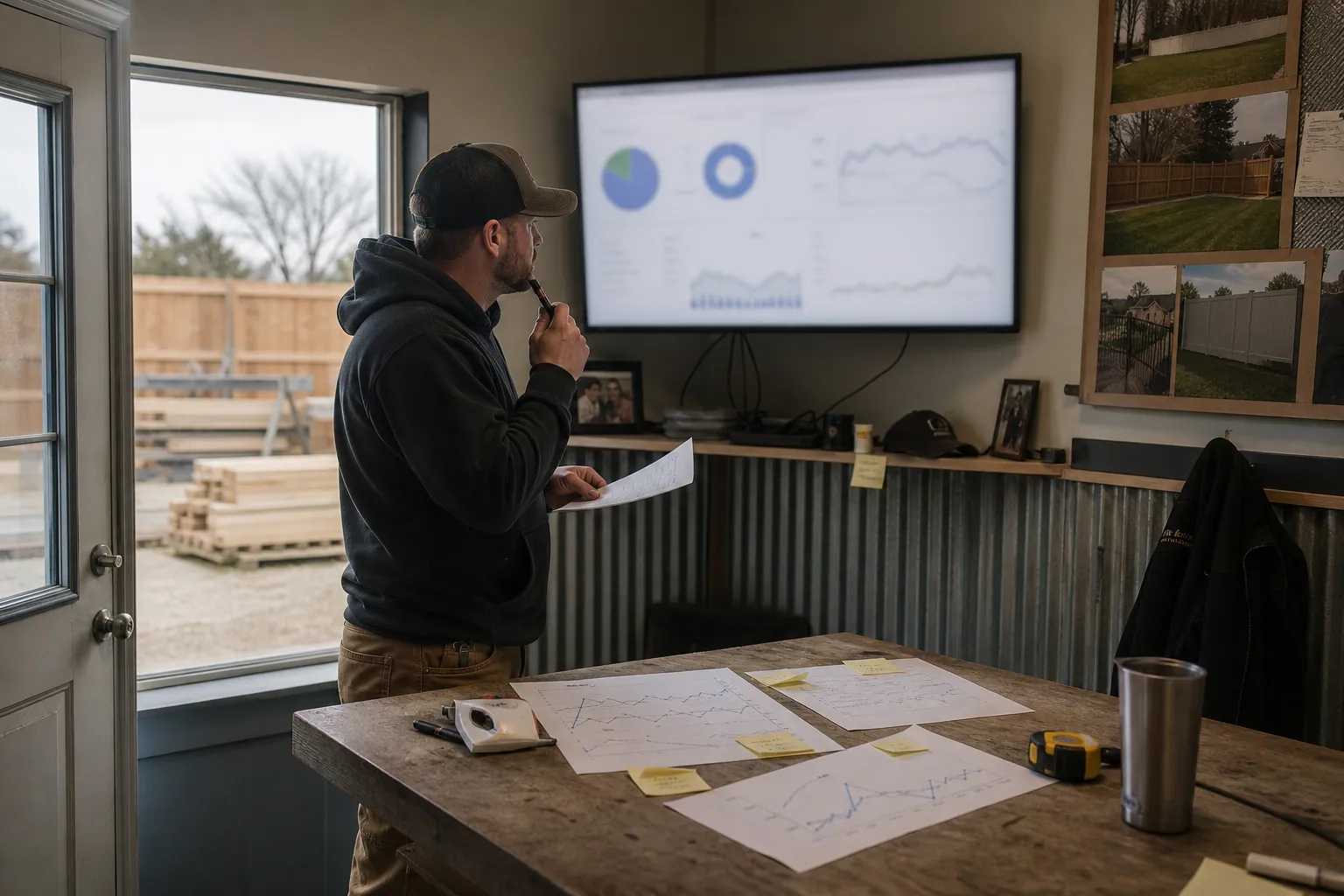
Strategic thesis: Pinterest should resolve a fence decision before it displays a fence
A residential fence company with two installation crews had a familiar Pinterest problem: its finished-project photos were attractive, saved often, and produced little evidence of local estimate demand.
The strategic shift was simple. Stop treating Pinterest as a gallery of completed work and use it as an early planning channel for homeowners asking practical questions:
- What kind of privacy fence works on a sloped yard?
- How wide should a double gate be for a mower or trailer?
- Is wood or vinyl the better fit for a windy, freeze-thaw climate?
- What needs to be decided before requesting a fence estimate?
This case memo is a composite based on common operator patterns, not a claim about one client’s results. Its core lesson is useful for any local contractor: a Pin earns a better lead when it helps a homeowner define the project they need, then makes the next local step obvious.
For this company, the goal was not to make Pinterest its primary source of leads. It was to establish a durable source of spring-project planning traffic during the fall and winter research window.
The before state: plenty of proof, no decision path
The contractor’s initial account was built around completed projects:
- cedar privacy fence reveal
- black aluminum pool fence installation
- backyard before-and-after
- custom gate close-ups
- general “backyard fence ideas” boards
Those images still had a job. They demonstrated craftsmanship and gave a future customer confidence.
But a homeowner saving “25 backyard fence ideas” may live anywhere, have no timeline, and be looking for landscaping inspiration rather than an installer. The account had visual proof without a useful bridge to a local consultation.
A representative six-week comparison made the gap visible:
| Pin group | Impressions | Saves | Outbound clicks | Estimate-form starts |
|---|---|---|---|---|
| 12 completed-project Pins | 38,000 | 740 | 54 | 1 |
| 9 planning-led Pins | 17,000 | 105 | 166 | 11 |
The planning Pins reached fewer people, but their clicks were substantially more purposeful. That is a trade worth making for a service business with limited crew capacity.
Four routes considered—and the tradeoffs
The operator considered four content routes rather than immediately publishing more often.
| Route | Best use | Main weakness | Decision |
|---|---|---|---|
| Finished-project gallery | Establishes taste, materials, and workmanship | High save volume can disguise weak local intent | Keep as supporting proof |
| Broad backyard inspiration | Reaches a wide audience | Attracts DIY, out-of-area, and non-fence browsing | Use sparingly |
| Cost-focused Pins | Captures buyers evaluating budgets | Can create price-shopping inquiries if the page is too vague | Use with clear cost variables |
| Project-planning Pins | Helps homeowners make decisions before hiring | Requires useful landing pages, not just a contact form | Make this the primary route |
The winning mix was 60% planning content, 25% material and installation proof, and 15% local-service reassurance.
That last category matters. A Pin about gate clearance can earn a click from anywhere. The landing page needs to quickly say where the contractor works, which project types it takes on, and what happens during an estimate visit.
The replacement: a “plan before you quote” content set
Instead of inventing broad fence content, the team started with questions already appearing in estimates, site visits, and customer emails.
The resulting landing pages were intentionally modest. Each page answered one decision, showed two or three real project photos, noted that property lines, permits, utility marking, and code requirements vary by location, and ended with a service-area estimate request.
The five pages that carried the test
Privacy fence planning checklist for a backyard project
Included yard measurements, gate needs, pets, grade changes, neighbor conversations, and what to bring to an estimate appointment.Wood vs. vinyl privacy fence: how to choose for your yard
Compared appearance, maintenance expectations, repair considerations, wind exposure, and budget variables without declaring a universal winner.Fence gate sizing guide for mowers, bins, and side-yard access
Helped homeowners articulate why a standard walk gate might not work for their property.How a sloped yard changes a fence layout
Explained the difference between stepped and racked approaches using annotated project photos.What affects the cost of a backyard fence in [service area]
Covered linear footage, materials, gates, grade, removal, access, and local requirements. It avoided a misleading one-number price promise.
Each page created several Pin angles. The cost guide alone produced Pins such as:
- “7 Details That Change a Privacy Fence Estimate”
- “Planning a Backyard Fence? Measure These 4 Things First”
- “Why Two Similar Fences Can Have Different Installation Costs”
These Pinterest pin titles are specific enough to set expectations before the click. The descriptions reinforced the subject, mentioned the service area where appropriate, and described the practical outcome rather than piling on keywords.
What the team measured instead of saves
Saves remained visible, but they moved off the main scorecard. The company had only two crews; more unqualified demand was not a win.
Its weekly review tracked five signals.
1. Local, high-intent outbound clicks
Use UTM tracking on every Pin. A simple convention was:
utm_source=pinterest
utm_medium=organic
utm_campaign=fence-planning
utm_content=sloped-yard-v1
In analytics, compare sessions by Pin topic, not only by overall Pinterest traffic. A gate-sizing Pin and a backyard-inspiration Pin should not be expected to perform the same job.
2. Estimate-form starts and completions
Track both. A high number of starts with few completions may point to a long form, a weak mobile page, or a Pin that made a promise the page did not fulfill.
3. Qualified inquiry rate
The office labeled an inquiry qualified when it met three conditions:
- property was inside the service area;
- the sender owned the property or could authorize the project; and
- the project had a viable installation timeline and scope.
This is more actionable than raw lead volume.
4. Estimate-to-contract rate by entry page
The real question was not, “Which Pin got the most clicks?” It was, “Which entry page led to estimate visits that became contracts?”
A cost guide may produce fewer inquiries than a gallery Pin but generate a better conversation because the homeowner already understands key variables.
5. Time from first click to inquiry
Fence projects are often planned weeks or months before installation. Review a 30-, 60-, and 90-day window where possible. Do not discard a planning Pin after three days because it has not created an immediate form fill.
The important tradeoff: cost content filters and attracts shoppers
The operator initially worried that publishing a cost page would attract only bargain hunters. That can happen when the page offers a vague price range and nothing else.
The revised page framed cost as a planning tool. It explained what changes a quote and gave visitors a checklist for gathering better information before contacting a contractor.
That approach did two things:
- It filtered out people who expected an instant fixed price without a site assessment.
- It gave serious homeowners language for discussing their project with the estimator.
The office reported fewer “How much for a fence?” emails with no dimensions or address, and more requests that included a material preference, gate need, rough footage, or timeline.
That is operational value even before Pinterest conversion tracking can connect a completed contract to a specific click.
A 30-day rollout for a local fence company
The purpose of the first month is to validate a useful content direction, not build a massive account.
Days 1–4: collect the decisions hiding in the sales process
Ask the estimator and office coordinator for:
- the 15 questions customers ask before a site visit;
- five reasons quotes change after measurement;
- three project types the company wants more of;
- service ZIP codes and locations it does not serve; and
- photos that can be accurately tied to a project type.
Do not use customer images, property details, or permit claims without approval. Remove house numbers and avoid implying that one project’s requirements apply to every municipality.
Days 5–9: build two decision pages
Start with one high-volume question and one high-intent question:
- a privacy-fence planning checklist; and
- a gate-sizing or sloped-yard guide.
Make the estimate request visible after the useful information—not before it. Add service-area language close to the form and on mobile.
Days 10–15: create 12 Pin concepts, not 12 nearly identical graphics
For each page, make six distinct angles:
- a checklist;
- a common mistake;
- a before/after layout explanation;
- a material decision;
- a measurement prompt; and
- a project timeline question.
Use real annotated photos when possible. An image of a gate beside a mower, with a simple clearance callout, is more credible than a generic stock backyard.
If the team needs a shared queue for Pin briefs, approved images, destination URLs, and UTM labels, a lightweight tool such as PinPinMe can reduce the usual wrong-link and duplicate-Pin mistakes.
Days 16–23: publish in focused groups
Publish the Pins to tightly relevant boards, such as:
- Backyard Privacy Fence Planning
- Fence Gates and Yard Access
- Sloped Yard Fence Ideas
- Wood and Vinyl Fence Decisions
Avoid creating a board for every city. A local Pinterest marketing account needs useful topical organization first; location qualification happens through the destination page, service-area statement, and inquiry form.
Days 24–30: review the first signals and choose a second page
Do not choose based on impressions alone. For every Pin, record:
| Pin | Destination | Clicks | Form starts | Qualified inquiries | Next action |
|---|---|---|---|---|---|
| Sloped-yard layout | Layout guide | Refresh, expand, or pause | |||
| Gate clearance | Gate guide | Refresh, expand, or pause | |||
| Cost variables | Cost guide | Refresh, expand, or pause |
At the end of the month, build the next page from the topic with the strongest combination of qualified clicks and sales-team usefulness. For many contractors, that will be a material comparison, pool-fence planning page, or removal-and-replacement guide.
The operating lesson
The company did not stop showing beautiful fences. It stopped asking beautiful fences to perform every marketing job.
Project photos were retained for credibility. Planning Pins became the discovery engine. Local landing pages and disciplined Pinterest UTM tracking made it possible to see whether that discovery created work the crews actually wanted.
For a fence contractor, the best Pinterest content rarely begins with “Look what we built.” It begins with, “Here is how to make the next backyard decision with less uncertainty.”

Case Study: How a Garage Floor Coating Contractor Turned Pinterest Saves Into Site Visits
A composite teardown of a garage floor coating company that traded broad inspiration Pins for planning content, local pages, and more estimate-ready Pinterest traffic.
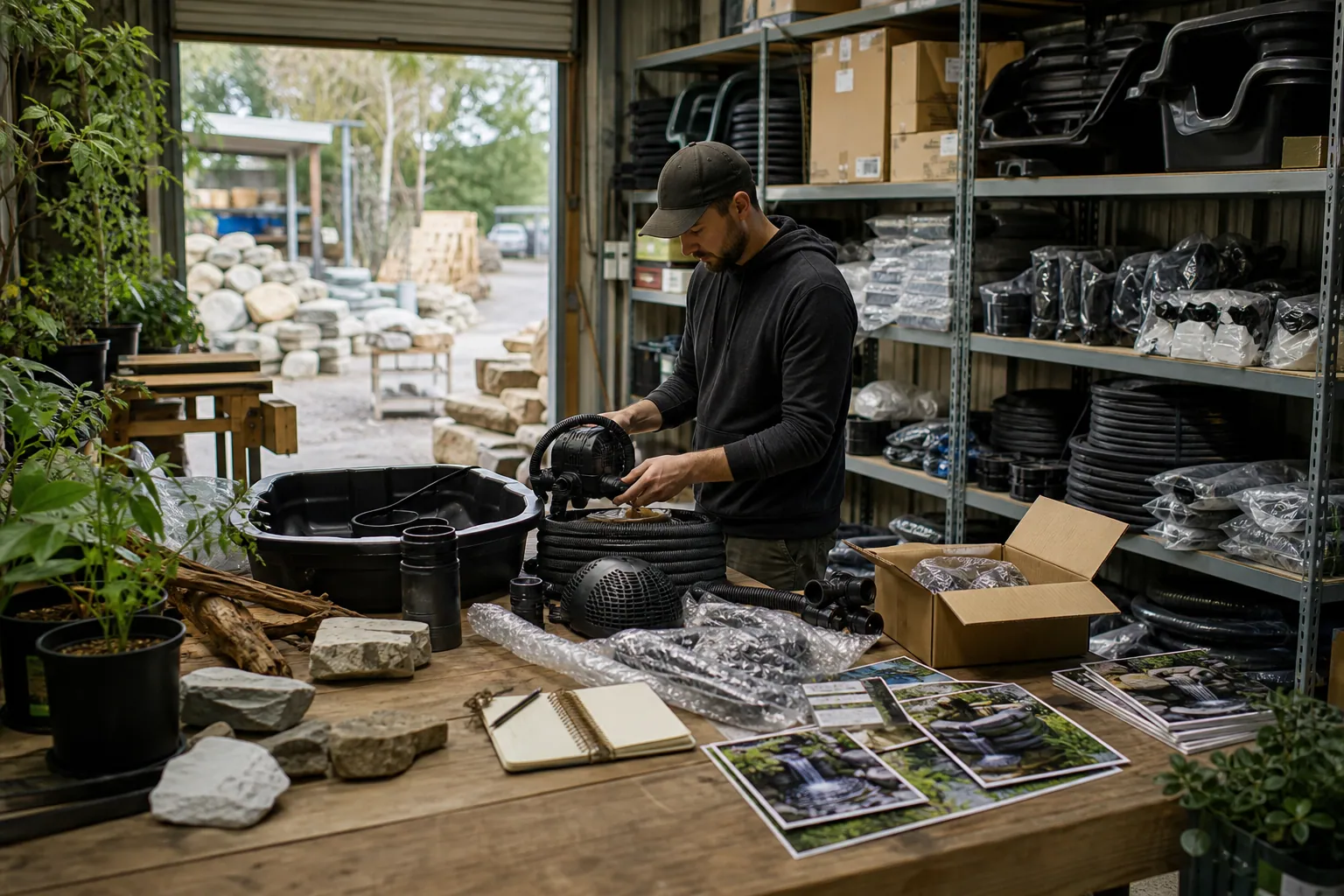
Case Study: How a Pond Kit Shop Turned Waterfall Saves Into Kit Orders
A composite Pinterest teardown of a backyard pond retailer that replaced pretty-waterfall traffic with sizing, planning, and kit-selection content that produced stronger carts.

Case Study: Which Pinterest Pins Sold Custom Address Stamps—Wedding, Moving, or Gift Guides?
A composite case study of a custom address-stamp shop comparing product Pins, wedding content, moving guides, and gift pages to find a profitable Pinterest mix.

Case Study: A Cottage Food Course’s Pinterest Shift From Recipe Saves to Enrollments
A composite teardown of a cottage food educator who replaced recipe-heavy Pins with compliance, pricing, and preorder content that produced more course-ready leads.

The October Pinterest Booking Desk for Holiday Light Installers
A practical Pinterest content operation for holiday light installers who need October searches to become profitable, route-ready installation bookings.

The AI Consultation-Note Pinterest Desk for Landscape Lighting Designers
Turn site-walk notes, before-and-after photos, and homeowner questions into accurate Pinterest content—without letting AI invent project claims or local pricing.