The Backyard Office Budget Funnel for Custom Shed Builders
Turn Pinterest searches for backyard offices into better estimate requests with a site-readiness tool, a short email sequence, and a weekly publishing routine.

A custom shed builder opens Pinterest Analytics on Monday and sees a familiar pattern: saves on backyard office ideas are climbing, but estimate requests are not.
The company serves a 75-mile radius, builds insulated backyard studios, and has room for six projects this fall. Its existing pins lead to a gallery full of beautiful finished sheds. Visitors admire the photos, then leave without knowing whether a studio will fit their lot, their budget, or local rules.
The fix is not a more aggressive “Request a Quote” button. It is a funnel that helps a homeowner make the first planning decision: Is a backyard office practical on my property?
This operator playbook shows how a local custom shed builder can turn Pinterest search intent into better email leads and more estimate-ready consultations.
Diagnose the gap between inspiration and an estimate request
Pinterest users looking for “backyard office ideas” are often early in a long decision. They may be comparing uses—a work studio, gym, guest room, or teenager hangout—before they know their setbacks, utility needs, access constraints, or budget.
A project gallery is useful proof, but it asks a cold visitor to skip several decisions and request an estimate immediately. That is why it often earns saves without inquiries.
Start by reviewing the last 30 to 60 days of Pinterest traffic alongside form submissions. Segment every destination page into one of three jobs.
| Page job | Typical visitor question | Best next action |
|---|---|---|
| Inspire | “What could this look like?” | Browse a relevant project gallery |
| Plan | “What size, features, and site conditions should I consider?” | Download a planning tool |
| Buy | “Can this builder do my project, near me?” | Request a site consultation |
If most Pins go to “Inspire” pages, the missing middle is “Plan.” Build one asset for that middle stage before expanding the content calendar.
Choose a lead magnet that improves the eventual quote
For this business, use a Backyard Office Site-Ready Scorecard rather than a generic design ideas PDF.
The scorecard can ask homeowners to collect:
- Intended use and number of weekly users
- Approximate available footprint
- Gate, side-yard, or crane access notes
- Distance from the house and likely electrical route
- HOA or neighborhood approval status
- Desired installation season
- A comfortable project investment range
Keep it to two pages, with clear disclaimers that property rules and site conditions must be verified. The point is not to replace a survey, permitting advice, or an on-site assessment. It gives homeowners a useful first step and gives the sales team context before a call.
Gate the download with name, email, ZIP or postal code, and one optional question: “What would the space primarily be used for?” ZIP is essential. A beautiful national audience does not fill a local installation schedule.
Define one conversion path
Use a clean route:
Pinterest Pin → local planning page → Site-Ready Scorecard → email sequence → consultation request
Do not send every Pin to the homepage. Do not make every visitor choose among a gallery, financing page, contact form, and seven services. One Pin should match one planning question and one next action.
A useful landing page includes:
- A headline that names the use case: “Planning a backyard office in [service area]?”
- Three to five facts the scorecard helps them gather.
- A photo of a real completed project with an accurate caption.
- A plain explanation of who the builder serves and where.
- The short form and a privacy note.
- A secondary consultation link for visitors who are already ready.
Use Pinterest UTMs that preserve both the topic and creative. For example:
?utm_source=pinterest&utm_medium=organic&utm_campaign=backyard_office&utm_content=cost_access_pin_a
That lets you distinguish “backyard office cost” traffic from “small garden studio” traffic in your analytics, rather than treating Pinterest as one undifferentiated channel.
Run the weekly builder-to-Pinterest routine
This should fit inside a 90-minute marketing block plus 20 minutes from the estimator or project manager. The marketing person should never invent technical claims; the building team supplies the project facts and approves them.
Monday: collect one real buyer question
Ask the estimator for the question that delayed, qualified, or disqualified a recent inquiry. Examples:
- “Will a prebuilt studio fit through a narrow side yard?”
- “How much space does a two-desk office need?”
- “Can we use the structure year-round?”
- “What should we decide before requesting an estimate?”
Choose one question with a clear answer that does not require pretending every property is identical. This becomes the week’s content theme.
Tuesday: build a page and scorecard update
Create or refresh a planning page that answers the question in practical terms. For an access theme, explain the variables: gate width, slope, turns, overhead clearance, assembly approach, and when a site visit is needed.
Add a short section to the scorecard if the question repeatedly appears in consultations. Over time, the download becomes a better pre-qualification asset because it reflects real sales conversations.
Wednesday: make a small Pin family
Create three to four Pins for the same planning page. Each should take a distinct angle, not just use different colors.
For “backyard office access,” the Pin family could be:
- Can a Backyard Office Fit Through Your Side Yard? — a diagram-led creative
- 5 Access Details to Check Before Pricing a Garden Studio — a checklist creative
- Backyard Office Delivery vs. On-Site Build: What Changes? — a comparison creative
- Planning a Backyard Office in [Service Area]? Start With This Site Checklist — a locally explicit creative
Use a large, legible promise on the image. Put the specific search phrase in the Pin title naturally, then use the description to clarify the audience, service area, and destination. This is practical Pinterest SEO, not a place to pile every related phrase into one caption.
Thursday: schedule with a capacity check
Before publishing, check three business constraints:
- Is the installation calendar open for the period named in the Pin?
- Does the page accurately state the service radius?
- Can someone reply to scorecard leads within one business day?
A lightweight publishing queue helps when the owner is collecting site photos, the estimator is approving details, and someone else is scheduling Pins. PinPinMe can be useful here for organizing approved Pin variations and keeping destination URLs consistent across a batch.
Publish to tightly relevant boards such as “Backyard Office Planning,” “Garden Studio Ideas,” and “Small Yard Workspaces.” Avoid creating a board for every suburb. The landing page, Pin copy, form ZIP field, and follow-up do the geographic qualifying.
Friday: review lead quality, not vanity totals
Review a compact table every Friday:
| Metric | What it tells you | Suggested action |
|---|---|---|
| Outbound clicks by UTM content | Which planning question earns a visit | Reuse the winning topic with a new angle |
| Landing-page download rate | Whether the offer matches the Pin promise | Rewrite the hero or make the tool more specific |
| In-service-area lead rate | Whether traffic is geographically usable | Put the service area higher on Pins and pages |
| Scorecard-to-consult rate | Whether leads are becoming sales conversations | Tighten the email invitation or qualification question |
| Consults with feasible sites | Whether the funnel improves sales efficiency | Keep the content theme in rotation |
Do not judge a Pin after 48 hours. Review it after enough time for clicks and email follow-up to occur, then compare it with Pins serving the same intent.
Three content-to-revenue examples
1. The cost question: answer without publishing a fake price
A Pin titled “What Changes the Cost of a Backyard Office?” leads to a planning page explaining the main cost drivers: size, insulation level, windows, electrical route, access, foundation approach, interior finish, and local approvals.
The page offers the Site-Ready Scorecard. Downloaders receive an email titled “Your backyard office planning checklist, plus the 3 details builders need first.” The second email includes two contrasting, real project examples described by scope rather than misleading starting prices. The third asks them to reply with their ZIP and desired timeframe or book a site consultation.
This path meets an early-stage searcher where they are, while making the consultation invitation feel earned.
2. The narrow-yard question: turn a constraint into a qualifier
A Pin showing a simple access-measurement diagram leads to “How to Measure Side-Yard Access for a Backyard Studio.” The page offers a printable access worksheet.
The form asks for the narrowest measured point. In the follow-up email, explain that the team reviews access during a consultation and include a direct booking link.
This does not eliminate site visits. It prevents the sales team from spending first calls explaining why a 42-inch opening matters.
3. The work-from-home question: connect inspiration to project scope
A Pin titled “Backyard Office Layout: One Desk vs. Two Desks” sends visitors to a page with simple space-planning diagrams, furniture-clearance considerations, and a scorecard CTA.
The thank-you page can offer a gallery filtered by workspace size. The first email asks, “Will the room support one person, two people, or work plus guest use?” That answer helps route a subscriber to relevant proof and gives the estimator a more useful opening for the next conversation.
Mistakes that make this funnel quietly underperform
Offering a broad inspiration freebie
“25 Backyard Shed Ideas” may earn email addresses, but it does little to identify local buyers with a buildable project. A planning tool should make a real decision easier and reveal a useful constraint.
Hiding geography until the booking page
A local builder cannot avoid out-of-market clicks entirely. They can avoid wasting the visitor’s time by naming the service region in the Pin description, landing-page headline, and form.
Treating every download as sales-ready
A homeowner may download in August and build next spring. Keep the email sequence short and helpful, then send occasional seasonal notes: fall site-access considerations, winter planning windows, or an update on consultation availability. Do not force a hard sell after one download.
Promising technical outcomes that depend on a site visit
Avoid broad claims about permits, utility connections, year-round use, property value, or final cost. Explain variables, use real project details only with permission, and make the limits of general guidance clear.
Making only finished-project Pins
Finished studios establish taste and trust. They rarely answer every pre-purchase question. Maintain a mix: roughly one proof Pin, two planning Pins, and one consultation-oriented Pin for each active topic.
Operating checklist
Before next Friday, complete this small build:
- Pick one backyard-office question from recent estimates.
- Create a two-page Site-Ready Scorecard with a ZIP field.
- Publish one local planning page matched to that question.
- Make three Pins with different angles and one destination URL.
- Add UTM labels for topic and creative variation.
- Write a three-email follow-up that helps first and invites a consultation second.
- Review clicks, local lead rate, consultation rate, and site feasibility—not saves alone.
A backyard office project is rarely an impulse purchase. Pinterest can still create revenue when the content acknowledges the planning work between “I want this” and “please price my site.”

The Collection-to-Enrollment Pinterest Desk for Surface Pattern Design Courses
A copyable Pinterest content operation for surface pattern design educators who want sketchbook searches to become useful email subscribers and course enrollments.

Strategy Memo: Build a Pinterest Revenue Ladder for Chicken Coop Plan Sellers
Turn coop-size, winter ventilation, and predator-control searches into plan sales without forcing every Pinterest visitor into the same email funnel.

The October Pinterest Funnel for Royal Icing Template Shops
Turn holiday cookie-planning searches into template sales with a two-lane Pinterest funnel for ready buyers and beginner decorators.
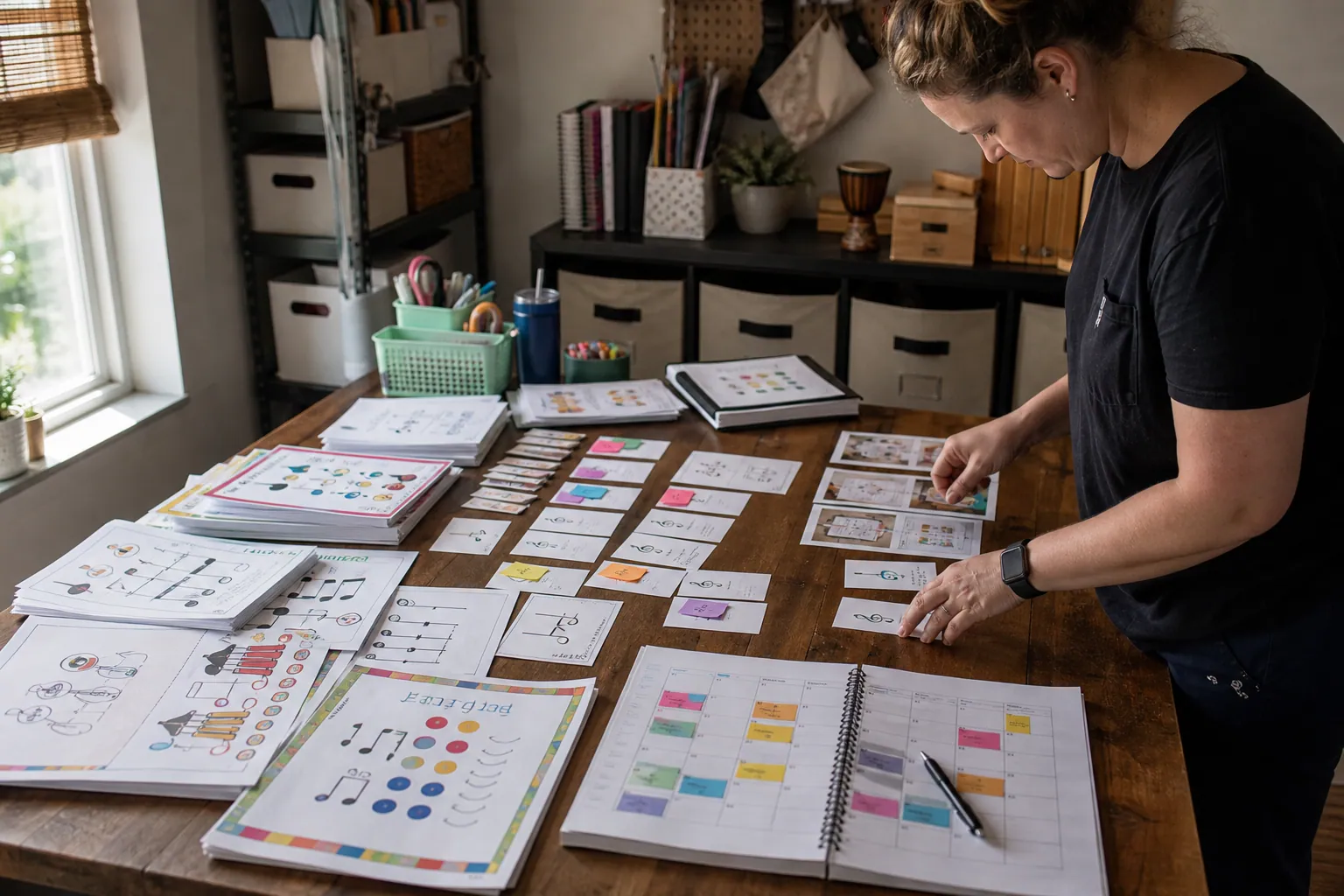
Case Study: How an Elementary Music Printable Shop Turned Pinterest Freebies Into Bundle Sales
A composite teardown of a music printable seller that stopped sending every Pinterest visitor to one freebie and built intent-led paths to bundle sales.

The Consult-Ready Pinterest Operator Playbook for Custom Closet Studios
Turn closet, pantry, and mudroom planning searches into better in-home design consultations with intent-led boards, useful Pins, and a simple weekly routine.

Pinterest SEO for Backyard Greenhouse Kit Shops
A practical weekly Pinterest SEO routine for greenhouse kit sellers turning foundation, placement, and size questions into qualified spring catalog traffic.