Case Study: The Project-First Pinterest Rebuild for a Stained-Glass Supply Shop
A composite case study showing how a small stained-glass supply shop can turn workshop notes, inventory, and maker questions into a maintainable Pinterest content operation.
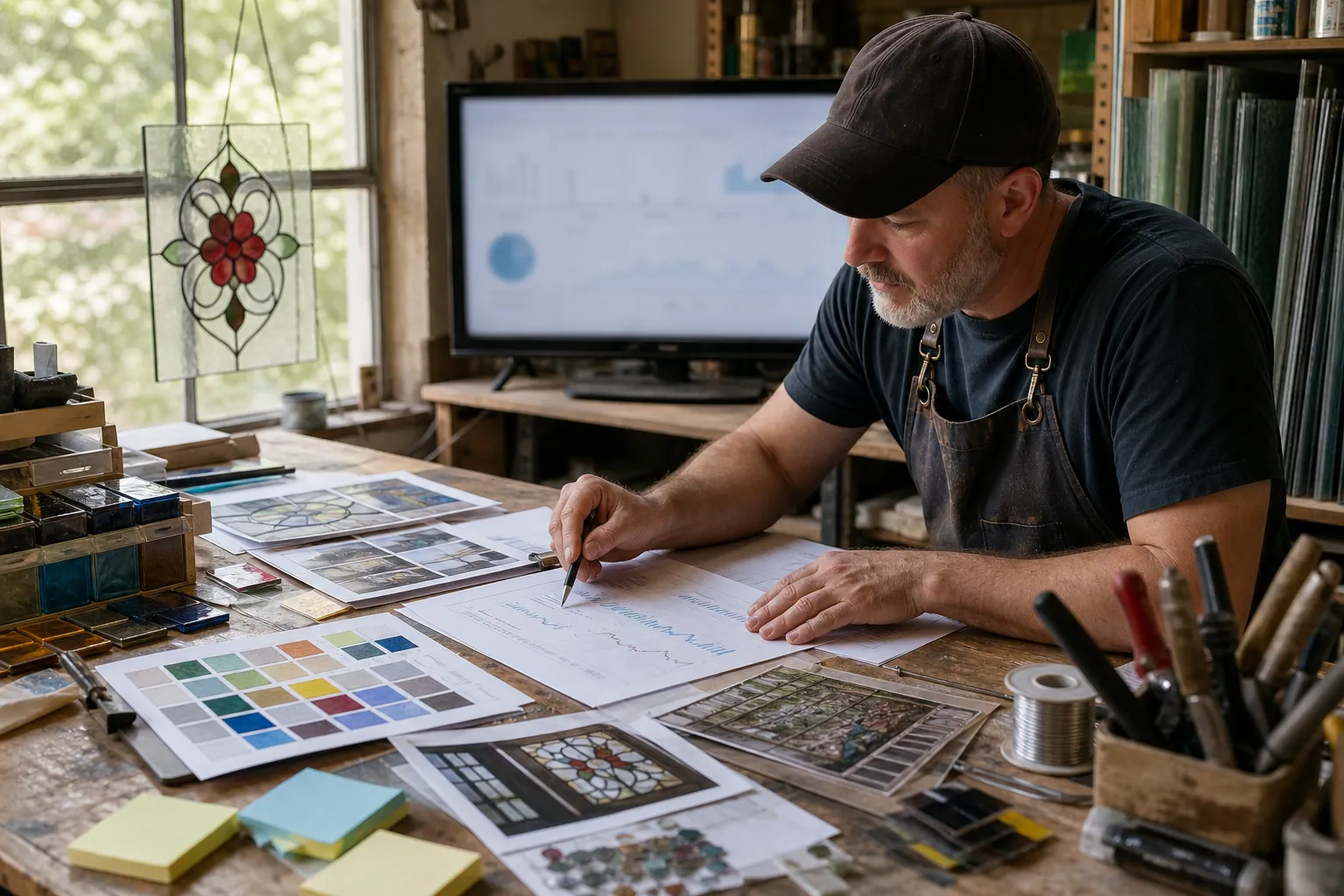
A stained-glass supply shop has a Pinterest advantage that its daily operations often hide: every beginner question, workshop handout, pattern launch, and restock is material for useful discovery content.
The problem is that these inputs rarely arrive in a neat content calendar. They live in customer emails, instructor notes, product spreadsheets, and a founder’s camera roll. The result is a familiar cycle: make a few beautiful Pins when time allows, link them to a general shop page, then lose momentum when orders get busy.
This composite case study follows a small online stained-glass supplier rebuilding that process around projects rather than individual SKUs. It is an operating model, not a promise of specific results. The numbers and business details are illustrative, but the constraints are real: limited photography time, changing inventory, safety-sensitive advice, and a catalog too broad to feature all at once.
The starting problem: attractive Pins with no next decision
The shop’s original Pinterest presence was built from product photos:
- a photo of teal cathedral glass linked to its product page;
- a photo of a soldering iron linked to a collection;
- a finished sun catcher with no clear project route;
- a seasonal color palette that drew saves but little catalog exploration.
Nothing was wrong with the images. The gap was shopper intent.
A person searching beginner stained glass tools has not yet decided which iron to buy. Someone searching copper foil vs lead came needs a choice explained before they need a shopping cart. A maker looking for stained glass patterns for beginners may need glass, foil, and a project pattern—but only if the landing page helps them assemble the right combination.
The rebuild changed the primary question from:
“Which products should we pin this week?”
To:
“Which project decision can we help a beginner make this week?”
That small change gave every Pin a useful destination and gave the operator a way to select content without relying on inspiration.
The content inventory: six inputs, one planning board
The owner did not begin with keyword tools or a giant list of post ideas. First, they collected material the shop already created while serving customers.
| Input | Where it came from | What it became on Pinterest |
|---|---|---|
| Repeated pre-purchase questions | Support inbox and workshop registration emails | Decision Pins and beginner guides |
| Instructor notes | Introductory copper-foil classes | Step-by-step project Pins |
| Best-selling project combinations | Order history | Curated product collection pages |
| New patterns and workshop samples | Designer and teacher submissions | Project-specific Pins |
| Stock and lead-time report | Ecommerce platform | Eligible products for featured collections |
| Search language | Pinterest search suggestions and site search | Pin titles, Pinterest descriptions, and board labels |
The owner put each potential item into a simple planning board with seven fields:
- Maker moment: What is the customer trying to do?
- Primary Pinterest search intent: What would they plausibly type?
- Helpful page: Guide, project page, collection, or individual product page?
- Featured products: Which in-stock items genuinely support the project?
- Visual source: Workshop photo, process image, flat lay, finished piece, or diagram?
- Pin angle: Question, comparison, checklist, outcome, or project preview?
- Status: Draft, fact check, designed, scheduled, published, or due for review.
This is the point where Pinterest content planning becomes manageable. The shop no longer has to invent a new idea every Tuesday. It chooses from reviewed inputs already tied to a destination.
The project map that replaced the SKU calendar
The shop divided its Pinterest content into three lanes. Each lane had a different job.
1. Start: help a curious beginner choose a first project
These Pins linked to pages such as:
- Beginner stained-glass tools: what to buy first
- A first sun catcher project supply list
- Copper foil starter kit comparison
- Glass cutter basics for new makers
The first-project collection page was especially important. Rather than asking a new maker to navigate 400 glass sheets and 50 tools, it grouped a small set of compatible items with clear quantities and substitutions.
A Pin titled “First stained-glass sun catcher: supplies to gather before class” could send a beginner to one useful page, rather than a generic catalog homepage.
2. Decide: resolve a material or technique choice
These Pins met mid-funnel research intent:
- Copper foil vs lead came for small panels
- Transparent vs opalescent glass in window light
- How to choose glass colors for a beginner pattern
- When a pre-cut kit is easier than cutting your own glass
These comparison pages do not need to force a sale. Their purpose is to make a choice clearer. That is also why they often earn more valuable outbound clicks than a stand-alone product image.
3. Make: show a doable project and the parts behind it
This lane turned finished work into a buying route:
- Fall leaf sun catcher pattern and palette
- Beginner geometric panel with three glass colors
- Small stained-glass ornament project
- How to select a border glass for a simple panel
Every project page listed the materials used, alternatives when an item sold out, and the skill level. It was useful content first, but it also created a natural path to the catalog.
A weekly production cadence a two-person shop can sustain
The first version of the plan called for daily posting. It failed in week two because it competed with fulfillment and workshop preparation.
The revised cadence was smaller: four new original Pins per week, built in one 90-minute batch, plus a short maintenance check. Consistency came from narrowing the unit of work, not producing more assets.
| Day | Time | Task | Output |
|---|---|---|---|
| Monday | 15 minutes | Check inventory, upcoming classes, support questions, and seasonal projects | Two eligible content tickets |
| Tuesday | 45 minutes | Write copy and design four Pins from the two tickets | Four distinct creative assets |
| Wednesday | 15 minutes | Verify safety claims, URLs, and product availability | Approved batch |
| Thursday | 15 minutes | Schedule and tag links | Four scheduled Pins |
| Friday | 10 minutes | Review last month’s published Pins | One keep, refresh, or retire decision |
The batch could look like this:
Ticket A: Copper foil vs lead came
- “Copper foil vs lead came: which is easier for a first project?”
- “Choosing a stained-glass method for small sun catchers”
Ticket B: Fall leaf project
- “Beginner stained-glass leaf: a three-color glass palette”
- “Make a fall leaf sun catcher with this starter supply list”
The Pins point to two different pages, and each offers a genuinely different entry point. That is better than publishing four nearly identical graphics linked to the same collection on the same day.
For a small team, a dedicated planning queue can reduce the handoff clutter. A tool such as PinPinMe is most useful here when it lets the operator keep the creative, destination URL, UTM, board, and approval status together before scheduling.
The review gate that protected trust and conversion
Stained glass is not a category for loose, auto-generated advice. The shop added a review gate between design and scheduling because an attractive Pin with wrong technical guidance creates returns, safety problems, and lost trust.
Every Pin had to pass these five checks.
Accuracy
- Does the project use the materials named?
- Does the comparison avoid declaring one method “best” for every maker?
- Are instructions consistent with the shop’s actual teaching practices?
- Does the content avoid unsafe or incomplete claims about soldering, ventilation, lead came, or protective equipment?
Inventory fit
- Are the featured products in stock?
- Is the project page prepared with substitutions?
- Is a seasonal product likely to remain available through the Pin’s publishing window?
Search clarity
- Is the primary phrase present naturally in the Pin title?
- Does the description add context rather than repeat the title?
- Does the Pin answer one clear Pinterest search intent?
For example, a useful title is “Copper Foil vs Lead Came for Beginner Stained Glass”. A weak title is “Beautiful Stained Glass Ideas You’ll Love.”
Destination quality
- Does the landing page deliver the promise in the graphic?
- Is the project supply list near the top of the page?
- Does mobile navigation make it easy to reach the products?
- Are the product collection pages filtered to relevant, available items?
Measurement
Each destination used Pinterest UTM tracking, such as:
?utm_source=pinterest&utm_medium=organic&utm_campaign=beginner_tools&utm_content=foil-vs-came-comparison
The campaign identifies the content cluster. The content field identifies the individual Pin angle. That level of detail is enough to compare decision content against project content later without creating an unreadable reporting mess.
Publishing rhythm: give each Pin a job, not just a board
The shop published four Pins across the week instead of sending the full batch live at once.
- Monday: Start content for beginner discovery
- Wednesday: Decide content for a material choice
- Friday: Make content for a seasonal or evergreen project
- Sunday: Product-led Pin connected to that week’s project or decision page
Boards were used as navigation, not as the strategy itself. The core board set stayed lean:
- Beginner Stained Glass
- Stained Glass Tools and Techniques
- Stained Glass Patterns and Projects
- Sun Catcher Ideas
- Seasonal Stained Glass Projects
A Pin was saved to the single most relevant board first. The team resisted creating overlapping boards for every color, holiday, and product type. A clean board structure makes it easier to see which content themes are actually being maintained.
The monthly review: what to examine before making another batch
After four weeks, the owner did not judge content by impressions alone. The review answered three practical questions.
Which maker moment earns meaningful site visits?
Compare outbound clicks by cluster:
- First-project guides
- Technique comparisons
- Pattern and project pages
- Direct product Pins
High saves on a finished piece can still be useful brand evidence. But it should not automatically receive more production time if a first-project guide sends more qualified visitors to the site.
Where does the path break after the click?
Use web analytics to compare:
- landing-page engagement;
- collection-page views;
- add-to-cart rate;
- purchases or workshop registrations;
- top exit points.
If beginner stained glass tools Pins get clicks but visitors leave the guide quickly, the issue may be a vague supply list or a page that offers too many choices. More Pin designs will not solve that.
What is expensive to maintain?
The content owner labeled every published asset:
- Evergreen: Can remain live for six months or more
- Seasonal: Needs a date check before the next season
- Inventory-sensitive: Requires a stock review every month
- Event-specific: Retire after a workshop date or promotion ends
This classification prevented old Pins from sending makers to discontinued starter kits or last year’s workshop page.
A practical maintenance rulebook
The final rebuild was less about a launch and more about making updates routine.
| Trigger | Maintenance action |
|---|---|
| A featured starter kit sells out | Swap the destination to an eligible collection or pause the Pin |
| A Pin earns sustained outbound clicks | Create one new angle for the same maker moment, not a duplicate |
| A guide gets clicks but weak product exploration | Tighten the supply list, add product bundles, and check mobile layout |
| A seasonal project reaches its off-season | Keep it live if useful, but stop assigning new publishing slots |
| A workshop date passes | Redirect to the next session or an evergreen beginner resource |
| A comparison page receives new support questions | Update the page, then create a Pin addressing the newly clarified question |
The shop’s monthly maintenance session took 30 minutes. That was enough because every Pin already had an owner, destination, content cluster, and lifecycle label.
What this case teaches ecommerce operators
Pinterest works better for a specialty supply shop when it is treated as an extension of customer education, not an extra social feed to fill.
The durable unit is not “a Pin.” It is a verified project or decision page with several honest visual entry points. Once that exists, the team can produce Pinterest product Pins, comparison Pins, and project Pins without scrambling for ideas or directing people to dead ends.
If you run a similar shop, start with one customer path for the next month:
- Choose one first project your customers repeatedly attempt.
- Build or improve one page that explains the project and lists compatible supplies.
- Collect two customer questions that block the purchase.
- Create four Pins: one start, one decision, one project preview, and one product-led route.
- Tag each link, review it after 30 days, and refresh only what the evidence supports.
That modest rhythm is enough to turn scattered expertise into a Pinterest content system that can survive busy shipping weeks—and become more useful with every customer question the shop answers.

Case Study: How an Acoustic Panel Shop Turned Pinterest Planning Traffic Into Sample Kit Orders
A composite operator case study of an acoustic panel shop that replaced vague “soundproofing” Pins with accurate room-planning content and a sample-first path to purchase.

Case Study Memo: How a Murphy Bed Studio Replaced Room-Photo Pins With Fit-Plan Traffic
A composite case study for Murphy bed studios: compare room photos, sizing guides, catalog Pins, and local pages, then run a 30-day test for better design consultations.

Case Study: A Residential Architect’s Pinterest Pivot to Feasibility Studies
A composite case study of a small residential architecture studio comparing portfolio, floor-plan, checklist, and feasibility pins to earn better renovation inquiries.

The Stitch-Guide Pinterest SEO Desk for Needlepoint Canvas Shops
Turn hard-to-search canvas names into Pinterest discovery assets with a weekly routine built around stitch questions, finishing decisions, and project-ready collections.

The AI Project-Question Pinterest Desk for Mineral Paint Brands
A practical AI-assisted Pinterest routine for mineral paint sellers turning verified product facts, customer questions, and project intent into catalog traffic.
The AI Preorder Content Desk for Bare-Root Fruit Tree Nurseries
A practical AI-assisted Pinterest operating system for fruit tree nurseries that need accurate, inventory-aware preorder traffic before spring shipping.