Case Study: How a Fireplace Insert Showroom Turned Room Saves Into Measure Requests
A composite operator breakdown for fireplace insert dealers: replace room-only Pinterest Pins with planning content that earns safer, local, measure-ready inquiries.
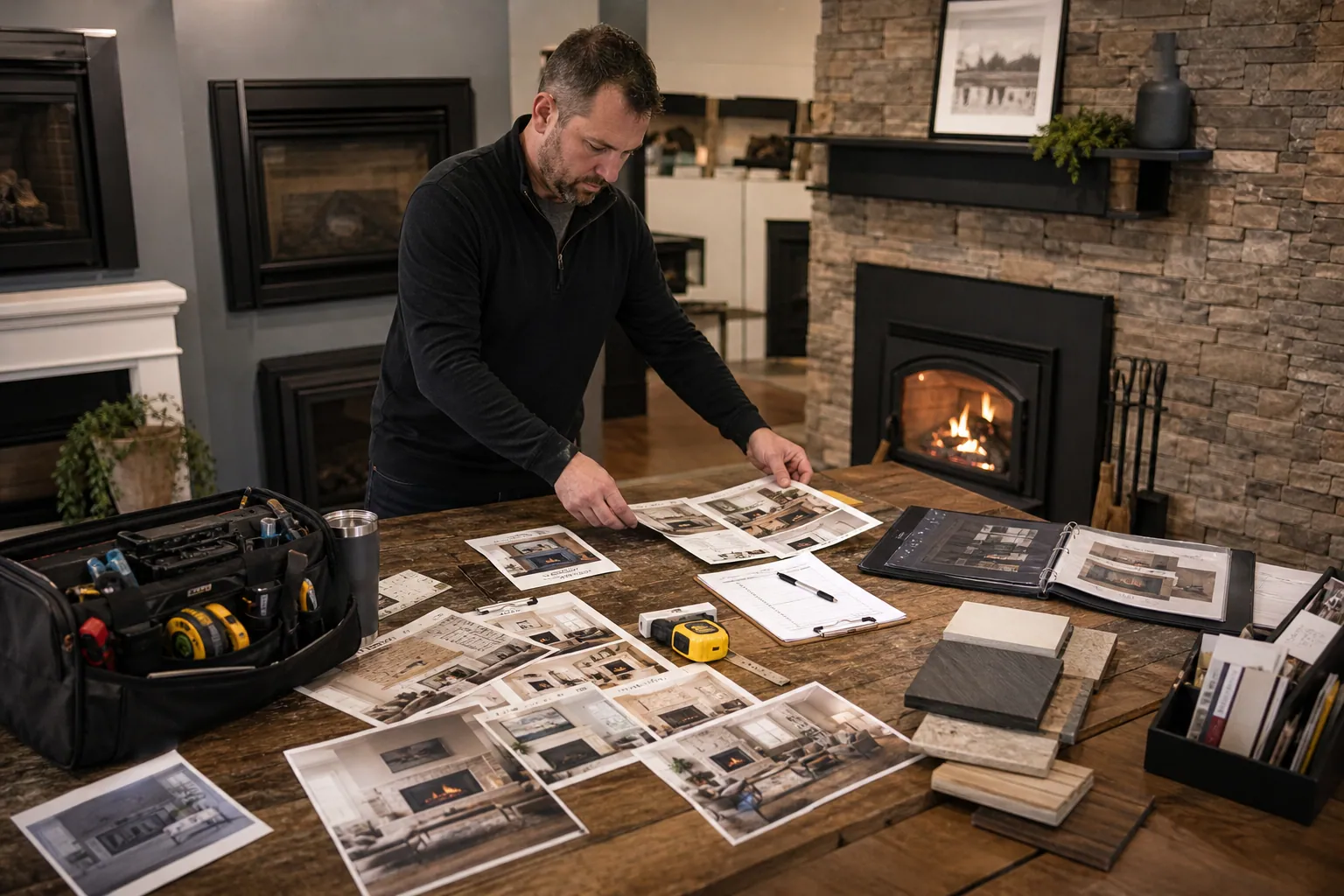
It is November 15, and a regional fireplace insert showroom has the same problem many home-upgrade businesses face: Pinterest is sending attention, but not enough work its sales team can use.
The account has beautiful Pins—mantels dressed for winter, glowing living rooms, dramatic before-and-after hearths. They collect saves. Yet the inquiry inbox is filled with out-of-region requests, renters asking for decor links, and homeowners who have not established whether an insert is feasible.
This composite case study follows a showroom-and-installation business serving one metro area. Its goal was not more Pinterest traffic. It was more local in-home measure requests from homeowners who understood that product fit, venting, clearances, permits, and installation requirements must be verified by a qualified professional.
The numbers and examples below are illustrative operating targets, not a claimed client result. The approach is useful because it changes the job of Pinterest from “show pretty rooms” to “help a homeowner make the next sensible decision.”
Diagnosis: why room Pins produced weak inquiries
The showroom’s original Pinterest profile had three predictable gaps.
1. The Pins described an outcome, not a decision
A living room with a new gas insert can appeal to several audiences at once:
- Someone collecting Christmas mantel ideas
- A renter who cannot alter the fireplace
- A homeowner planning a future renovation
- A homeowner with an existing masonry fireplace who is ready to replace an inefficient setup
The same image can attract all four, but only the last two are likely to become showroom visitors or measure requests. The Pins did not help Pinterest—or the visitor—distinguish among them.
2. The destination treated every visitor the same
Every Pin linked to a general gallery. The gallery was attractive but answered none of the questions a serious buyer asks next:
- Do I need an existing fireplace opening?
- What information should I bring to a showroom visit?
- What changes can affect the project scope?
- Does this company install in my area?
- What happens during an in-home measure?
A good Pinterest landing page does not need to provide technical approval online. It needs to explain the next step, set appropriate boundaries, and make the right next action easy.
3. Sales data never made it back to the content decision
The marketing team could see impressions, saves, and outbound clicks. The sales team knew whether an inquiry became a measure appointment. Nobody connected those two views.
The first repair was simple: use Pinterest UTM tracking on every destination, preserve the Pin ID or campaign name in the form submission, and give the sales team four lead outcomes:
| CRM outcome | Meaning | Why it matters |
|---|---|---|
| Out of area | Outside the installation footprint | Reveals location leakage |
| Early research | Not ready or no relevant project | Useful, but not a sales-ready lead |
| Showroom-ready | Meets basic service-area and project criteria | Measures sales-team fit |
| Measure booked | An in-home assessment is scheduled | The primary Pinterest conversion |
The business then used qualified lead rate and measure-booked rate alongside clicks. Saves remained a discovery signal, not the score that determined what to publish next.
The weekly operating rhythm that changed the account
This is a four-hour weekly routine for a small showroom team. It works best when one person owns publishing and one technical or sales lead reviews claims.
Monday: collect questions from the sales floor — 25 minutes
Ask the showroom team for the five questions they heard repeatedly last week. Do not start with keyword tools or design ideas.
For the showroom in this case, the list looked like this:
- “Can we use our existing fireplace opening?”
- “What is the difference between an insert and a freestanding stove for our project?”
- “What should we measure or photograph before our appointment?”
- “Can we update the surround while changing the fireplace?”
- “How early should we plan an installation before cold weather?”
Separate questions that can be answered with general planning guidance from questions that require an on-site assessment. Never use Pinterest copy to imply a specific appliance, venting route, clearance, or installation is suitable for a particular home.
Tuesday: choose two buyer decisions, not six product features — 35 minutes
The team selected two decisions per week and made a small Pin family for each.
For example:
Decision A: preparing for a showroom visit
- What photos to bring when shopping for a fireplace insert
- Fireplace upgrade appointment checklist
- Questions to ask before replacing an existing fireplace
Decision B: evaluating a living-room remodel
- Fireplace remodel planning: insert, surround, and seating sequence
- What can change the scope of a fireplace upgrade?
- Small living room fireplace layout questions to settle first
Each family led to a distinct page. The first linked to a downloadable appointment-prep checklist and showroom booking option. The second linked to a remodel-planning page with a “request an in-home measure” option.
Wednesday: make six Pins from verified material — 90 minutes
The most productive creative change was moving away from one polished room photograph per topic.
Each content family used three visual treatments:
- Finished-room image with a planning headline
- Annotated project photo showing what will be reviewed at a measure visit
- Simple checklist or decision diagram
The technical reviewer approved every annotation. For example, a graphic could say “Bring photos of the existing fireplace opening and surrounding wall” but not “This opening will fit model X.”
The team also wrote Pinterest pin titles that named the planning job. “Warm Modern Living Room” became “What to Bring When Planning a Fireplace Insert Upgrade.” The latter attracts fewer decor-only visitors and gives a serious homeowner a reason to click.
Thursday: publish to intent-led boards and check the handoff — 45 minutes
The account used a lean board structure:
- Fireplace Insert Planning
- Existing Fireplace Upgrade Ideas
- Fireplace Remodel Planning
- Small Living Room Hearth Ideas
- Home Upgrade Planning in [Service Region]
Only the final board used the service region. Putting a city name on every Pin does not make a local campaign more useful. Service-area clarity belongs on the landing page, booking form, profile, and a limited number of explicitly local Pins.
Before scheduling, the operator checked:
- Destination matches the Pin’s promise
- Service area is visible near the form
- Form includes project type and desired timing
- UTM naming follows the same pattern
- Any seasonal installation guidance is still current
A small scheduling library can make this less fragile. For example, the team could keep reviewed creative, destination labels, and UTM fields together in PinPinMe rather than rebuilding the publishing details from scattered spreadsheets.
Friday: score traffic with sales, not just the Pinterest dashboard — 45 minutes
The operator reviewed content in three age groups: 7 days, 30 days, and 60 days. Home-improvement decisions often take longer than a week, so pausing every Pin that does not immediately produce a form fill can discard useful discovery content.
A practical weekly scorecard looked like this:
| Pin family | Outbound clicks | Service-area form starts | Showroom-ready leads | Measure requests | Next action |
|---|---|---|---|---|---|
| Appointment prep | 82 | 11 | 7 | 3 | Make two fresh visual versions |
| Small-room styling | 164 | 4 | 1 | 0 | Keep for awareness; improve next step |
| Remodel scope guide | 69 | 10 | 6 | 4 | Expand with a comparison Pin |
| Generic mantel decor | 240 | 2 | 0 | 0 | Stop making new variants |
The lesson was not that room imagery is bad. It was that room imagery without a decision-oriented promise usually belonged higher in the discovery path. It should not consume the same production time as content that consistently starts a qualified conversation.
Three Pin-to-page routes that improved lead quality
Route 1: The appointment-prep Pin
Pin title: What to Bring to a Fireplace Insert Showroom Appointment
Visual: A finished fireplace with a checklist panel: photos, approximate dimensions, fuel information if known, and project goals.
Destination: An appointment-prep page with a printable checklist and a showroom booking link.
This route worked because it gave a ready buyer a low-friction action. It also reduced incomplete showroom visits. The page clearly stated that photographs and measurements help start the conversation but do not replace a site assessment.
Route 2: The remodel-sequence Pin
Pin title: Planning a Fireplace Remodel? Decide These 5 Things First
Visual: A five-step sequence: project goal, existing conditions, layout, finish selections, professional assessment.
Destination: A fireplace remodel planning guide that routes visitors to an in-home measure request.
This Pin attracted homeowners who were changing a whole wall, not simply shopping for an appliance. These inquiries often had longer consideration windows but higher project scope.
Route 3: The small-room decision Pin
Pin title: Small Living Room Fireplace Ideas: Start With Layout, Not Decor
Visual: Two living-room layouts with callouts about seating zones and sightlines, without prescribing technical fireplace specifications.
Destination: A small-room fireplace planning page with portfolio examples, service area, and a “talk through your project” form.
This route preserved Pinterest’s visual appeal while attaching it to a real homeowner decision. It also helped the business avoid the trap of trying to compete for broad “cozy living room” searches.
Mistakes to avoid when adapting this case
Publishing technical advice without a review gate
Fireplace work involves safety, building requirements, manufacturer instructions, and local rules. A designer or AI drafting tool should never be the final authority on compatibility, venting, clearances, or code compliance.
Use a subject-matter review step. Say “what a professional will assess,” not “what will work in your home.”
Hiding location and project fit until the final form field
A visitor should be able to see the service area before they invest time in a form. Add a short service-area line near the primary action and ask an early question such as “Where is the project located?”
This is not about excluding people harshly. It is about respecting the visitor’s time and protecting the sales team’s calendar.
Sending every Pin to a generic gallery
A gallery can support a decision, but it rarely creates one. Pair the relevant project photos with an explanation of what the homeowner can prepare, compare, or ask next.
Measuring only same-day conversions
Pinterest attribution is often delayed for home projects. Keep the original campaign information in the CRM and review at least a 30- to 60-day window before calling a topic unsuccessful.
Overreacting to low-save planning Pins
A Pin about preparing for an in-home measure might never beat a beautiful holiday mantel photo on saves. It can still be much more valuable if it produces three measure requests from forty clicks.
A short operator checklist for next week
- Pull five real questions from showroom visits, calls, and lost-lead notes.
- Choose two homeowner decisions that can be discussed safely without assessing a specific house.
- Build one planning page for each decision, with service area and a clear next step.
- Create three visual versions per decision: room image, annotated photo, and checklist or diagram.
- Have a qualified reviewer approve technical language and visual callouts.
- Add consistent UTM fields and carry campaign data into the CRM.
- Review 7-, 30-, and 60-day lead outcomes with the sales team.
- Produce more of the Pins that create showroom-ready leads and measure requests—not merely saves.
For a fireplace insert showroom, Pinterest becomes commercially useful when the account helps homeowners arrive better prepared. That produces fewer vague messages, better conversations, and a cleaner path from an inspiring room to a project the team can actually evaluate.

Case Study: How a Home Climbing Hold Shop Turned Pinterest Wall Ideas Into Starter-Set Orders
A composite operator teardown for climbing hold retailers: turn Pinterest inspiration saves into safer, better-qualified starter-set traffic with planning content and catalog routes.

Case Study: How a Pasta Workshop Studio Turned Recipe Saves Into Holiday Group Bookings
A composite Pinterest teardown for pasta workshop studios that need recipe inspiration to become date-night seats, gift sales, and corporate holiday bookings.
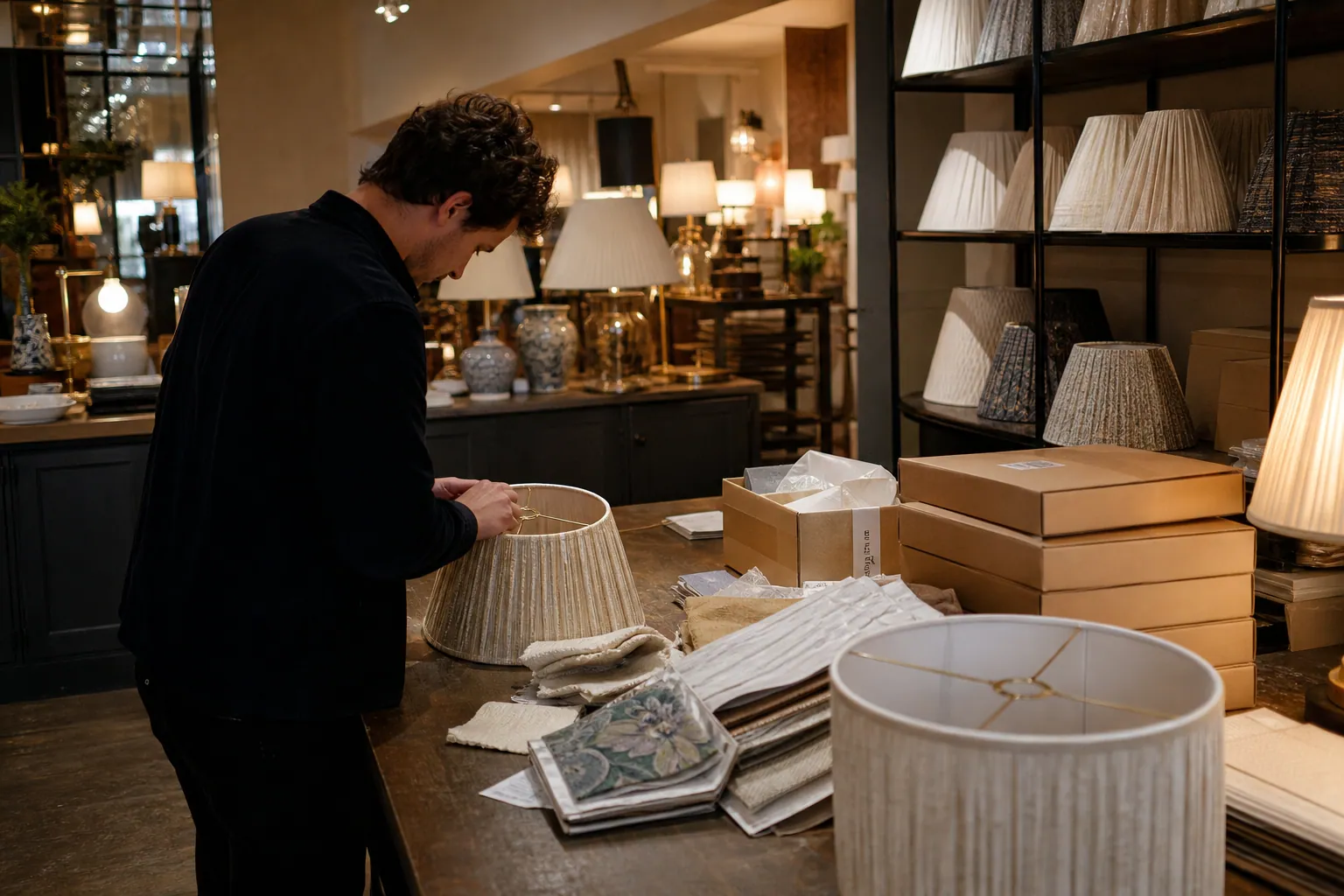
Case Study: How a Custom Lampshade Studio Turned Room Saves Into Swatch Kit Orders
A composite Pinterest teardown of a made-to-order lampshade studio that replaced generic room inspiration with sizing and fabric decisions that led to more swatch-kit orders.

Case Study: How a Home Energy Audit Company Turned “Cold Room” Pins Into Booked Assessments
A composite Pinterest teardown for home energy auditors who need draft and comfort searches to become local, serviceable assessment requests—not generic eco-home saves.
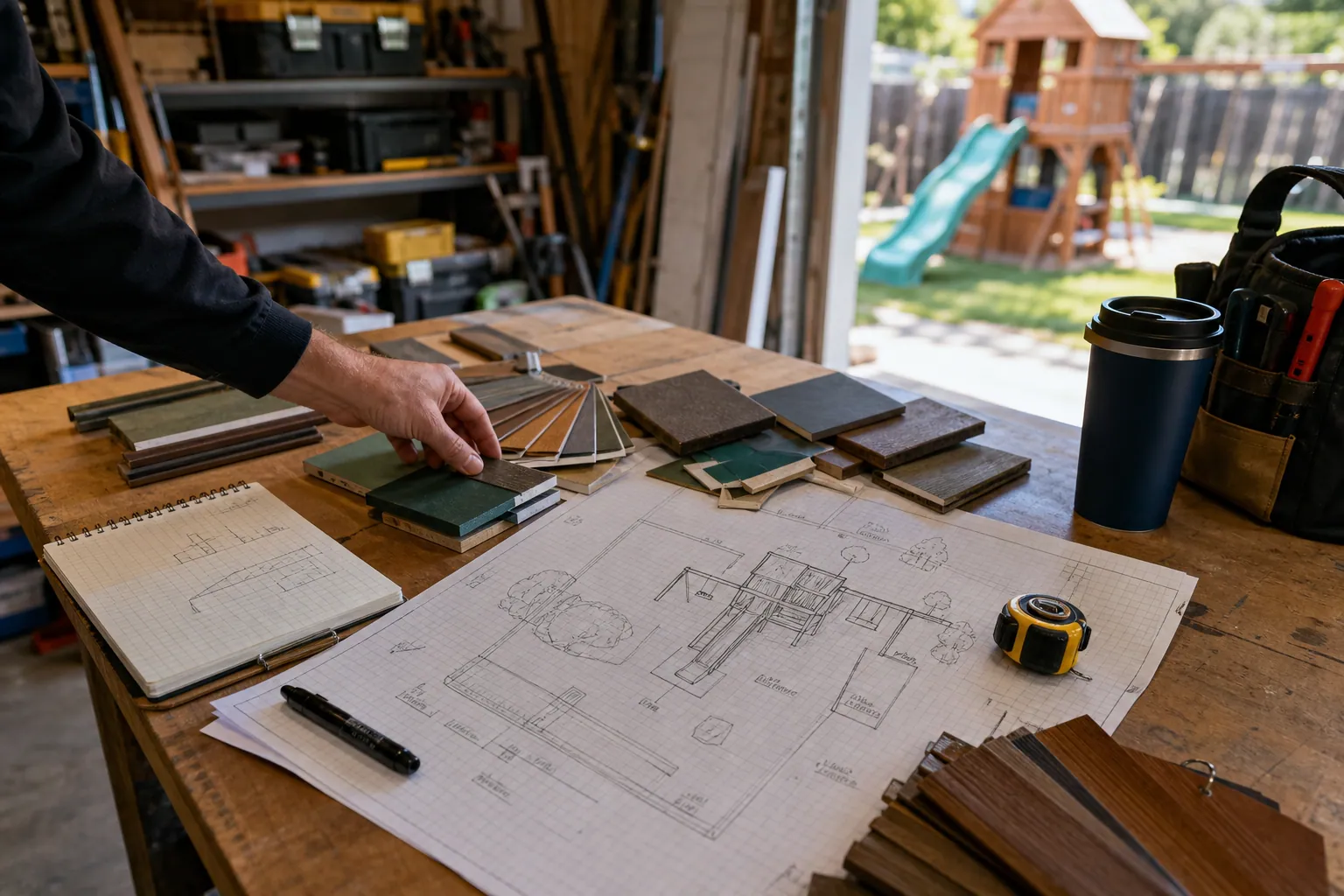
The Site-Ready Pinterest Operator Playbook for Backyard Playset Installers
Turn backyard planning searches into site-ready playset installation inquiries with intent-led boards, useful Pins, realistic lead times, and a weekly operating rhythm.

Case Study: How a Permanent Jewelry Studio Found the Pinterest Pins That Booked Private Parties
A composite teardown of a permanent jewelry studio that separated pop-up traffic from party leads and used booking-quality data to choose which Pinterest Pins to scale.