Case Study: How a Photographer Template Shop Turned Free Welcome Guides Into Bundle Sales
A composite Pinterest funnel teardown for Canva template sellers who need fewer freebie collectors and more purchases of client-guide, pricing, and mini-session bundles.

A freebie can prove that Pinterest traffic exists while quietly hiding a revenue problem.
That was the position of a small shop selling editable Canva templates for portrait and family photographers: welcome guides, pricing PDFs, mini-session materials, and client-prep checklists. Its most popular Pin sent visitors to a free welcome-guide template. List growth looked healthy. Bundle sales did not.
This composite teardown shows how the shop changed the route—not simply the volume of Pins—to make Pinterest traffic more commercially useful.
Business model: digital template shop for photographers
Primary offer: $79 client-experience bundle
Original entry point: free welcome-guide template
Core problem: visitors who wanted a free design asset were treated the same as photographers ready to buy a finished template library
The baseline: a strong opt-in rate with a weak next step
The original funnel was simple:
Pinterest Pin → free welcome-guide landing page → email delivery → general sales sequence → bundle offer
The Pin headline was broad: Free Photographer Welcome Guide Template. It earned clicks because it matched obvious Pinterest search intent, but its audience was mixed:
- New photographers looking for any free resource
- Established photographers who wanted a shortcut
- Consumers searching for guidance before their own photo session
- Template collectors who downloaded but never opened the file
The landing page asked for an email address before showing enough of the template. The five-email follow-up sequence then promoted the full bundle to everyone, regardless of whether they photographed newborns, weddings, or family sessions.
The result was predictable: lots of subscribers, low click-through from email, and a sales report that made Pinterest look less valuable than it was. Some visitors did buy later, but the shop could not tell which Pins and entry pages initiated those orders.
The owner’s first instinct was to make a bigger freebie. Instead, the better move was to split visitors by the decision they were already making.
The first decision: separate “I need this now” from “I am researching”
The shop audited its Pinterest terms and grouped them by buyer readiness. This mattered more than arranging boards by product category.
| Pinterest search language | Likely visitor need | Better destination |
|---|---|---|
| photography welcome guide template | Ready to use or buy an asset | Paid welcome-guide product page |
| mini session client guide template | Seasonal, near-term implementation need | Mini-session template pack |
| what to include in a photography welcome guide | Learning and planning | Free outline + segmented email route |
| photography pricing guide Canva template | Comparing tools or looking for a shortcut | Pricing-guide bundle page |
| newborn session prep guide for photographers | Specialty-specific client communication | Newborn client-experience collection |
The key change: the free offer was no longer the default destination for every Pin.
A photographer searching for an editable welcome-guide template does not necessarily want a lesson on why welcome guides matter. They may want to see page previews, confirm Canva compatibility, check the license, and purchase immediately. Putting an email gate between that person and the product introduced friction at exactly the wrong moment.
Meanwhile, a searcher asking what to include in a guide is signaling an earlier-stage problem. A concise outline was still useful for that visitor—and a sensible lead magnet.
The second decision: make the product page answer purchase objections before email does
The old product page had an attractive cover image and a Buy button. It did not do enough to help a busy photographer decide whether the template would work for their business.
The revised paid landing pages included:
- A labeled preview of every page, not just a cover mockup
- The intended session type: family, newborn, branding, or mini session
- What could be edited: copy, colors, fonts, photos, page order
- The Canva account requirement, stated accurately
- License terms in plain language
- A short “best for” section and a “not ideal if” note
- A related add-on or bundle comparison below the main offer
For example, the mini-session pack page led with the operational outcome: booking confirmation, wardrobe note, location reminder, weather backup message, and gallery delivery card. It did not lead with “beautiful templates.”
That distinction helped Pinterest visitors judge fit quickly. It also reduced post-purchase confusion because the product had been demonstrated rather than merely styled.
The third decision: turn the free guide into a qualifier, not a dead end
The free asset became a two-page Photography Welcome Guide Outline rather than a nearly complete design template. It gave useful structure without replacing the paid product.
On the opt-in form, one optional question did important work:
Which client type are you updating materials for?
- Family and portrait sessions
- Newborn sessions
- Mini sessions
- Weddings
- I am still setting up my photography business
This was not used to create five complicated funnels. It created three useful paths:
Path A: ready-to-customize photographers
Visitors selecting family, newborn, or mini sessions received the outline, then a short implementation email showing the matching paid kit. The second email included a page-by-page preview and a link to the relevant collection—not a generic store homepage.
Path B: early-stage photographers
Visitors who were still setting up received a short education sequence: what a client guide should solve, a basic client communication checklist, and then an entry-level product before the larger bundle.
Path C: non-buyers and consumers
Some subscribers were clearly not the target customer. The shop did not aggressively sell to them. It kept the resource useful and let engagement determine whether they saw later offers.
This reduced the temptation to judge the funnel solely on email signup volume. A smaller email list that contains more working photographers is usually worth more than a large list of template collectors.
The fourth decision: make Pin creative qualify the click
The earlier Pins looked like generic Canva inspiration. The new set made both the user and the product explicit.
Instead of:
Free Welcome Guide Template
The shop tested titles such as:
- Client Welcome Guide Template for Family Photographers
- Mini Session Client Guide: Editable Canva Pages for Photographers
- What to Put in a Newborn Session Prep Guide for Clients
- Photography Pricing Guide Template: Page Ideas and Editable Layouts
Each title was paired with a destination that matched it exactly. Pinterest pin titles and Pinterest descriptions were written to describe the asset, audience, and use case—not to pile on every photography keyword.
The visual treatment changed as well:
- Product Pins used real page previews with callouts such as “wardrobe,” “arrival,” or “weather plan.”
- Educational Pins showed a partial outline or checklist, then linked to the free resource.
- Seasonal Pins used mini-session language and were published early enough for photographers planning fall and holiday promotions.
This slightly narrowed the audience. It also made Pinterest outbound clicks more valuable.
What changed after the rebuild
The following is an illustrative six-week composite, not a universal benchmark. It is useful because the totals did not rise evenly—and that is the point.
| Metric | Before: one freebie route | After: intent-matched routes |
|---|---|---|
| Pinterest-origin sessions | 1,180 | 1,060 |
| Email opt-in rate | 31% | 17% |
| Product-page visits per 100 Pinterest sessions | 9 | 48 |
| Purchases per 100 Pinterest sessions | 0.8 | 2.8 |
| Revenue per 100 Pinterest sessions | $38 | $161 |
| Bundle share of orders | 22% | 51% |
The lower opt-in rate was not a failure. Direct product Pins were deliberately bypassing the email gate for shoppers with purchase intent.
The more meaningful change was that the shop stopped using one metric to evaluate every kind of Pin:
- Educational Pins were judged by qualified subscribers and follow-on product-page visits.
- Product Pins were judged by product-page engagement, checkout starts, and revenue.
- Seasonal mini-session Pins were judged against a short time window, because their commercial usefulness declines after the booking period.
The tracking layer that made the case study usable
The shop used consistent Pinterest UTM tracking on every destination. The important detail was naming routes by intent rather than only by design variant.
For example:
utm_source=pinterest
utm_medium=organic
utm_campaign=photographer_templates
utm_content=mini_session_direct_product
This let the owner compare a direct mini-session product Pin with a free welcome-guide Pin without guessing from referral traffic alone.
A simple reporting sheet tracked:
- Pin URL and publishing date
- Search phrase and audience label
- Destination type: product, collection, or opt-in
- Outbound clicks
- Email subscribers, where applicable
- Product-page views and checkout starts
- Orders and revenue within 14 and 30 days
- Refunds, support issues, or license questions
A scheduling tool with saved UTM presets can prevent small attribution errors when a shop publishes many variations. For example, PinPinMe can help keep source tags consistent while the owner queues product and educational Pins.
Do not delete a Pin just because it has few immediate sales. Digital products can have a longer consideration period. Instead, review a fixed cohort window and look for repeated evidence: the same entry page, term family, or template type generating product views and paid orders.
The funnel after the repair
The final routing was intentionally modest:
High-intent template Pin
→ matching product or bundle page
→ checkout
→ post-purchase cross-sell only when relevant

How-to or planning Pin
→ useful outline or checklist
→ session-type selection
→ tailored examples
→ matching product collection

Seasonal mini-session Pin
→ mini-session pack page
→ optional bundle upgrade
→ short post-purchase setup email
Notice what is missing: a forced email opt-in before every purchase, an oversized discount sequence, and a single landing page trying to serve every photographer.
Take the lesson, not the niche
This teardown applies to most Pinterest-led digital product shops, especially sellers of templates, printables, plans, presets, or business resources.
- Route by the decision behind the search. “Template” terms often deserve a direct product path; “how to” terms can earn an educational opt-in.
- Let the Pin pre-qualify visitors. Name the user, use case, format, and constraint so irrelevant clicks do not inflate your reporting.
- Show the paid product clearly. Previews, compatibility details, licensing, and use cases remove objections that email cannot solve quickly.
- Treat fewer signups as acceptable when buyer quality rises. Subscription volume is not revenue.
- Compare routes with UTMs and fixed time windows. Pinterest saves can be a useful discovery signal, but they do not replace product-page, checkout, and revenue data.
- Build one route at a time. Start with the highest-intent search pocket, make its landing page precise, then add the educational route around it.
The most profitable funnel is rarely the one with the most steps. For this template shop, it became the one that let a ready buyer buy, gave a researcher genuine help, and kept both paths measurable.

Case Study: How a Vacation Rental Template Shop Turned Pinterest Clicks Into Bundle Sales
A composite teardown of a vacation rental template seller that stopped sending every Pinterest visitor to one freebie and built intent-led routes to higher-value bundles.
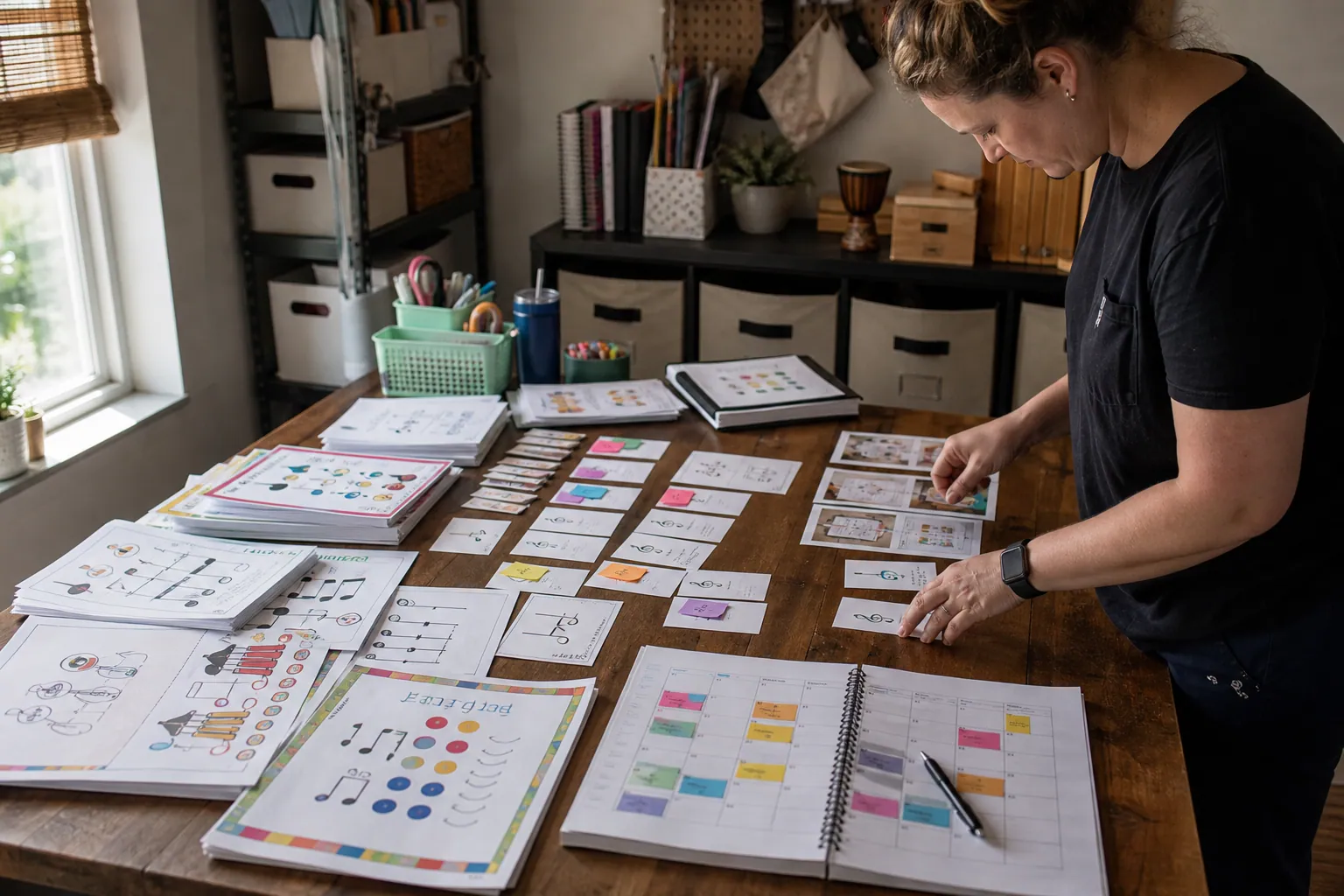
Case Study: How an Elementary Music Printable Shop Turned Pinterest Freebies Into Bundle Sales
A composite teardown of a music printable seller that stopped sending every Pinterest visitor to one freebie and built intent-led paths to bundle sales.

The October Pinterest Funnel for Royal Icing Template Shops
Turn holiday cookie-planning searches into template sales with a two-lane Pinterest funnel for ready buyers and beginner decorators.

Case Study: How a Podcasting Course Creator Turned Planning Pins Into Evergreen Enrollments
A composite teardown of a podcasting educator who replaced aesthetic creator Pins with planning resources that attracted more course-ready subscribers and buyers.

Case Study: How an Etsy Product Photography Course Turned Styling Saves Into Evergreen Enrollments
A composite teardown of a product photography educator who replaced generic styling inspiration with decision-led Pinterest content that produced better leads and course sales.

Case Study: A Cottage Food Course’s Pinterest Shift From Recipe Saves to Enrollments
A composite teardown of a cottage food educator who replaced recipe-heavy Pins with compliance, pricing, and preorder content that produced more course-ready leads.