The Audition-Season Pinterest Tool Audit for Online Voice Teachers
A lean Pinterest tool audit for voice teachers who want audition-planning searches to become better coaching inquiries, mini-course sales, and booked lessons.
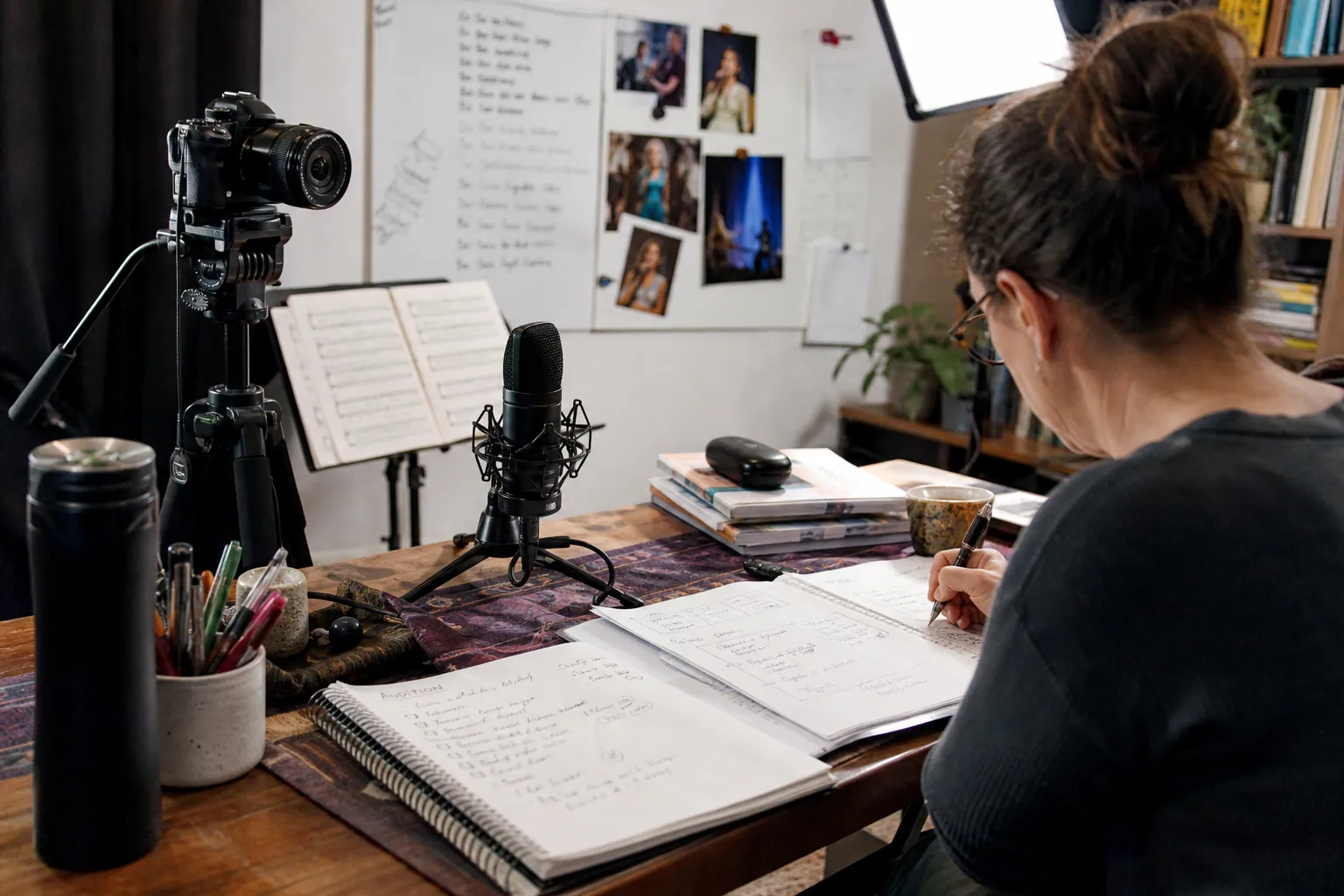
A voice teacher opens her calendar for October audition coaching. She has a useful “How to Choose an Audition Song” article, 40 student-safe studio photos, a warm-up PDF, and a booking page.
What she does not have is a reason to keep paying for five disconnected marketing tools.
Her generic social scheduler is built around same-day posts. Her design files are buried in folders. Her booking platform shows appointments but not whether a student arrived from Pinterest. And every time she starts a new Pin, she retypes the same details: destination URL, audience, audition season, and disclosure language.
For an online voice teacher, the right Pinterest stack is not the largest stack. It is the smallest set of tools that can turn planning searches—such as “musical theatre audition song ideas,” “college audition checklist,” and “how to prepare for a vocal audition”—into helpful next steps.
This operator playbook shows what to keep, what to skip, and how to run it weekly during audition season.
Diagnose the leak before adding another tool
Start with a ten-minute audit. Do not begin with a scheduler comparison. Begin with the point where prospective students disappear.
There are four common leaks for a voice-teaching business.
Leak 1: You have ideas, but no searchable destinations
A Pin should lead somewhere a singer or parent can act. A single booking page cannot answer every question.
If your account is filled with rehearsal clips and recital photos but outbound clicks are weak, build a small set of durable destination pages first:
- an audition-song selection guide
- a college prescreen preparation checklist
- a page explaining a first audition-coaching session
- a five-minute warm-up resource with an email signup
- a page for online voice lessons for teen performers
Each page needs one clear next action. For a worried parent, that may be a 15-minute fit call. For a student researching on a Sunday night, it may be the free checklist.
Leak 2: Design production takes longer than teaching
If a new Pin requires opening six folders, looking for old brand colors, resizing screenshots, and waiting for approval, the problem is asset retrieval—not creativity.
Use one visual design tool with:
- a 2:3 vertical Pin template
- a text-safe layout for longer search phrases
- three type treatments, not twelve
- a photo frame for recital, coaching, or sheet-music images you own
- a simple naming convention such as
2026-09-college-audition-checklist-v1
Canva, Adobe Express, or another familiar template tool can do this job. Choose the tool your assistant—or future assistant—can use without a tutorial.
Leak 3: You cannot connect Pins to booked calls
A Pinterest save can mean interest. It does not prove a prospective student is ready for coaching.
Your measurement layer needs to connect three moments:
- Outbound click: Did the Pin earn a visit?
- On-page behavior: Did that visitor read, download, or view the booking page?
- Qualified action: Did they request coaching for a real audition date, enroll in a mini-course, or join your studio waitlist?
Create a UTM pattern before publishing:
utm_source=pinterest
utm_medium=organic
utm_campaign=fall_auditions_2026
utm_content=college_prescreen_checklist
Use the same campaign name across related Pins for one topic. That makes Google Analytics, your website analytics, and your booking-platform notes much easier to read later.
Leak 4: The queue is full, but the content is stale
A large queue can hide a weak operation. If it is packed with Pins pointing to old availability, expired workshop pages, or outdated audition requirements, it creates clean-looking activity and messy customer experience.
Use a publishing tool only if it supports your maintenance needs:
- edit or pause scheduled content quickly
- see destination URLs before publishing
- keep a record of publish dates
- prevent accidental duplicate uploads
- schedule around your actual content review capacity
The native Pinterest scheduler is enough for a teacher publishing a small, reviewed batch once per week. A dedicated Pinterest planner is useful when you need reusable templates, a clearer queue, reporting, team review, or systematic refreshes. A broad social media suite makes sense only when Pinterest is truly being managed alongside other channels—not because it exists in your current subscription bundle.
Build the lean stack around decisions, not features
Here is a practical five-part stack for a solo voice teacher or a two-person studio.
| Job to be done | Lean choice | Upgrade only when | What “good” looks like |
|---|---|---|---|
| Find search language | Pinterest search suggestions, Pinterest Trends, student inquiry notes | You publish into several niches or need team research | A list of 10–15 phrases connected to real pages |
| Store source material | Google Drive, Dropbox, or a shared folder | Multiple teachers contribute content | Every Pin can be traced to approved photos and current lesson information |
| Create visuals | One template-based design tool | You need bulk variants or a designer handoff | Three visual versions can be made in 30 minutes |
| Plan and publish | Native scheduler or a Pinterest-focused queue | You need approvals, reusable briefs, or a refresh calendar | The next two weeks are visible and editable |
| Track inquiry quality | UTMs, analytics, booking-form question, simple spreadsheet | You have a CRM and sufficient lead volume | You can name the Pins and pages that drove qualified inquiries |
A content workspace can combine the middle three jobs. For example, PinPinMe can be useful when you want Pin planning, asset context, publishing, and performance review in one Pinterest-focused place rather than another generic social dashboard.
The point is not to force every task into one tool. The point is to avoid copying the same information across five tools every Tuesday.
The weekly audition-season rhythm
This routine assumes you can give Pinterest 90 minutes a week, plus the time needed to write or update one destination page when necessary. It is deliberately light: a coaching practice should not require a content department.
Monday: collect one teaching signal (15 minutes)
Write down the question that appeared repeatedly in lessons, email, or discovery calls.
Examples:
- “Can I use a song from a movie musical for a school audition?”
- “How early should I prepare college prescreens?”
- “What do I bring to a community theatre callback?”
- “Why does my voice feel tired after practicing audition cuts?”
Do not publish an answer based on one unusual question. Look for a pattern across three or more students, or confirm that the phrase appears in Pinterest search suggestions.
Tuesday: choose the destination and the promise (15 minutes)
Pick an existing page that genuinely resolves the question. If no page fits, add the topic to a future writing list rather than sending people to a generic homepage.
Write a one-sentence Pin promise that is accurate and specific.
- Weak: “Audition tips for singers”
- Better: “A college prescreen checklist for singers: repertoire, recordings, deadlines, and practice blocks”
- Weak: “Improve your voice fast”
- Better: “How to plan four weeks of audition-song practice without over-singing”
The promise on the graphic, Pin title, and landing page should agree. That consistency protects trust, particularly when a parent is helping a teen prepare.
Wednesday: make a three-Pin family (25 minutes)
Create three genuinely different angles for the same destination. They can share a URL; they should not be copies with a new background color.
For a college-prescreen checklist, the family might be:
- Deadline angle: “College Prescreen Timeline: What to Prepare First”
- Parent-planning angle: “Parent Checklist for College Voice Prescreens”
- Stress-reduction angle: “Stop Scrambling: A Simple College Prescreen Prep List”
Use different imagery where possible: a marked-up calendar, a clean checklist layout, and a student-at-desk photo. Keep the text large enough to read on a phone.
Thursday: apply the tracking and schedule (15 minutes)
Add the appropriate UTM to each destination URL. Place each Pin on the most relevant board; do not scatter it across loosely related boards just to create activity.
A compact board set is enough:
- Vocal Audition Preparation
- College Auditions for Singers
- Musical Theatre Song Selection
- Voice Warm-Ups and Practice Habits
- Online Voice Lesson Resources
Schedule only content you have checked for current deadlines, availability, repertoire guidance, and links. If an application season changes, update the page first and then create a new Pin family.
Friday: review one older topic (20 minutes)
Look at Pins published at least 21–30 days ago. Pinterest discovery can take time, so yesterday’s results rarely justify a major decision.
For each topic, record:
| Topic | Outbound clicks | Landing-page engagement | Email signups or booking starts | Qualified inquiries | Next move |
|---|---|---|---|---|---|
| Prescreen checklist | Refresh, keep, or pause | ||||
| Audition song guide | Refresh, keep, or pause | ||||
| Vocal warm-up PDF | Refresh, keep, or pause |
A qualified inquiry is not merely “Interested in lessons.” It includes a relevant goal, approximate audition date, singer age or level if that matters to your studio, and a location/time-zone fit for online coaching.
Three tool decisions in practice
The best choice depends on the bottleneck. These examples show how the same lean stack changes with the business.
Example: The solo teacher with five hours a week for marketing
Keep: Pinterest search, one design tool, the native scheduler, UTMs, and a spreadsheet.
Skip: a complicated social suite, daily publishing targets, and a separate project-management platform.
She publishes four to six carefully reviewed Pins each week, all tied to two useful pages: her audition-song guide and warm-up download. Her spreadsheet tracks URL, Pin angle, publish date, and later outcomes.
Her aim is not volume. It is to find whether “audition song selection” or “vocal warm-up routine” attracts students who actually book help.
Example: The studio owner with an assistant
Keep: shared asset folder, a reusable Pin brief, design templates, Pinterest-focused publishing workspace, UTMs, and a booking-form source question.
Add: a simple approval column: draft → factual review → scheduled → measured.
The assistant can prepare visuals and upload drafts. The teacher reviews music recommendations, student imagery permissions, claims about vocal health, and destination-page accuracy. This division prevents a common risk: a polished Pin that gives unsuitable repertoire advice or points to a full calendar.
Example: The teacher selling a self-paced audition course
Keep: all of the above, plus email-platform tagging.
The first destination is not always the sales page. A singer looking for a “16-bar audition cut checklist” may be better served by a concise download and a short email series: how to choose material, how to practice a cut, and when personal coaching is useful.
Tag subscribers by entry topic. Over time, compare whether prescreen checklists, song-selection content, or warm-up content produces more course starts—not just more email addresses.
Mistakes that make a Pinterest tool stack expensive
Buying a scheduler to fix an unclear offer
No queue can compensate for a vague destination. Before upgrading software, ask: “Would a high-school singer know exactly what to do after clicking this Pin?” If the answer is no, improve the page and call to action.
Using one generic URL for every Pin
Sending every search to “Online Voice Lessons” hides intent. A student exploring college auditions needs a college-audition page. A parent seeking a local coach may need your service area, scheduling expectations, and studio policies.
Treating repertoire advice as evergreen without review
Audition requirements, licensing context, school policies, and your own recommendations can change. Put a reviewed date on key pages and revisit them before peak application and community-theatre seasons.
Optimizing for saves alone
Aesthetic rehearsal-room Pins may earn saves, while a simple “What to Bring to a Voice Audition” checklist can drive booking starts. Keep both if they serve a purpose, but do not use saves as the only score.
Creating more boards instead of better filing rules
Boards should help visitors and Pinterest understand topical context. They are not a substitute for specific Pin titles, useful descriptions, and relevant destination pages. Five maintained boards beat 25 abandoned ones.
Letting automation publish unreviewed claims
If you use AI for drafts or bulk design for variants, retain a human approval step. Do not publish claims about vocal strain, medical conditions, audition eligibility, or results that you cannot substantiate. A tool should reduce production friction, not remove professional judgment.
A short operating checklist
Before the next batch goes live, confirm:
- One teaching question has been validated by student language or Pinterest search behavior.
- Each Pin leads to a current page that answers the promise on the graphic.
- Every URL includes a consistent Pinterest UTM.
- Three Pin angles are meaningfully different, not duplicate uploads.
- Student photos, testimonials, and recordings have appropriate permission.
- Audition dates, studio availability, and calls to action are current.
- Your booking form asks a simple “How did you find us?” question.
- You have a 21–30 day review date on the calendar.
The practical test of a Pinterest stack is simple: at the end of a busy week, can you publish useful, accurate audition guidance and identify what led to better-fit coaching inquiries? If yes, keep the stack. If not, remove the friction at the exact step where the work stops moving.

A Lean Pinterest Tool Stack for Kitchen-and-Bath Designers
A practical tool-stack blueprint for kitchen-and-bath studios that need Pinterest to turn finished projects and planning expertise into better renovation inquiries.

The Lean Pinterest Tool Stack for Wedding Venue CRM SaaS
A practical tool decision guide for venue CRM teams that want Pinterest template traffic to become qualified demos—not generic wedding inspiration saves.

Catalog Feed vs Curated Pins for Handmade Soap Gift Sets
A practical tool comparison for handmade soap shops deciding when to use catalog feeds, Canva templates, native scheduling, queue tools, and tracking before gift season.

The Fit-Diagnosis Content Blueprint for Pants-Fitting Courses
Turn pants-fitting questions into an evergreen Pinterest content operation that sends serious sewists to free fit tools, lessons, and your paid course.

The Paint-Color Audit Funnel: A Pinterest Content Desk for Independent Color Consultants
Turn paint-color planning searches into useful email subscribers, paid room audits, and higher-fit full-home color consultations with a steady Pinterest operating rhythm.

A Pinterest Content Line for Veterinary Practice Management SaaS
Turn no-show reports, front-desk questions, and client-policy templates into a steady Pinterest publishing line that reaches veterinary practice owners planning operational fixes.