The AI Setup-Question Desk for Ergonomic Workspace Shops
Turn product specs, support questions, and real desk setups into accurate Pinterest content—without letting AI invent compatibility claims or promote sold-out gear.
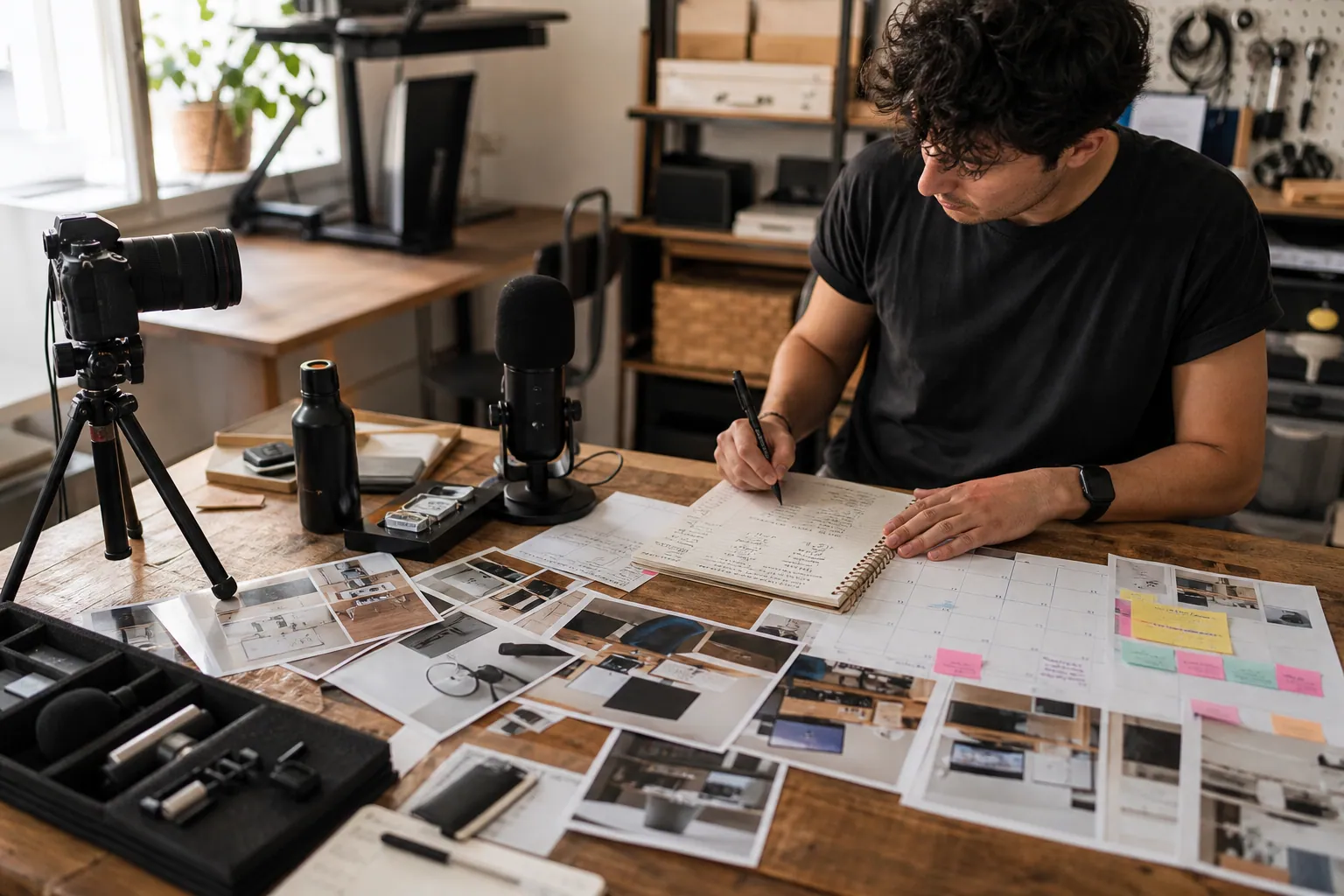
A shopper searching Pinterest for a compact standing-desk setup is usually not looking for a catalog. They are trying to make a desk work in a small room, hide cables, position a monitor, or decide whether a mat fits under their chair.
That distinction matters for ecommerce shops selling monitor risers, standing-desk mats, cable organizers, laptop stands, and similar workspace gear. Product photos are useful, but the buying decision tends to begin with a setup question.
AI can help a small team answer those questions consistently. It cannot be the source of product truth.
This article lays out a copyable content desk for an ergonomic workspace shop: the inputs to collect, a realistic weekly production cadence, the review gates that prevent misleading Pins, a publishing rhythm, and the maintenance rules that keep old Pins useful.
Start with a fact file, not an AI prompt
The most common automation mistake is pasting a product name into an AI tool and asking for 20 Pin ideas. The output may sound plausible while quietly making up desk compatibility, dimensions, material benefits, or health claims.
Instead, create a one-row fact file for every product or collection you intend to feature. Keep it in a spreadsheet, product information system, or shared database.
| Field | What to record | Why it matters on Pinterest |
|---|---|---|
| Product status | In stock, low stock, discontinued, preorder | Stops Pins from sending clicks to unavailable products |
| Verified specifications | Dimensions, materials, weight limit, finish, included parts | Gives AI approved facts to work from |
| Fit conditions | Desk depth, monitor size range, cable type, floor type, assembly requirements | Produces useful decision-led content |
| Claims to avoid | Medical, posture, pain-relief, sustainability, or universal-fit claims you cannot substantiate | Keeps copy accurate and defensible |
| Best destination | Product page, collection, setup guide, comparison page, bundle | Matches the Pin to the shopper's next decision |
| Visual assets | Product-only image, in-room shot, measurement graphic, close-up, customer photo permission | Prevents every Pin from looking identical |
| Customer language | Search phrases, support tickets, reviews, on-site search terms | Anchors content in real Pinterest search intent |
For example, a standing-desk mat entry might say:
- Verified fact: 20 x 32 inches; beveled edge; intended for standing use.
- Fit condition: works beside a desk, not under a rolling chair.
- Avoid: “prevents back pain” or “works with every standing desk.”
- Useful page: “How to choose a standing-desk mat for a small home office.”
- Search language: “standing desk mat small office,” “home office standing setup,” and “standing desk accessories.”
That is enough evidence for many creative angles. It is also enough context to tell AI what it must not claim.
Build five input lanes into one weekly queue
The content desk works when it has a steady supply of small, trustworthy inputs. Do not ask one person to invent topics from scratch every Monday. Pull from five lanes instead.
1. Product and inventory lane
Once each week, export or review:
- products entering or leaving stock;
- items with strong margin or bundles worth promoting;
- seasonal finishes or colors;
- pages with high conversion rates but little Pinterest traffic; and
- products with frequent fit-related returns.
The last item is especially valuable. If shoppers return a monitor riser because it is too narrow for their desk, the answer is not more generic lifestyle Pins. It is a measurement guide that sets a clearer expectation.
2. Customer-question lane
Pull five to 10 recurring questions from support emails, reviews, chat logs, and returns. Strip out names and order details.
Useful examples include:
- “Will this fit on a 24-inch-deep desk?”
- “Where do cables go if the desk is against a wall?”
- “How do I keep a laptop setup from taking over a dining table?”
- “Do I need a monitor riser or a laptop stand?”
These questions are stronger source material than vague brainstorms because each one points to a choice a shopper needs to make.
3. Search lane
Every two weeks, log phrases from Pinterest search suggestions, Pinterest Trends where available, your site search, and Google Search Console. Group them by the decision behind them, not just the words.
For a workspace shop, groups might be:
- small home office setup;
- desk cable management;
- standing desk accessories;
- monitor riser ideas;
- work-from-home desk organization; and
- laptop desk setup.
This is where Pinterest keyword research becomes a merchandising exercise. A phrase only enters the queue if the shop has a genuinely useful page or product path for it.
4. Proof lane
Collect the evidence that makes a Pin believable: measured diagrams, assembly steps, staff setup photos, product comparison tables, and approved customer images.
A vertical photo of a tidy desk is not proof that a cable tray fits a particular desk thickness. A close-up showing the clamp and a linked compatibility guide is.
5. Performance lane
Bring last month's Pinterest outbound clicks, tagged sessions, add-to-carts, orders, and return rate into the weekly review. Saves still matter as a signal of planning value, but they should not decide the next month of production on their own.
Use Pinterest UTM tracking consistently so a click from a “small apartment desk setup” Pin does not disappear into a broad social bucket in your store reporting.
Turn one question into a compact Pin set
Each approved question becomes a small set of connected assets, not 12 near-duplicate Pins pointing at the same photo.
Take the question: “How can I organize cables on a desk against a wall?”
A useful set could include:
- Diagnosis Pin — “Desk Against a Wall? 4 Cable Problems to Solve First” linking to a guide.
- Measurement Pin — “Check These 3 Measurements Before Buying a Desk Cable Tray” linking to a fit page.
- Product-fit Pin — “Clamp-On Cable Tray for Desks With a Back Edge” linking to the relevant collection.
- Setup Pin — a real before-and-after cable route with labels, linking to the same guide or a bundle.
- Comparison Pin — “Under-Desk Tray vs Cable Box: Which Hides More?” linking to a comparison page.
The buyer sees distinct help at different stages. The business gets several relevant entry points without producing misleading variations of one product shot.
A guarded AI brief
Give AI structured inputs and a narrow job. Here is a prompt pattern worth saving:
You are assisting an ecommerce content editor for an ergonomic workspace shop.

Use only the verified facts below. Do not infer dimensions, compatibility,
health benefits, sustainability claims, pricing, or stock status.

Search group: [small home office setup]
Customer question: [How can I organize cables on a desk against a wall?]
Approved destination: [URL and page purpose]
Verified product facts: [paste fact-file fields]
Claims to avoid: [paste]
Available visual evidence: [paste]

Create five distinct Pinterest Pin briefs. For each, provide:
- one search-led Pin title under 70 characters;
- a plain-language description;
- visual layout direction;
- which approved fact must appear on the image or in copy;
- destination match; and
- the shopper decision this Pin helps make.

Flag any brief that requires evidence not supplied here.
The last instruction is essential. A good assistant should surface missing information, not confidently fill gaps.
For storing the queue, approvals, asset links, and publishing status, a light planning tool such as PinPinMe can keep the team from losing track of which Pin points to which destination. The tool is secondary; the fact file and review discipline do the real work.
Use a production cadence that a small shop can sustain
A sustainable desk is better than a heroic batch followed by six weeks of silence. For a founder and one part-time marketer, aim for eight to 12 original Pins a week from two customer-question sets.
Here is a practical cadence.
Monday: select the two questions
Spend 30 minutes choosing questions that meet all four criteria:
- the query has recognizable planning intent;
- inventory and destination pages are current;
- evidence exists for the answer; and
- the content connects naturally to a product, collection, or useful guide.
Do not select a topic simply because it has broad reach. “Aesthetic desk setup” may create attention, but “laptop stand for a shallow desk” is more likely to produce useful product consideration for a specialty shop.
Tuesday: create briefs and draft copy
Use AI to produce the initial briefs, then choose the four or five strongest directions per question. Edit Pinterest pin titles so the search phrase reads naturally, rather than stuffing every variation into one line.
For instance:
- Weak: “Small Desk Setup Desk Organization Home Office Ideas Cable Management”
- Better: “Small Home Office Setup: Keep Cables Off a Shallow Desk”
Wednesday: make the visual batch
Create each visual around one idea. A viewer should understand the promise in one second.
A balanced eight-Pin batch might include:
- two annotated setup photos;
- two measurement or compatibility graphics;
- two comparison or checklist layouts;
- one product-led image with a clear use context; and
- one bundle or collection image.
Use real product photos whenever possible. AI-generated room scenes can be useful for rough layout concepts, but should not show hardware, cable routing, dimensions, or product use that the shop cannot verify.
Thursday: run the five-minute red-pen review
Review every Pin against these gates before it is scheduled:
- Truth: Are all specifications, availability references, and compatibility statements verified?
- Fit: Does the destination answer the promise made in the Pin?
- Search: Is there one clear search concept, reflected naturally in the title and description?
- Visual clarity: Can someone read the key message on a phone?
- Commercial integrity: Does the Pin avoid invented results, medical claims, fake urgency, and unlicensed customer photos?
If a Pin fails any gate, send it back to the queue. Do not solve a missing fact with better phrasing.
Friday: schedule, label, and log
Publish at a pace your team can support. For this example, schedule two Pins on four days, mixing the two question sets rather than releasing a cluster of nearly identical cable-management Pins at once.
Attach a predictable UTM convention, such as:
utm_source=pinterest
utm_medium=organic
utm_campaign=workspace_q4
utm_content=wall_desk_cable_measurement
Use relevant boards as organization for the reader, not as a distribution hack. A lean board strategy may include “Small Home Office Setup,” “Desk Organization,” “Standing Desk Accessories,” and “Monitor Setup Ideas.”
Separate review windows from publishing days
Do not judge a fresh Pin every morning. Pinterest discovery can be delayed, especially for planning content.
Instead, use three review windows:
| Review window | What to inspect | Decision |
|---|---|---|
| 7 days | Publishing errors, broken links, stock changes, unusually weak impressions | Fix operational problems only |
| 30 days | Outbound click rate, tagged sessions, saves relative to topic, add-to-cart rate | Improve title, visual promise, or destination match |
| 60–90 days | Orders, conversion rate, net revenue, return reasons, assisted sessions | Scale, refresh, redirect, or retire the content |
For higher-ticket bundles, add a simple Pinterest cohort analysis: compare shoppers who first arrived from Pinterest with their orders and returns over the period that fits your buying cycle. That prevents a low-return, high-margin bundle from being overlooked just because it generates fewer immediate purchases.
Maintain the library so old Pins stay trustworthy
Pinterest content is an asset only if it remains accurate. Give every published Pin a maintenance status: active, refresh soon, redirect, or retire.
Every week
- Check links for 404s and products that moved out of stock.
- Replace Pins that promise a product is available when it is not.
- Flag support questions that appeared three or more times for the next queue.
Every month
- Find Pins with clicks but weak add-to-carts. Review the page before changing the creative.
- Find Pins with saves but no outbound clicks. The visual may inspire, while the promise lacks a practical next step.
- Find pages with high conversion but low Pinterest traffic. Create another accurate angle for them.
Every quarter
- Refresh the visual treatment of proven topics with new photography, a clearer headline, or an updated comparison.
- Consolidate duplicate pages that answer the same question poorly.
- Audit all AI prompts and fact files after a product redesign, packaging change, or policy update.
A refresh is not reposting the same Pin with a new background color. It is improving the usefulness, evidence, or destination for the same search need.
What this desk produces after 90 days
At eight Pins a week, the shop will have roughly 96 purposeful Pins in three months. More importantly, it will have a reusable library organized around real buyer decisions:
- desk depth and product fit;
- monitor and laptop setup choices;
- cable-routing constraints;
- small-space organization;
- standing-desk accessories; and
- bundle decisions.
That is a more durable asset than a folder of generic workspace images. AI makes the drafting and repurposing faster, while the fact file, review gates, and maintenance calendar protect the customer experience.
The goal is not to automate publishing for its own sake. It is to make a small ergonomic workspace shop reliably useful at the exact moment someone is planning a better desk.
The AI Fit-Check Pinterest Desk for RV Solar Kit Shops
Turn real RV solar compatibility questions into accurate Pinterest content without letting AI invent wattage claims, promote unavailable kits, or bury buyers in jargon.
The AI Gift-Intent Pinterest Desk for Merino Sock Shops
A practical weekly routine for merino sock retailers using AI to turn verified product facts, gifting questions, and stock signals into accurate Pinterest traffic.

The AI Consultation-Note Pinterest Desk for Landscape Lighting Designers
Turn site-walk notes, before-and-after photos, and homeowner questions into accurate Pinterest content—without letting AI invent project claims or local pricing.

Strategy Memo: AI Pinterest for Custom Photo Calendar Shops Before Q4
Use AI to turn verified calendar specs, photo-upload questions, and gifting decisions into Pinterest traffic that starts—and completes—custom calendar orders.
Strategy Memo: Pinterest for Rain Boot Shops Before Wet-Weather Season
Use fit confidence, weather-specific collections, and practical outfit content to turn Pinterest fall planning into rain boot orders with fewer avoidable returns.
The Lean Pinterest Tool Stack for Printable Party Game Shops Before Holiday Hosting
A practical Pinterest content blueprint for printable party game shops: choose the right tools, batch seasonal Pins, prevent wrong-link errors, and maintain winners.