The Lean Pinterest Tool Stack for Printable Party Game Shops Before Holiday Hosting
A practical Pinterest content blueprint for printable party game shops: choose the right tools, batch seasonal Pins, prevent wrong-link errors, and maintain winners.

A printable party game shop rarely has a content shortage. It has a retrieval problem.
By late September, the owner may have 80 editable games, 300 product photos, last year’s bestsellers, fresh customer questions, and a growing list of holiday occasions. Yet the Pinterest account still ends up with a few generic “party ideas” Pins that point to individual listings—and no dependable way to make, check, or refresh the content.
This blueprint is for a small Etsy or Shopify shop selling printable party games for holiday hosting: Friendsgiving, Christmas parties, office exchanges, family reunions, and New Year’s Eve. The goal is not to buy every Pinterest tool. It is to give each repetitive job one clear home.
The operating principle: one product record, many useful Pins
Do not begin with a design calendar. Begin with a product record that can answer, at a glance:
- What event is this for?
- Who buys it: a host, HR coordinator, teacher, or family organizer?
- Is it printable, editable, or both?
- What is included in the download?
- Where does the Pin send a visitor?
- Is the listing live and priced correctly?
- Which search phrase describes the actual buyer problem?
A single product such as a Christmas movie trivia printable can support several distinct Pins without becoming repetitive:
| Pin angle | Search or planning moment | Destination |
|---|---|---|
| Christmas movie trivia for adults | A host planning an adult gathering | Product listing |
| Last-minute Christmas party game to print | A buyer who needs a fast solution | Holiday game collection |
| What’s included in this 25-question trivia set | A buyer checking format and effort | Product listing |
| Easy office holiday party activity | An office organizer seeking a group activity | Office party collection |
That is better than changing only the background color four times. Each Pin earns its existence by answering a different question.
Build the five-part stack before creating anything
A lean setup has five jobs. You can run it with inexpensive or existing tools; the discipline matters more than the brand names.
1. The product index: a spreadsheet or database
Use Google Sheets, Airtable, Notion, or the catalog tool your store already has. Pick the place the team will actually update.
Create one row per product and include these fields:
Product name
SKU or listing ID
Occasion
Audience
Format (PDF, editable Canva link, bundle)
Destination URL
Status (live, draft, retired)
Primary Pinterest phrase
Secondary angle
Visual asset folder
Seasonal window
UTM campaign name
Last listing check
Last Pin published
The most important columns are status, destination URL, and last listing check. A beautiful Pin that points to a retired Etsy listing or an out-of-date bundle wastes seasonal momentum and erodes buyer trust.
For a shop with 50 to 150 listings, the spreadsheet is usually enough. Move to a database only when filtering rows by contributor, asset approval, product version, and publishing status becomes tedious.
2. The asset library: folders that mirror the index
Keep the original editable files separate from Pinterest exports. A simple folder pattern prevents accidental use of a low-resolution screenshot or last year’s price card:
/Party Games
  /Christmas Movie Trivia
    /Source artwork
    /Product preview images
    /Pinterest exports
    /Listing copy
    /Retired assets
Name exports so they can be found six weeks later:
2026-10_christmas-movie-trivia_office-party_01.png
2026-10_christmas-movie-trivia_last-minute_02.png
The date is not just housekeeping. It lets you identify old seasonal visuals when you review Pins next year.
3. The design tool: templates, not one-off graphics
Canva is usually sufficient for a printable shop because the team needs repeatable layouts more than complex illustration tools. Create three to five locked template types:
- Product-preview Pin: shows the game page, format, and a clear use case.
- Host-problem Pin: leads with the situation, such as “Need an office party game that takes 10 minutes?”
- What’s-included Pin: shows question count, answer key, printing requirements, and group size.
- Bundle Pin: shows related games as a ready-made hosting kit.
- Planning-list Pin: sends readers to a useful collection, such as “Holiday party games for mixed-age groups.”
Lock the logo placement, type scale, safe margins, and URL treatment. Leave only the headline, product mockup, color accent, and occasion label editable. This makes delegation safer and cuts design time sharply.
4. The publishing tool: choose for reviewability, not volume
There are three practical publishing choices.
| Option | Best for | Strength | Watch-out |
|---|---|---|---|
| Native Pinterest scheduler | One owner, 6–15 Pins per week | Simple and close to the platform | Manual tracking of what was published |
| Pinterest-focused publishing workspace | A shop batching several product lines and needing a visible queue | Easier handoff, scheduling, and content visibility | Only valuable if it replaces a real manual step |
| Broad social media suite | A team coordinating launches across several networks | Shared approvals and calendar context | Pinterest-specific fields can become an afterthought |
For most shops, start with native scheduling. Add a dedicated workspace only when the owner is regularly losing track of drafts, sending publishing instructions in chat, or finding duplicate Pins after the fact. If that is the bottleneck, a Pinterest-specific workspace such as PinPinMe can be a sensible publishing layer rather than another dashboard to maintain.
Do not choose a queue tool solely because it promises more posts. Your shop does not need a firehose of nearly identical game covers. It needs accurate, seasonally timed Pins that lead to active listings.
5. The measurement layer: store analytics plus tagged links
Use Pinterest Analytics for discovery signals and your store analytics for commercial signals. Add Pinterest UTM tracking to every destination outside Etsy where you can control the URL.
A simple convention is enough:
utm_source=pinterest
utm_medium=organic
utm_campaign=holiday_games_2026
utm_content=office_party_trivia_01
For Etsy-only shops, preserve the same identifier in your publishing spreadsheet and use Etsy listing traffic, favorites, and orders as directional signals. You will have less attribution precision, so resist declaring a winning Pin after two sales.
Give the shop one reliable weekly production rhythm
A holiday shop does not need daily creative emergencies. It needs a routine that turns the product index into a small, dependable publishing queue.
Monday: select one event and two buyer moments
Spend 20 minutes filtering the product index.
In early October, a shop might select:
- Event: office holiday parties
- Buyer moments: “I need a quick group activity” and “I need a game that does not require supplies”
- Products: Christmas movie trivia, printable bingo, holiday would-you-rather cards
Check Pinterest search suggestions and your own customer messages before committing. This is where Pinterest search intent matters. “Office holiday party games” implies group logistics. “Christmas trivia printable” implies a ready-to-download product. Those are related, but they deserve different landing pages and Pin copy.
Tuesday: create a 10-Pin batch from approved ingredients
Use the design templates to create five Pins for each buyer moment. Do not make ten Pins for one product unless the content genuinely supports ten useful routes.
A good batch could include:
- 3 product-preview Pins
- 2 what’s-included Pins
- 2 host-problem Pins
- 2 collection or bundle Pins
- 1 printable-format explainer
Build the Pin title into the visual hierarchy, then write the metadata in the publishing tool. Clear Pinterest pin titles beat clever internal product names:
- Weak: “Merry & Bright Game Night”
- Better: “Printable Christmas Movie Trivia Game for Adults”
- Better for a different intent: “Easy Office Holiday Party Trivia Printable”
Descriptions should add practical detail, not repeat the title. Mention format, audience, and occasion naturally: “Downloadable Christmas movie trivia with 25 questions and an answer key for office parties, family gatherings, or a low-prep game night.”
Wednesday: run the 12-minute review gate
Someone other than the designer should check the batch. If you work alone, review it the next morning with fresh eyes.
Use this checklist:
- The headline is readable on a phone-sized preview.
- The visual accurately shows the product or says “sample pages.”
- The Pin does not promise an outcome the game cannot guarantee.
- The title matches the landing-page language.
- The destination opens, is live, and has the correct product or collection.
- The bundle shown is still available at the stated price.
- The UTM string or tracking ID is correct.
- The Pin is assigned to the most relevant board, not every possible board.
- The product is not dated in a way that will become misleading after the season.
The wrong-link check deserves special attention. Printable shops frequently duplicate listings, revise bundles, and change product URLs. A review gate is cheaper than losing a high-intent December click.
Thursday: schedule for planning windows, not arbitrary posting quotas
Publish the batch steadily across the week. Avoid treating Pinterest as a real-time feed that requires a burst every Friday afternoon.
For Q4 hosting products, a practical rhythm is:
- September–October: publish planning and collection Pins first.
- November: increase ready-to-print, low-prep, and Friendsgiving content.
- Late November–December: prioritize specific holiday and office-party solutions.
- Final two weeks before an event: emphasize instant-download clarity, but only if fulfillment is truly immediate.
Keep a modest evergreen lane running beside seasonal Pins. A baby shower game, birthday trivia pack, or family reunion activity can earn traffic while holiday terms become crowded.
Use a review board that makes decisions possible
Every Friday, spend 30 minutes reviewing the last two to four weeks. Pull the metrics into one sheet rather than switching among dashboards repeatedly.
Track these columns by Pin family:
| Pin family | Outbound clicks | Click-through rate | Product views | Add to carts or favorites | Orders | Decision |
|---|---|---|---|---|---|---|
| Office party problem Pins | Scale, revise, or stop | |||||
| What’s-included Pins | Scale, revise, or stop | |||||
| Bundle Pins | Scale, revise, or stop |
Interpret the patterns carefully:
- High saves, low outbound clicks: the concept may be inspirational but insufficiently specific. Test a more direct headline or a stronger product preview.
- Good clicks, weak product views: investigate page speed, listing photos, price surprise, or a mismatch between the Pin and destination.
- Good product views, few orders: buyers may need confidence about printing, editing, group size, or what is included. Make a format-confidence Pin and improve the listing.
- Low impressions and low clicks: revisit the phrase and board fit before producing more design variations.
For holiday content, wait long enough to get meaningful signals. A Pin published on October 1 may not show its value until a host begins planning several weeks later. Mark the date range before you judge it.
Maintain the catalog without turning maintenance into a project
Pinterest content has a longer shelf life than an Instagram post, which is useful—and dangerous. Old Pins can keep circulating after a listing changes.
Run a monthly maintenance pass with four filters in the product index:
- Destination health: test URLs for the top-clicked Pins.
- Offer accuracy: check pricing, bundle contents, and editable-template claims.
- Seasonal relevance: pause or redirect dated products after their event passes.
- Refresh candidates: identify Pins with sustained clicks but tired creative.
Do not delete a healthy evergreen Pin because it is old. Create a refreshed variation when the offer still exists. For a date-specific file—“Christmas Party Game 2026,” for example—either update the listing before publishing or make the asset undated from the beginning.
At the end of the season, add a short note to each high-performing product row: the winning phrase, Pin family, landing page, and observed sales behavior. Next September, you will restart with evidence instead of guessing which colors happened to get saves.
A 30-day setup that does not overwhelm the shop
Week 1: clean the source material
Create the product index, mark dead listings, choose three boards, and identify 12 products suited to holiday hosting search.
Week 2: build the reusable assets
Create four or five design templates, organize asset folders, write title and description rules, and establish your UTM naming convention.
Week 3: publish the first two batches
Build 16 to 20 Pins around two hosting moments. Use the review checklist before scheduling them across the following 10 to 14 days.
Week 4: review and narrow
Look for the combination of phrase, visual format, and destination that creates qualified outbound clicks. Make the next batch from the strongest two content families, not from every product in the catalog.
The stack is working when a new product can move from “live listing” to “reviewed Pin batch” without a scavenger hunt through old folders, a debate over links, or a last-minute design scramble. That is the useful standard: less content chaos, better holiday discovery, and a catalog that stays accurate after the rush.

The Pinterest Tool Stack for Laser-Cut SVG Shops Before Ornament Season
A lean tool audit for laser-cut SVG sellers who need holiday maker searches to become accurate downloads—not a queue full of broken links and generic Pins.

The Spring-Booking Pinterest Tool Stack for Party Rental Companies
A practical tool audit for party rental operators who need Pinterest planning traffic to reach rentable inventory, accurate packages, and qualified spring inquiries.
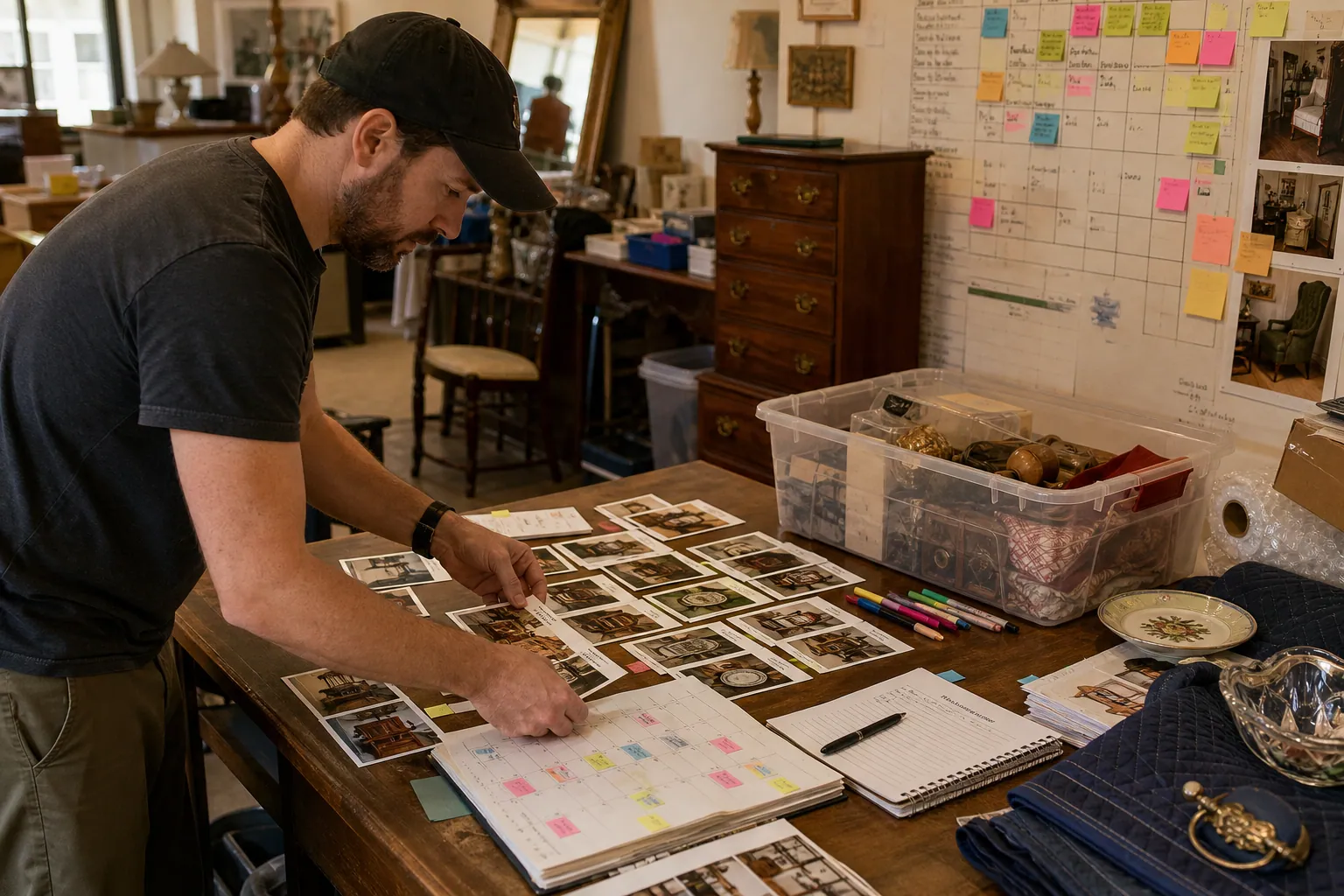
The 48-Hour Pinterest Tool Stack for Estate Sale Companies
A practical Pinterest tool audit for estate sale companies that need evergreen local leads without sending shoppers to sold-out inventory or expired sale pages.

The Pinterest Test Ledger for Specialty Hot Sauce Gift Boxes Before Q4
Build a Pinterest testing operation for hot sauce gift boxes that measures recipient intent, margin, inventory, and delayed orders—not just holiday saves.

Strategy Memo: Pinterest for Rain Boot Shops Before Wet-Weather Season
Use fit confidence, weather-specific collections, and practical outfit content to turn Pinterest fall planning into rain boot orders with fewer avoidable returns.

The October Pinterest Funnel for Royal Icing Template Shops
Turn holiday cookie-planning searches into template sales with a two-lane Pinterest funnel for ready buyers and beginner decorators.