The Pinterest Tool Stack for Laser-Cut SVG Shops Before Ornament Season
A lean tool audit for laser-cut SVG sellers who need holiday maker searches to become accurate downloads—not a queue full of broken links and generic Pins.

A two-person laser-cut SVG shop enters October with 180 files, a new layered-ornament bundle, and a familiar problem: Pinterest is full of maker traffic, but every file seems to need its own Pin, mockup, description, and link check.
The tempting response is to buy a bulk design tool, a queue scheduler, and an analytics dashboard all at once. Usually, that creates a faster way to publish inaccurate Pins.
For a digital file business, the job is simpler: help a maker find a project they can actually complete, send them to a current page, and learn which project intent produces paid downloads. The tools should protect those three outcomes.
Diagnose the bottleneck before adding software
Start with 15 recent Pins and trace each one from image to checkout. Label the first break you find.
| If this happens | The actual problem | Fix before buying another tool |
|---|---|---|
| Pins get impressions but few outbound clicks | The Pin promises a vague aesthetic rather than a project | Rewrite the title around the finished object, material, or occasion. |
| Clicks reach the store but downloads stay low | The destination does not answer file-format, machine, size, or license questions | Add a project-specific product page or collection page. |
| Pins drive sales, then create support tickets | The creative implies unsupported materials or machines | Add a compatibility review field to every Pin brief. |
| Old Pins lead to retired listings | No one owns link maintenance | Create a redirect, replacement page, or quarterly retirement check. |
| Publishing stops during busy order weeks | The source assets are scattered across folders, listings, and messages | Build one simple asset table before adding a scheduler. |
For an SVG shop, the source of truth is not a mood board. It is a small catalog of verified claims. Each design family needs a record containing:
design family | project outcome | SVG/DXF/PDF availability | tested materials | finished size | assembly level | license | destination URL | current offer | image status
That record prevents the most expensive Pinterest error for digital goods: a Pin that looks useful but sends a buyer to a file that will not work for their setup.
Choose tools by job, not by feature list
A lean stack is enough for most shops through the holiday rush.
1. A catalog sheet or database is non-negotiable
Use a spreadsheet if one person manages fewer than roughly 75 evergreen listings. Use Airtable, Notion, or another database only when you need filtered views for collection, season, material, or design status.
The upgrade is not about looking organized. It is about producing reliable batches. For example, filtering for “birch plywood + ornament + photographed + live URL” should give you an immediate, safe list for this week’s Pins.
Do not treat a Canva folder as your catalog. It cannot tell you whether a listing was retired, whether a bundle changed, or whether the file includes DXF.
2. Keep one design tool and build four adaptable layouts
Canva is sufficient for most shops because the useful unit is not an elaborate template; it is a clear project image with a readable outcome.
Create four 2:3 vertical layouts:
- Finished project: Show the completed ornament, sign, or gift tag in use.
- Material-and-outcome: “3mm birch plywood layered snowflake ornament.”
- Decision aid: “Single-layer vs. layered ornament SVG.”
- Assembly preview: Show the finished piece plus a restrained glimpse of layers or parts.
Keep the main claim as editable text, not baked into a complex graphic. That lets one verified product photo become several Pins without pretending each version is a different product.
3. Use the native scheduler until volume creates a real problem
The native Pinterest scheduler is a strong default when you publish a small, reviewed weekly batch. It has fewer moving parts and makes it easier to catch a wrong board, destination, or seasonal mismatch before publishing.
A queue-based scheduler earns its place when all three conditions are true:
- You have a reviewed library of at least four weeks of evergreen Pins.
- Every destination is stable or has a redirect plan.
- Someone reviews scheduled content weekly, rather than assuming automation replaces maintenance.
If your publishing bottleneck is approvals and link checks, not the act of scheduling, a Pinterest-focused workspace such as PinPinMe can be a practical way to keep the publishing queue visible without adding a sprawling social-media suite.
4. Use a simple UTM builder and store reporting together
Pinterest Analytics explains whether a Pin earns distribution and Pinterest outbound clicks. Your store tells you whether those clicks become purchases.
Create one consistent UTM pattern in your catalog sheet, such as:
utm_source=pinterest&utm_medium=organic&utm_campaign=holiday_svg&utm_content=layered_ornament_material
Use the final value to identify the angle, not merely the design. “Layered ornament material” is more useful than “pin17” when you review results in January.
If you sell through a marketplace, first confirm whether UTM parameters persist and what reporting you can access. When onsite analytics are limited, route high-intent Pins to a tracked collection page on your own site or use a dedicated landing page and a marketplace-specific code. Do not claim conversion certainty you cannot measure.
5. Add a product feed only when product data is dependable
A catalog feed can help when your storefront has clean, stable product titles, images, prices, and availability. It is not a substitute for project-led creative.
For SVG sellers, feed-based product Pins work best for durable, clearly named listings such as “Layered Snowflake Ornament SVG Bundle.” They are less helpful for a broad query such as “laser-cut teacher gift ideas,” where a curated guide or collection page can explain materials, use cases, and related designs.
A two-hour weekly operating rhythm
This cadence keeps a holiday queue moving without asking the owner to become a full-time content manager.
Monday: select three maker decisions — 20 minutes
Review Pinterest search suggestions, customer messages, and store search terms. Choose questions with a direct project outcome, such as:
- What can I make with scrap acrylic for teacher gifts?
- Which ornament SVG works for a beginner laser user?
- How do I make layered wood ornaments that look finished from both sides?
Pick only three. This constraint forces better Pinterest search intent instead of a pile of near-identical product Pins.
Tuesday: verify destinations and make the asset brief — 25 minutes
For each topic, confirm the linked page is live and has:
- Supported file types and a plain-language compatibility note
- Finished dimensions or scalable-size guidance
- Material recommendations based on tested use
- License terms that are easy to find
- A clear related-products path
Then write one line for the creative: “Show a finished birch ornament on a wrapped gift; headline names material and project outcome.”
Wednesday: create six to nine Pins — 45 minutes
Make two or three distinct angles per decision. Change the search promise, not just the background color.
For a layered snowflake file, a useful set might be:
- “Layered Snowflake Ornament SVG for 3mm Birch Plywood”
- “Beginner-Friendly Laser-Cut Ornament: 3 Layers, One Winter Project”
- “Wooden Ornament SVG Bundle for Handmade Gift Toppers”
Use matching Pinterest pin titles and descriptions that clarify the project. Avoid claiming compatibility with “every laser” or “any material” unless you have tested and documented that claim.
Thursday: schedule and tag — 15 minutes
Add the correct UTM link, assign a relevant board, and schedule Pins with enough spacing that you can spot a bad destination quickly. Record the publish date and Pin URL in the catalog table.
Friday: read the signal, not the vanity metric — 15 minutes
Look at older content first. A seven-day-old Pin may only be starting to circulate, especially during seasonal planning periods.
Review by angle:
- Saves: Is the project worth returning to?
- Outbound clicks: Does the promise motivate a maker to act now?
- Product-page views and add-to-carts: Is the destination doing its job?
- Purchases and support requests: Did the right buyer arrive with realistic expectations?
A Pin with fewer saves but more bundle purchases is often the better asset for a file shop.
Three examples that show why the stack matters
| Maker moment | Best destination | Pin family | Tool requirement |
|---|---|---|---|
| A hobbyist needs a quick classroom gift | A “teacher gift SVGs” collection with file-type filters | Acrylic name tags, pencil toppers, mini signs | Catalog fields for material and file format |
| A buyer wants ornaments for a craft fair | A commercial-license bundle page | Bulk ornament ideas, layer-count comparisons, bundle previews | License status and current pricing must be verified |
| A beginner wants a first wood project | A beginner project page with material and assembly guidance | Simple layered ornaments, paint-free projects, one-sheet designs | Clear photos, tested material notes, stable landing page |
Notice that the tool stack supports a decision. It does not ask a shopper to browse every winter SVG in the store.
Mistakes that make the stack heavier than it needs to be
Buying bulk design automation before fixing product data
Bulk creation multiplies whatever you feed it. If the source title says “Holiday Bundle 14” and the material data is missing, you get more vague Pins more quickly.
Sending every Pin directly to a single product listing
Direct links make sense for high-intent searches. But project-led Pins often need Pinterest landing pages that compare options, show the finished outcome, and route buyers to the right file. A collection page can also stay useful when one design is retired.
Treating generated copy as a compatibility check
AI can draft title variations, but it cannot verify whether a file has a score line, works with a specific software version, or is appropriate for acrylic. The product owner must approve technical claims.
Keeping holiday content live without a calendar
Ornament Pins can stay valuable year after year. “Order by December 10” Pins cannot. Add an expiry field to time-sensitive offers, shipping references, and coupon-led creative.
Measuring only pin-level clicks
A batch can have healthy clicks while one page has a file-format mismatch or weak mobile checkout. Pair Pin data with landing-page behavior and sales. That is how an operator distinguishes a Pinterest creative issue from a store issue.
Short operating checklist
Before publishing this week’s batch, confirm:
- Every selected design has a verified live destination.
- File formats, tested materials, finished size, and license are recorded.
- Each Pin addresses a distinct maker decision or project outcome.
- Pin titles use the language a buyer would search, not an internal SKU name.
- UTM labels identify the campaign and angle.
- A reviewer checked compatibility claims, price references, and seasonal dates.
- Friday’s review will compare clicks, add-to-carts, purchases, and support signals—not saves alone.
The best Pinterest tool stack for a laser-cut SVG shop is quiet. It gives you a current catalog, a small repeatable creative library, dependable publishing, and evidence about what makers buy. That is enough to build a holiday queue without creating a January cleanup project.

The Lean Pinterest Tool Stack for Printable Party Game Shops Before Holiday Hosting
A practical Pinterest content blueprint for printable party game shops: choose the right tools, batch seasonal Pins, prevent wrong-link errors, and maintain winners.

The Spring-Booking Pinterest Tool Stack for Party Rental Companies
A practical tool audit for party rental operators who need Pinterest planning traffic to reach rentable inventory, accurate packages, and qualified spring inquiries.
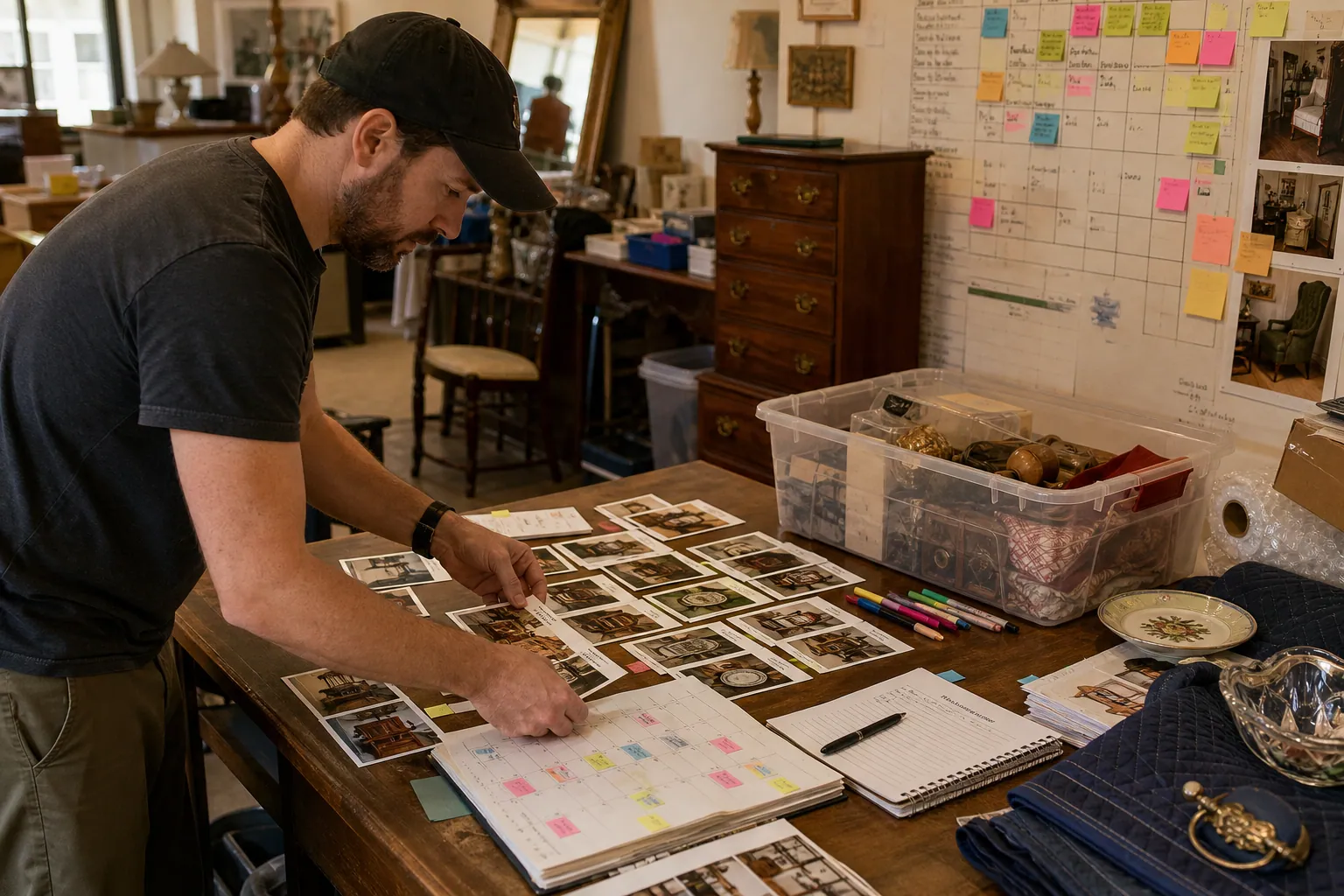
The 48-Hour Pinterest Tool Stack for Estate Sale Companies
A practical Pinterest tool audit for estate sale companies that need evergreen local leads without sending shoppers to sold-out inventory or expired sale pages.

Strategy Memo: Pinterest for Rain Boot Shops Before Wet-Weather Season
Use fit confidence, weather-specific collections, and practical outfit content to turn Pinterest fall planning into rain boot orders with fewer avoidable returns.

The Pinterest Test Ledger for Specialty Hot Sauce Gift Boxes Before Q4
Build a Pinterest testing operation for hot sauce gift boxes that measures recipient intent, margin, inventory, and delayed orders—not just holiday saves.

Holiday Table Pinterest Playbook for Table Linen Shops
A practical Pinterest routine for table linen shops that turns Thanksgiving, Friendsgiving, and holiday-hosting searches into collection visits and confident orders.