AI Pinterest Content for Residential Architects: 5 Approaches Compared
Compare five ways residential architecture studios can use AI for Pinterest—without inventing project details, publishing stale plans, or attracting the wrong inquiries.
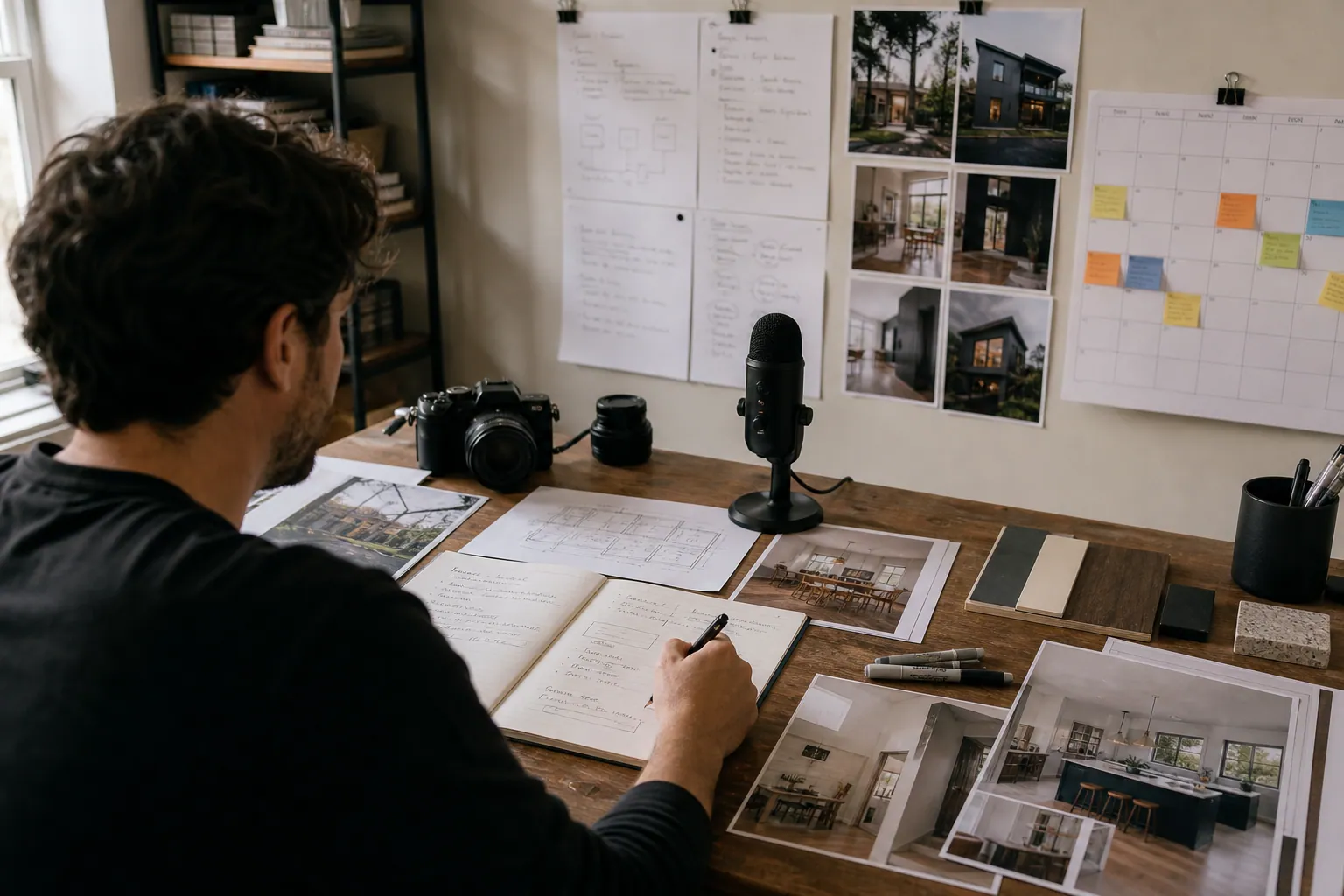
A residential architect does not need AI to generate more dreamy exterior images.
They need a way to turn the material already sitting inside the studio—discovery-call notes, feasibility studies, built-project photography, contractor questions, and client handoff documents—into useful Pinterest content without exposing confidential work or making claims that have not been approved.
That distinction matters. A pin about a “$150K kitchen renovation” can bring clicks, but it can also create a pricing expectation that is wrong for a different region, site, scope, or year. Good AI assistance reduces production drag; it does not replace professional judgment.
This guide compares five practical approaches for a small residential architecture studio, especially one trying to earn better-fit renovation, addition, and custom-home inquiries.
Start with the inquiry you want—not the software you want
Before choosing an AI approach, write one sentence:
We want homeowners who are planning a [project type] in [service area], have a realistic timeline, and need help with [decision].
For example:
We want homeowners in the Portland metro area who are planning an older-home kitchen addition within the next 6–18 months and need help evaluating layout, permitting, and phasing.
That sentence changes the content. Instead of generic “modern kitchen ideas,” the studio can publish pins connected to real planning questions:
- How to tell whether a kitchen addition needs a feasibility study
- Kitchen renovation vs. addition: what changes the budget and timeline
- Questions to ask before remodeling a 1920s home
- How architects phase a family-home renovation
- What to bring to an initial residential architecture consultation
These are planning searches. They are more likely to produce a useful click than a pure inspiration pin—and they give AI bounded, accurate source material to work from.
The five AI-assisted approaches
1. AI drafts pin copy from approved project pages
How it works: Give AI a finished case study or project page. Ask it to extract the homeowner problem, design constraint, solution, and a handful of pin-title options. A human checks every statement before design and publishing.
Best source material: Completed, public projects with approved photography and a final write-up.
Example input: A case study about a narrow-lot addition that brought daylight into a dark kitchen while retaining a backyard studio.
Useful AI outputs:
- “Narrow Lot Kitchen Addition Ideas That Keep Backyard Space”
- “How This Small Home Addition Brought Light Into a Dark Kitchen”
- “Before Planning a Narrow Lot Addition: 4 Design Constraints to Consider”
Where it fits: Studios with 6–20 completed projects, strong photography, and a site that already has case-study pages.
The limitation: This approach is constrained by your existing portfolio. It can create thoughtful variations, but it will not cover the questions homeowners ask before they are ready to look at a portfolio.
2. AI turns discovery-call patterns into planning guides
How it works: Once a month, remove names, addresses, budgets, and identifiable project details from discovery-call notes. Group recurring questions, then use AI to create an outline for a helpful article, checklist, or FAQ page. An architect reviews the draft for technical accuracy.
Best source material: Repeated early-stage questions such as:
- “Can we stay in the house during construction?”
- “Do we need an architect before speaking to a contractor?”
- “Is an attic conversion possible in an older house?”
- “What should we decide before a feasibility meeting?”
Where it fits: Firms with lots of consultation demand but an inconsistent portfolio-photography pipeline.
The advantage: It addresses high-intent uncertainty. A person searching “what happens in an architecture feasibility study” is closer to a real project than a person saving a broad kitchen trend.
The limitation: Never feed raw call recordings, client emails, or identifiable notes into a general-purpose AI tool without a clear privacy review. Build from sanitized bullet points, not sensitive source material.
3. AI repurposes educational video into Pinterest assets
How it works: Use transcripts from an approved site walkthrough, webinar, or short educational video. AI identifies standalone lessons, proposes pin text overlays, and creates first-draft descriptions.
A five-minute video on “how we evaluate a basement conversion” could yield:
- a pin pointing to the full video,
- a checklist pin for ceiling height, daylight, stairs, and egress,
- a “basement conversion mistakes to avoid” pin,
- a consultation-readiness pin.
Where it fits: A principal who is comfortable explaining decisions on camera but has little time to write.
The advantage: The architect’s actual voice gives the output specificity. AI is organizing and editing, rather than pretending to be the designer.
The limitation: A transcript can contain off-the-cuff estimates, location-specific code references, or unfinished thoughts. Treat AI extraction as a draft, then verify every technical and legal statement.
4. AI builds a refresh queue for evergreen Pinterest pages
How it works: Export a list of older blog posts, project pages, and Pinterest data. Ask AI to classify each URL by project type, search intent, geography, stage of buyer journey, seasonality, and current performance. Use the result to decide what deserves new creative.
This is not “rewrite everything.” It is a triage process.
For instance, a studio might find that its two-year-old “small bathroom renovation layout” article still receives outbound clicks, while a beautiful but vague project pin earns saves without visits. The first item goes into the refresh queue; the second gets a clearer title and landing-page match.
Where it fits: Firms with a useful archive and at least three months of Pinterest Analytics and website data.
The advantage: It prevents the common mistake of using AI only for net-new content while neglected evergreen pages keep losing relevance.
The limitation: AI can identify patterns, but it cannot validate whether an old permit reference, construction-cost example, or product specification is still correct. A qualified reviewer must do that.
5. AI creates bulk visual variations from a controlled template library
How it works: Build 4–6 approved Pinterest templates. Use a spreadsheet containing final titles, destination URLs, image permissions, and project tags. AI can help transform a verified content brief into short overlay options and descriptions; a design tool applies those approved variations in batches.
This is the closest thing to automation, but it should come last. Bulk production is useful only after the studio knows what it wants to say and where each pin should lead.
Where it fits: A studio with a consistent content owner, enough approved photos or diagrams, and a defined publishing cadence.
The advantage: It makes a small team capable of publishing steadily without redesigning every pin from scratch.
The limitation: Bulk tools can multiply weak positioning just as efficiently as good positioning. Do not automate around a vague title such as “beautiful home renovation inspiration.”
Decision matrix: choose the smallest useful approach
| Approach | Best when | Main asset required | Human review load | Primary risk | Start here if… |
|---|---|---|---|---|---|
| Approved project-page drafts | You have public case studies and photography | Finished project pages | Medium | Overstating scope, cost, or results | Your portfolio is strong but rarely repurposed |
| Discovery-question guides | Calls reveal the same planning questions repeatedly | Sanitized consultation themes | High | Client privacy and inaccurate generalizations | You need better-fit inquiries, not more inspiration saves |
| Video-to-pin repurposing | A principal already teaches on video | Approved transcripts | High | Casual comments presented as universal advice | Speaking is easier than writing for your team |
| Evergreen refresh queue | You have an archive and some traffic data | URL inventory plus analytics | Medium | Refreshing stale technical details | Old pages still earn clicks or rank in search |
| Controlled template batches | Your topics and destinations are already proven | Approved templates and a pin brief | Low to medium | Scaling weak messages or repetitive creative | Production time is the current bottleneck |
For most residential studios, the sensible order is:
- Start with discovery-question guides.
- Repurpose finished project pages.
- Establish a refresh queue.
- Add template batches only when the first three produce clear click and inquiry signals.
That order keeps AI close to actual expertise and far from fabricated content.
A safe brief AI can actually help with
The quality of an AI output depends largely on the brief. Avoid prompts such as “write 20 Pinterest pins for our architecture firm.” They invite generic copy and risky assumptions.
Instead, create one content ticket with explicit boundaries:
Audience: Homeowners considering a kitchen addition to an older home.
Location: Pacific Northwest; do not mention codes or exact construction costs.
Source: Approved article, “What Happens in a Feasibility Study?”
Search phrase: kitchen addition feasibility study
Destination: /kitchen-addition-feasibility-study
Pin goal: outbound clicks to the article
Allowed claims: Only claims stated in the source article.
Do not use: client names, addresses, budgets, timelines, permit guarantees,
or “before and after” claims not verified in the source.
Deliver: 8 title options under 100 characters, 5 overlay options under 10 words,
and 3 descriptions that use the search phrase naturally.
The final human review should check four things:
- Truth: Does the pin say only what the source supports?
- Fit: Does it attract the type of homeowner the firm can serve?
- Match: Does the landing page deliver the promise made on the pin?
- Permission: Is every image, plan, and project fact cleared for public use?
What not to automate in an architecture studio
Some steps require professional discretion no matter how capable the tool appears.
Do not delegate these decisions to AI:
- Whether an image reveals a client address, floor plan, security detail, or private family information
- Whether a local code, zoning, historic-district, accessibility, or permitting statement is current
- Whether a construction-cost range is representative enough to publish
- Whether a project’s photography license covers social and Pinterest use
- Whether a search phrase attracts a DIY audience when the firm needs full-service projects
- Whether a saved image may be misleadingly labeled as a completed project
AI can make an approved thought easier to package. It should not become the source of architectural advice.
Measure automation by qualified movement, not output volume
A spreadsheet with 80 new pins can look productive while accomplishing nothing for the business.
Tag each destination URL with consistent Pinterest UTMs. For example, distinguish a case-study pin from a feasibility-guide pin even when both lead toward an inquiry path. Then review the following monthly:
| Signal | What it tells you | What to do next |
|---|---|---|
| Outbound clicks per 1,000 impressions | Whether the topic and creative earn a visit | Rework the message or visual if it is consistently low |
| Engaged time or scroll depth on guide pages | Whether the landing page answers the planning question | Improve the opening, examples, or next action |
| Inquiry-page visits from Pinterest | Whether content moves people beyond inspiration | Keep producing the content family that creates these visits |
| Qualified inquiry rate | Whether the audience matches your project criteria | Add clearer scope, location, and service-fit language |
| Consultation-to-project quality | Whether Pinterest assists the right pipeline | Review quarterly; architecture sales cycles are long |
Do not judge a feasibility-study pin only by last-click inquiry submissions. Homeowners may save it, return through branded search weeks later, and then contact the studio. Pinterest attribution is imperfect, so pair platform data with UTM data and one intake-form question: “How did you first hear about us?”
A 30-day starting plan for a two-person marketing team
Week 1: choose one planning moment
Pick one project type that the firm wants more of: attic conversions, kitchen additions, aging-in-place renovations, or small-lot custom homes.
Collect:
- three approved project pages,
- ten sanitized questions from discovery calls,
- five existing destination URLs,
- existing Pinterest performance for similar content.
Week 2: produce one guide and two project families
Create one genuinely useful guide, such as “What to Prepare for a Kitchen Addition Feasibility Study.”
Then develop two related project content families. Each family gets three to four pins with distinct angles—not duplicate titles on identical images.
Use AI for first drafts, then have the principal or project architect approve claims. A dedicated Pinterest publishing workspace can help a small team keep briefs, destinations, approvals, and scheduled pins from drifting apart.
Week 3: publish with deliberate destinations
Publish 8–12 pins across the guide and project pages. Use readable vertical images, concise overlay text, descriptive pin titles, and natural Pinterest descriptions.
Avoid sending every pin to the homepage. A homeowner who clicks “kitchen addition feasibility study” should arrive at that exact guide, not a generic portfolio page.
Week 4: review, preserve, and improve
Do not ask, “Which pin got the most impressions?” Ask:
- Which topic received meaningful outbound clicks?
- Did guide visitors continue to the services or contact page?
- Which pin language attracted DIY visitors versus renovation-ready homeowners?
- What did the team spend the most time approving or correcting?
Keep the best two content families. Rewrite or replace the weakest two. Document corrections in the next AI brief so the tool becomes more useful over time.
The practical recommendation
For residential architects, use AI first as an editorial assistant and content librarian—not an autonomous publisher.
If your firm has limited time, choose sanitized discovery questions plus approved project pages. That combination offers the strongest balance of search relevance, authority, and inquiry quality. Add a refresh queue after you have a small library of pages and reliable Pinterest UTMs. Use bulk production only after your titles, destinations, and qualification language are working.
The goal is not a busy Pinterest account. It is a library of accurate, useful planning content that helps the right homeowner understand the next step—and makes a conversation with your studio more likely.

The AI Consultation-Note Pinterest Desk for Landscape Lighting Designers
Turn site-walk notes, before-and-after photos, and homeowner questions into accurate Pinterest content—without letting AI invent project claims or local pricing.

Strategy Memo: AI Pinterest for Custom Photo Calendar Shops Before Q4
Use AI to turn verified calendar specs, photo-upload questions, and gifting decisions into Pinterest traffic that starts—and completes—custom calendar orders.

The AI Fit-Check Pinterest Desk for RV Solar Kit Shops
Turn real RV solar compatibility questions into accurate Pinterest content without letting AI invent wattage claims, promote unavailable kits, or bury buyers in jargon.

The AI Gift-Intent Pinterest Desk for Merino Sock Shops
A practical weekly routine for merino sock retailers using AI to turn verified product facts, gifting questions, and stock signals into accurate Pinterest traffic.
Case Study: A Cottage Food Course’s Pinterest Shift From Recipe Saves to Enrollments
A composite teardown of a cottage food educator who replaced recipe-heavy Pins with compliance, pricing, and preorder content that produced more course-ready leads.

Strategy Memo: Pinterest SEO for Gel Nail Brands—Prep and Removal First
A 30-day Pinterest SEO plan for at-home gel nail brands that prioritizes beginner prep, safe removal, and troubleshooting content over crowded shade inspiration.