Case Study: The Beginner-Lesson Pinterest Rebuild for a Music Studio
How a local music lesson studio turned parent planning searches into trial lesson inquiries using better pages, pins, UTMs, and a weekly routine.
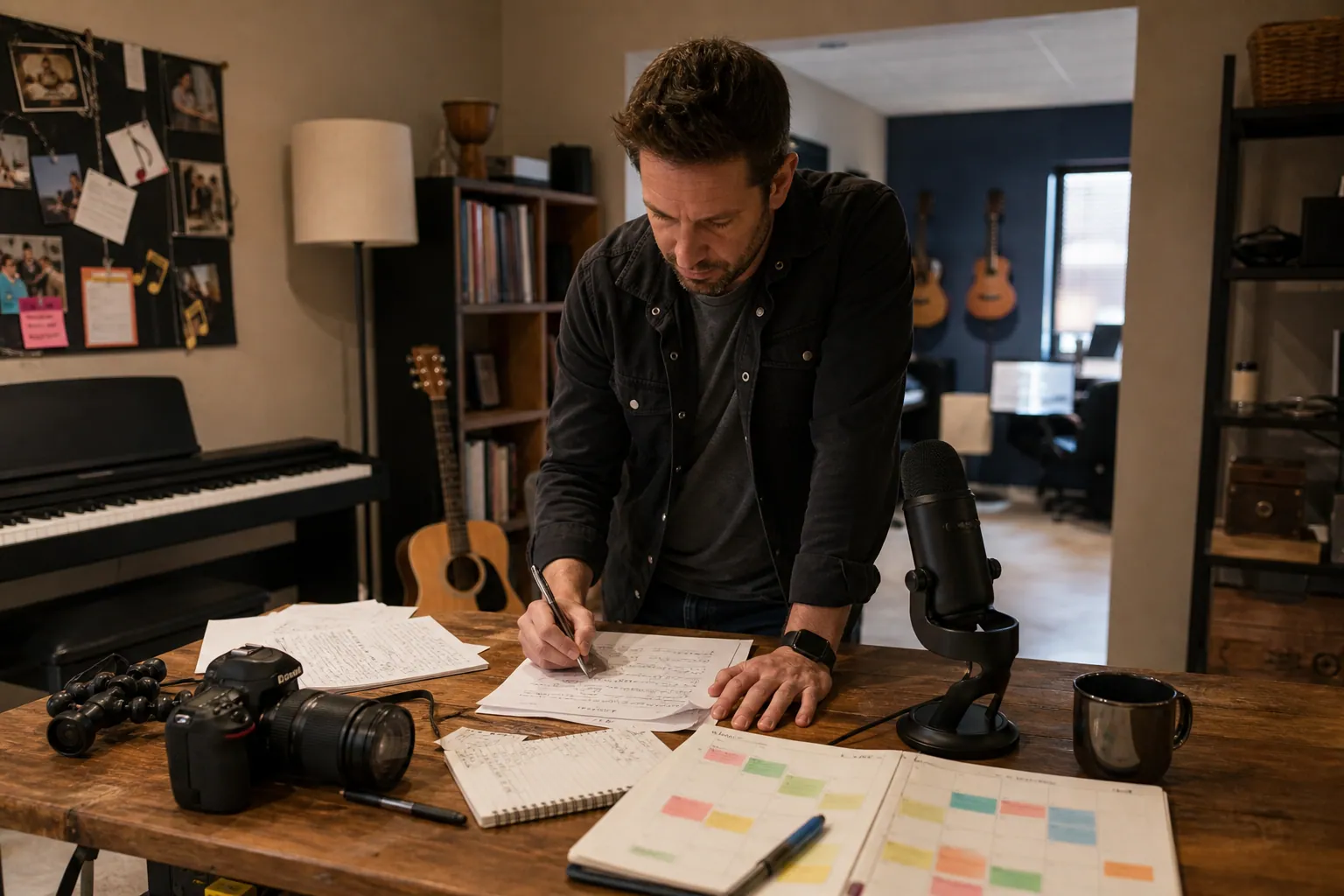
A three-location music lesson studio came into July with a familiar problem: fall enrollment mattered, but the marketing calendar was already crowded.
The owner had 22 instructors, a decent local reputation, and a site with pages for piano, guitar, voice, drums, and violin lessons. The Pinterest account existed, but it was mostly recital photos, teacher quotes, and a few graphics that said “Book music lessons today.”
The account was not broken because the visuals were ugly. It was broken because the pins were asking cold parents to book before helping them make the first decision.
The rebuild below is anonymized, but the operating pattern is real: diagnose the search intent, create parent-first destinations, publish small batches consistently, and measure qualified inquiry behavior instead of celebrating saves alone.
Diagnosis: parents were planning, but the studio was pitching
The studio assumed Pinterest users were searching for “piano lessons near me.” Some are. Most were earlier than that.
They were searching things like:
- “best age to start piano lessons”
- “how to get my child to practice music”
- “piano practice chart for kids”
- “guitar vs piano for beginners”
- “what to expect at first music lesson”
- “recital outfit ideas for kids”
- “after school activities for 6 year olds”
That changed the job of Pinterest completely.
Instead of treating Pinterest like a billboard, we treated it like a parent education channel with local conversion paths.
What was happening before
The old setup had four weak links:
- Pins linked to the homepage. Parents landed on a generic page with too many choices.
- Images showed outcomes, not decisions. Recital photos looked nice, but they did not answer the parent’s current question.
- Pin titles were brand-led. “Join Our Award-Winning Music School” meant little to a parent comparing beginner instruments.
- No UTMs were used. The owner could see Pinterest traffic in broad analytics, but not which topics produced trial lesson inquiries.
What we changed first
We did not start by making 100 new pins.
We started with five durable landing pages:
- Beginner piano lessons for kids
- First guitar lesson guide for parents
- Voice lessons for shy beginners
- Kids’ music practice chart
- Music lesson trial class page
Each page had one clear next step: book a trial lesson, download a practice chart, or ask a question about instrument fit.
That gave Pinterest traffic somewhere useful to land.
The weekly operating rhythm that replaced random posting
The owner did not need a huge Pinterest content planning process. She needed a repeatable 90-minute weekly rhythm her admin assistant could maintain between class scheduling, teacher updates, and parent emails.
Here is the version that stuck.
| Day | Task | Output |
|---|---|---|
| Monday | Pick one parent question from calls, emails, or consults | 1 topic for the week |
| Tuesday | Match the question to a landing page or short blog post | 1 destination URL |
| Wednesday | Create 5–7 pin variations | Different hooks, images, and pin titles |
| Thursday | Schedule pins with UTMs | Tracked traffic by topic and pin angle |
| Friday | Check last week’s clicks, saves, and inquiries | One keep/change decision |
The key was limiting the weekly topic. One week was not “music lessons.” It was “what age should kids start piano?” Another week was “how to help kids practice without nagging.”
That specificity made the pins easier to write and the traffic easier to judge.
The studio used a simple spreadsheet for topic, URL, board, title, description, UTM, and publish date. For operators who prefer a dedicated Pinterest workspace instead of another tab, PinPinMe can help organize pin batches, destinations, and publishing notes without turning the process into a full marketing department project.
The content examples that finally matched parent intent
The first batch of pins did not promote “private lessons” directly. It helped parents decide whether lessons made sense.
That small shift improved outbound clicks because the pin promised an answer, not a sales pitch.
Example 1: “Best age to start piano lessons”
Old pin angle:
“Enroll in Piano Lessons This Fall”
New pin angles:
- “Best Age to Start Piano Lessons: A Parent Guide”
- “Is Your 5-Year-Old Ready for Piano Lessons?”
- “Piano Lessons for Kids: 7 Readiness Signs”
- “What Parents Should Know Before the First Piano Lesson”
Destination: beginner piano lessons page with a readiness checklist near the top.
Board: Kids Piano Lessons, Beginner Music Lessons, After School Activities for Kids.
Why it worked: parents did not have to know they wanted this studio yet. They only had to wonder if their child was ready.
Example 2: “Practice chart” traffic
The studio had been emailing a PDF practice chart to enrolled families for years. It was hidden in parent onboarding.
We turned it into a public lead magnet and pinned it from several angles.
Pin titles:
- “Printable Piano Practice Chart for Kids”
- “A Simple Music Practice Routine for Busy Families”
- “How to Make Piano Practice Less of a Battle”
- “Weekly Music Practice Chart for Beginner Students”
Destination: a short page offering the printable chart and linking to beginner lesson options.
Conversion path: chart download → three helpful emails → invitation to book a trial lesson.
Why it worked: not every Pinterest visitor was ready to book. But a parent downloading a practice chart was much warmer than a random homepage visitor.
Example 3: “Which instrument should my child learn?”
Parents often asked this on the phone. The site had no answer.
So we created a comparison page: piano vs guitar vs voice vs drums for beginners.
Pin titles:
- “Piano vs Guitar for Kids: Which Should They Start With?”
- “Beginner Instruments for Kids: A Parent-Friendly Comparison”
- “How to Choose a First Instrument for Your Child”
- “Voice Lessons vs Piano Lessons for Young Beginners”
Destination: instrument comparison page with links to local lesson pages.
Why it worked: comparison searches often happen before a brand search. The studio could enter the conversation earlier.
What the numbers looked like after the rebuild
The first four weeks were quiet. That is normal with organic Pinterest traffic.
By week 10, the account had enough signal to make decisions. Rounded results:
- Outbound clicks increased by a little over 3x compared with the previous 10-week period.
- Saves rose, but not as dramatically as clicks. That was fine; the goal was trial demand.
- The practice chart page became the highest-converting Pinterest landing page.
- The “best age to start piano” page produced fewer clicks than the practice chart, but more trial lesson inquiries.
- Local pages converted better when they included neighborhood names, parking details, teacher photos, and “what happens in the first lesson.”
The most useful lesson: the studio did not need every pin to sell. It needed each pin to place the parent at the right next step.
Pin and page examples you can adapt today
If you run a local education, kids’ activity, tutoring, therapy, coaching, or enrichment business, borrow the structure below.
Parent question pin
Pinterest keyword: “best age to start piano lessons”
Pin title: “Best Age to Start Piano Lessons: A Parent Guide”
Description: “Wondering if your child is ready for beginner piano lessons? Use these readiness signs, practice expectations, and first-lesson tips before you enroll.”
Destination: educational page with a local trial lesson CTA.
Local trust pin
Pinterest keyword: “music lessons for kids”
Pin title: “What Happens at a Child’s First Music Lesson?”
Description: “A parent-friendly walkthrough of the first beginner music lesson, from teacher introductions to practice tips and choosing the right instrument.”
Destination: first lesson guide with studio photos and booking link.
Printable resource pin
Pinterest keyword: “piano practice chart for kids”
Pin title: “Printable Piano Practice Chart for Beginner Kids”
Description: “Help your child build a simple music practice habit with a weekly printable chart designed for beginner piano and guitar students.”
Destination: lead magnet page with email signup.
Comparison pin
Pinterest keyword: “piano vs guitar for kids”
Pin title: “Piano vs Guitar for Kids: Which Is Easier to Start?”
Description: “Compare piano and guitar for beginner kids, including practice needs, cost, age readiness, and what parents should expect in the first month.”
Destination: comparison article with links to lesson pages.
Mistakes we stopped making
Mistake 1: sending every pin to the homepage
The homepage had too many jobs: explain the studio, list instruments, highlight teachers, show testimonials, and push enrollment.
Pinterest traffic did better when each pin had a focused destination. A parent clicking “piano practice chart” should not have to hunt for the chart.
Mistake 2: using only polished recital images
Recital photos looked impressive, but they made beginners feel behind.
The better images showed:
- A child’s hands on a keyboard
- A parent-friendly checklist
- A practice chart on a fridge
- A teacher sitting beside a beginner student
- A simple instrument comparison graphic
Pinterest is visual, but the visual still needs to signal the decision the user is making.
Mistake 3: writing pin descriptions like ads
“Book the best music lessons in town” did not help Pinterest understand the content or help parents trust it.
Better descriptions included natural Pinterest SEO terms: beginner piano lessons, kids music practice, first guitar lesson, music lessons for children, after school activities, and practice chart.
Mistake 4: ignoring inquiry quality
A click is not always a prospect.
The studio added two fields to its inquiry form:
- “What are you interested in?”
- “How did you hear about us?”
They also tracked UTMs in analytics so Pinterest outbound clicks could be connected to pages, forms, and trial bookings. This made Pinterest analytics useful for operating decisions, not just reporting.
Mistake 5: creating too many boards too soon
The owner wanted boards for every instrument, every location, and every age group.
We started smaller:
- Beginner Piano Lessons for Kids
- Kids Guitar Lessons
- Music Practice Tips for Parents
- After School Activities
- First Music Lesson Tips
Once a board had enough relevant pins and traffic, we expanded. Board strategy should clarify content, not become a filing cabinet nobody maintains.
The short operating checklist
Use this if you want to run the same type of rebuild over the next two weeks.
This week
- Choose one parent or buyer question you hear repeatedly.
- Create or improve one destination page that answers it clearly.
- Add one primary CTA: inquiry, trial, download, or booking.
- Write 5 pin titles using different angles: checklist, comparison, readiness, mistake, routine.
- Create 5 pin designs using at least two visual formats.
- Add UTMs so you can separate Pinterest topics in analytics.
- Schedule pins to the most relevant boards.
Next week
- Review outbound clicks, saves, landing-page engagement, and inquiries.
- Keep the pin angle that earned qualified clicks.
- Rewrite weak titles before making more designs.
- Add local proof to any page receiving traffic but no inquiries.
- Turn one call, email, or consult question into the next Pinterest topic.
Pinterest did not become the studio’s only enrollment channel. It became a steady discovery layer for parents who were not ready to search the studio by name yet.
That is the practical opportunity for many local operators: answer the planning question before your competitor only shows up for the booking question.

Case Study Memo: How a Murphy Bed Studio Replaced Room-Photo Pins With Fit-Plan Traffic
A composite case study for Murphy bed studios: compare room photos, sizing guides, catalog Pins, and local pages, then run a 30-day test for better design consultations.

Case Study: A Residential Architect’s Pinterest Pivot to Feasibility Studies
A composite case study of a small residential architecture studio comparing portfolio, floor-plan, checklist, and feasibility pins to earn better renovation inquiries.
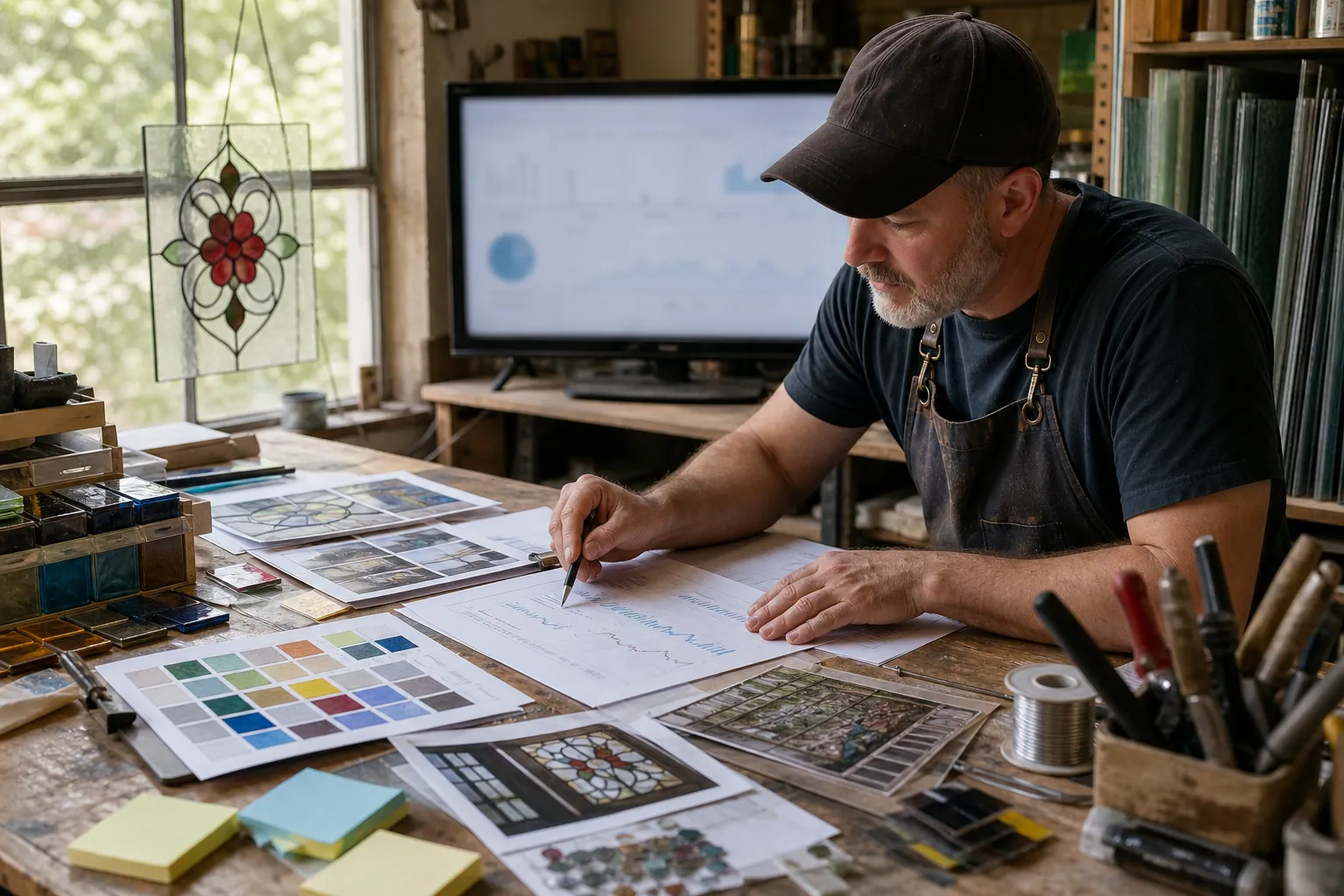
Case Study: The Project-First Pinterest Rebuild for a Stained-Glass Supply Shop
A composite case study showing how a small stained-glass supply shop can turn workshop notes, inventory, and maker questions into a maintainable Pinterest content operation.

Case Study: How an Acoustic Panel Shop Turned Pinterest Planning Traffic Into Sample Kit Orders
A composite operator case study of an acoustic panel shop that replaced vague “soundproofing” Pins with accurate room-planning content and a sample-first path to purchase.

The Trip-Planning Pinterest SEO Desk for Family Travel Advisors
A copyable Pinterest content blueprint for Europe-focused family travel advisors: turn itinerary questions into accurate pins, useful pages, and better-fit planning calls.
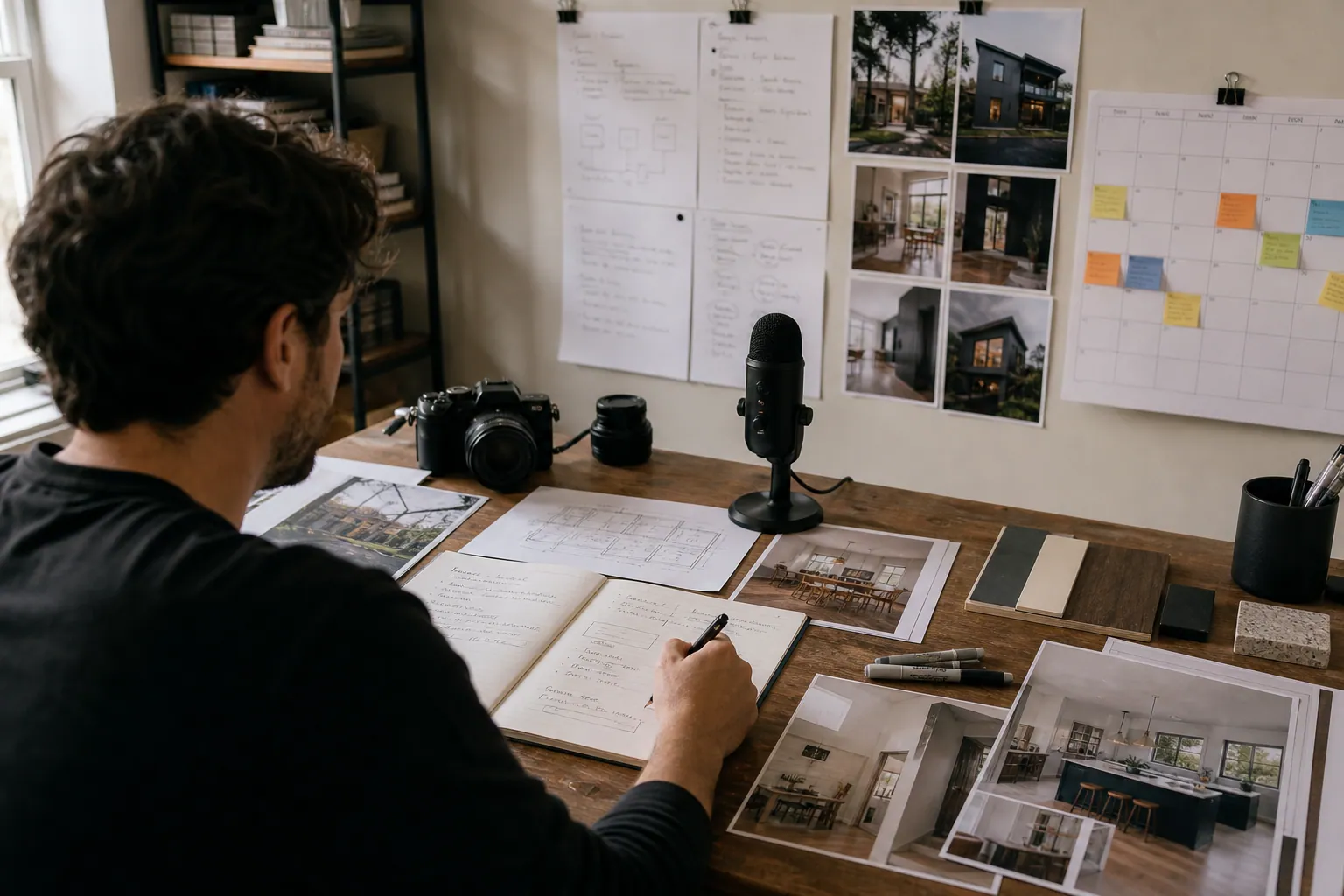
AI Pinterest Content for Residential Architects: 5 Approaches Compared
Compare five ways residential architecture studios can use AI for Pinterest—without inventing project details, publishing stale plans, or attracting the wrong inquiries.